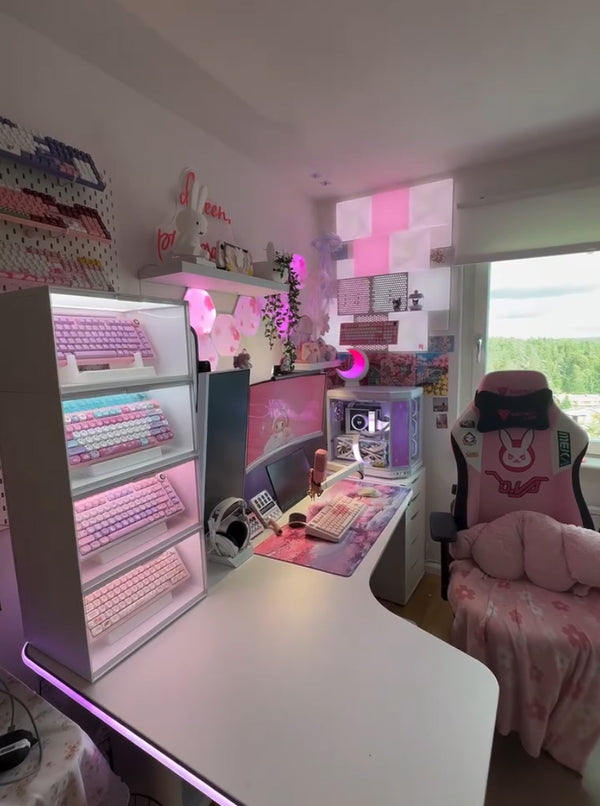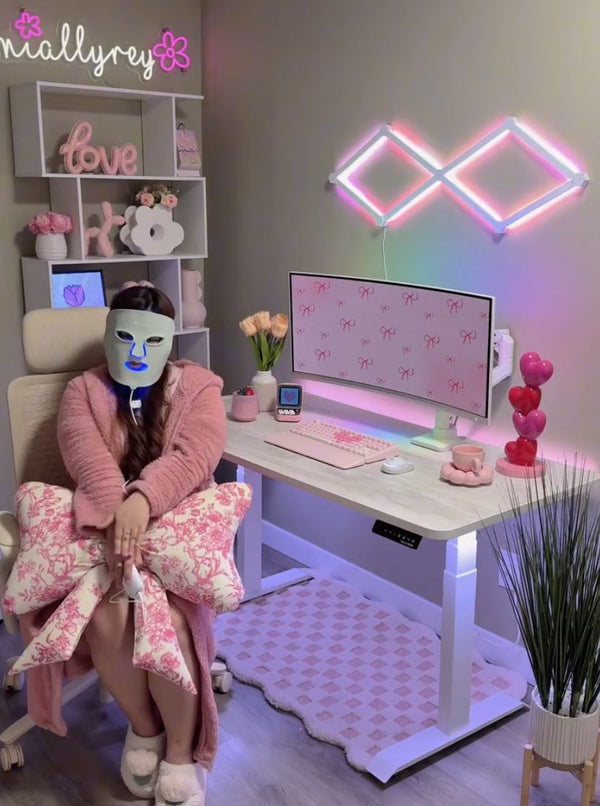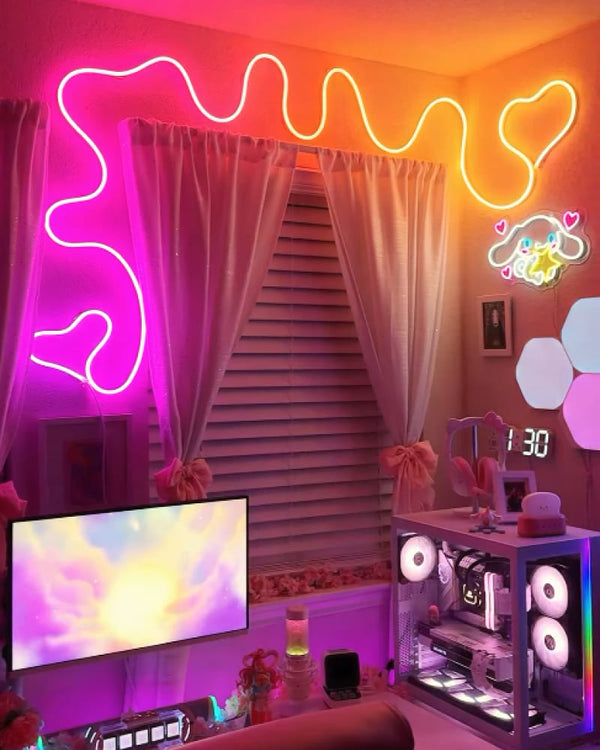

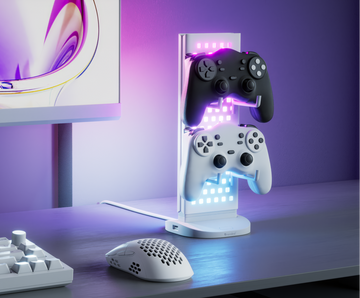
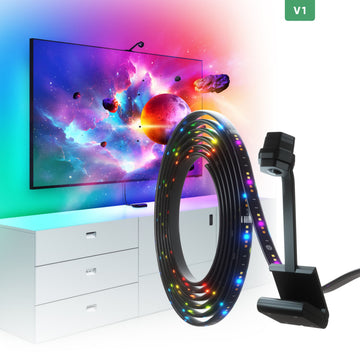
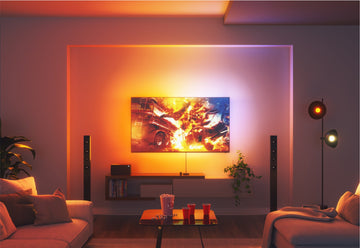
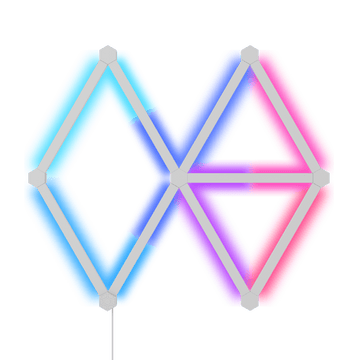

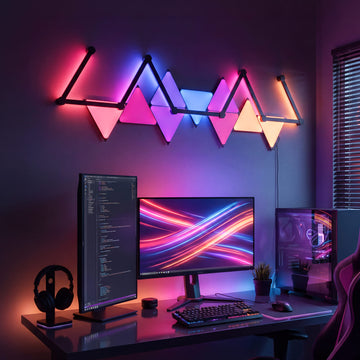
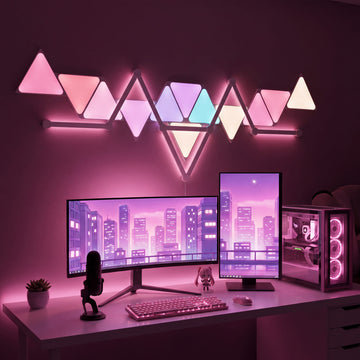
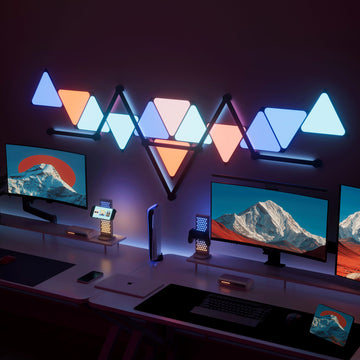
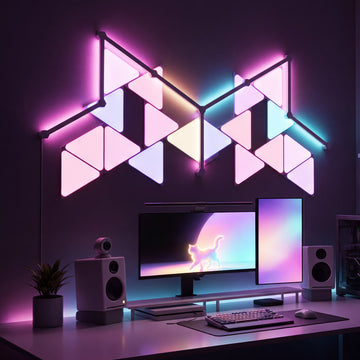
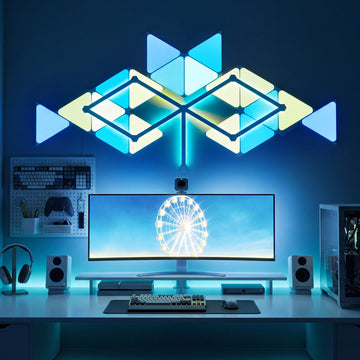
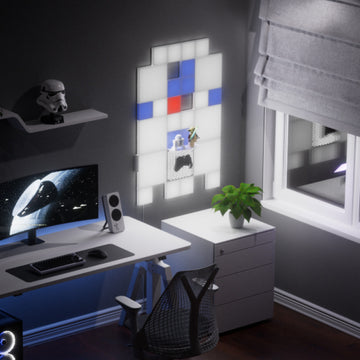
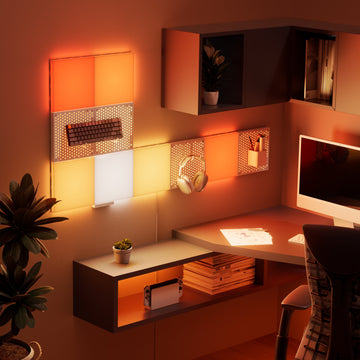
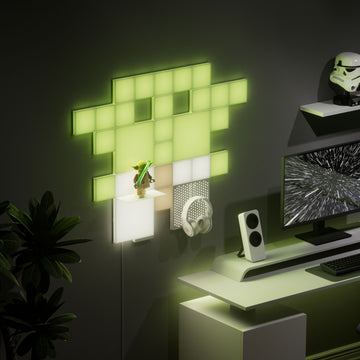









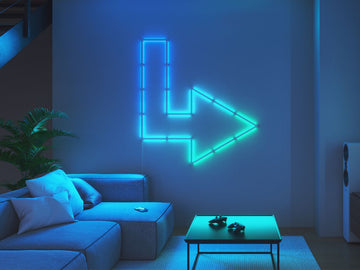




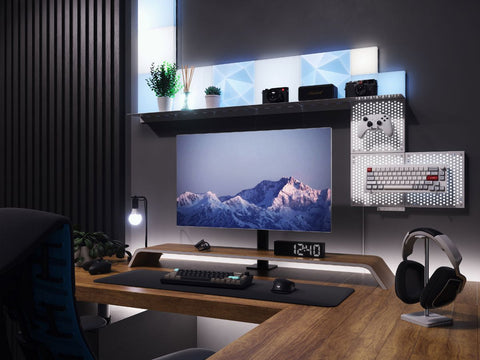
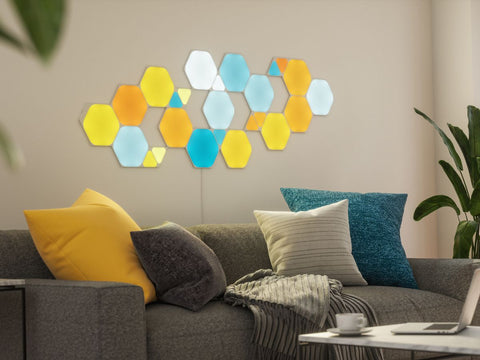
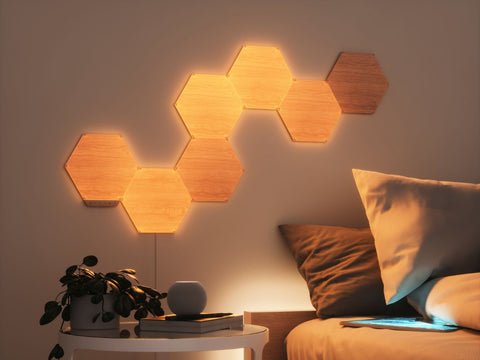
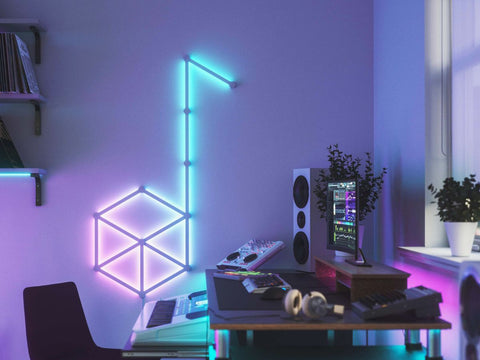
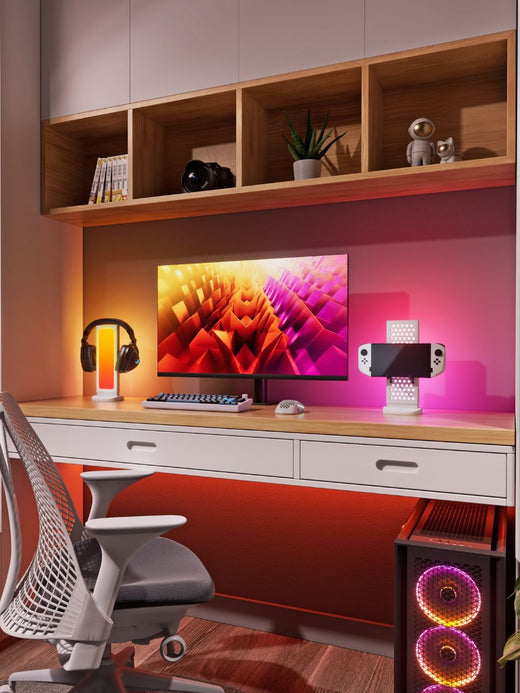




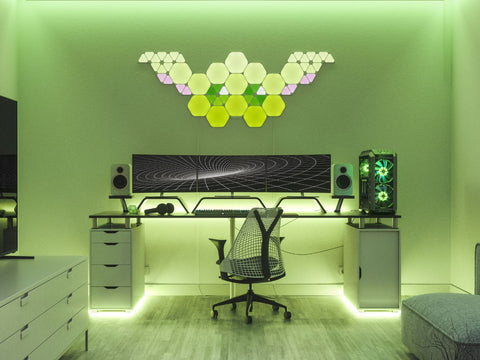
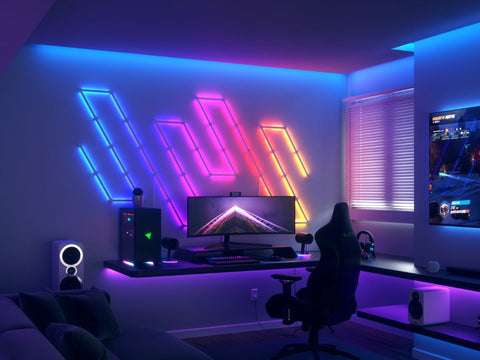











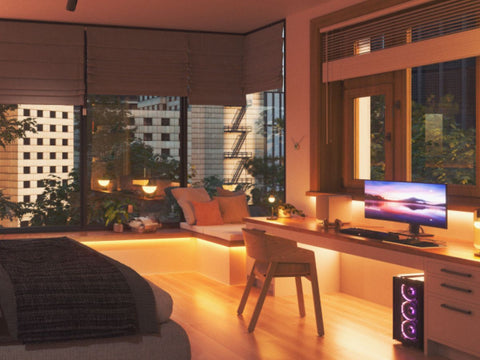
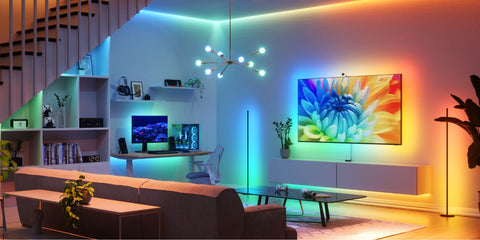





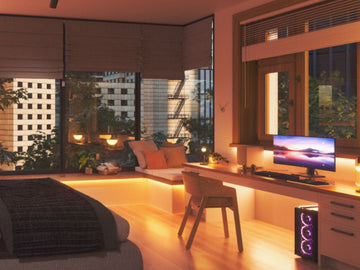
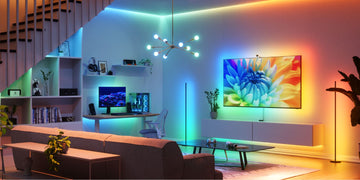



Let’s talk about Screen Mirroring! Now you may be asking, “what is this Screen Mirroring you speak of?” Don’t worry, because I have all the answers.
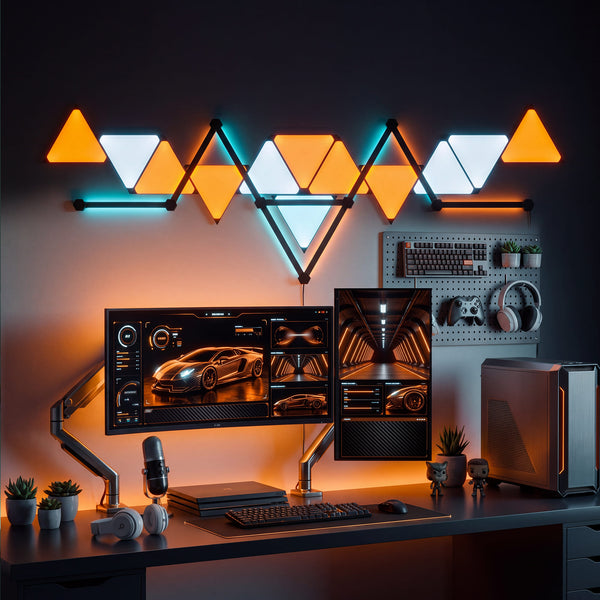
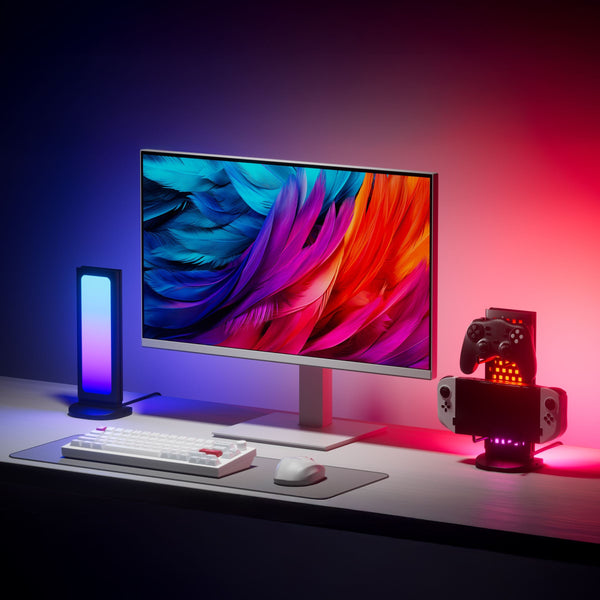
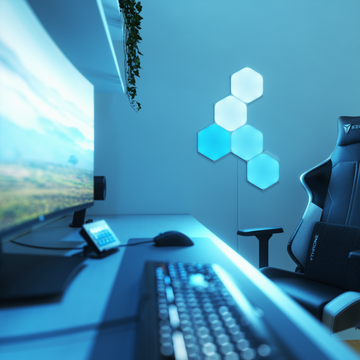
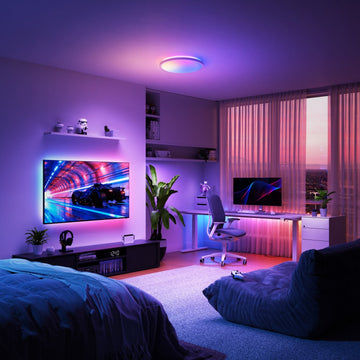
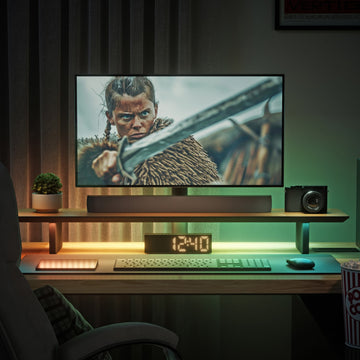
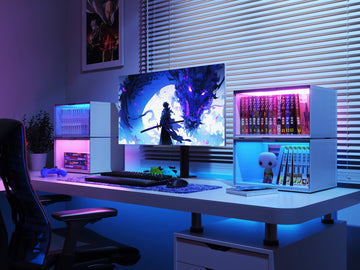
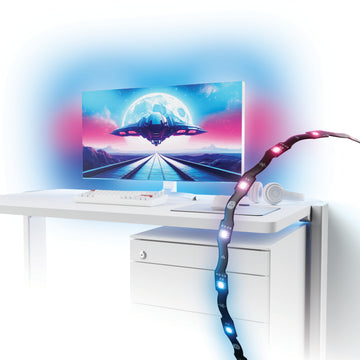
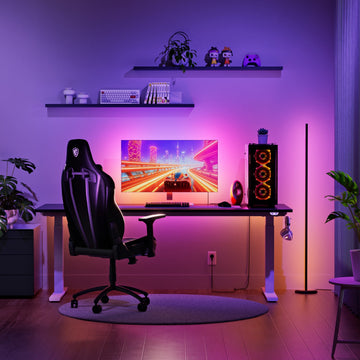
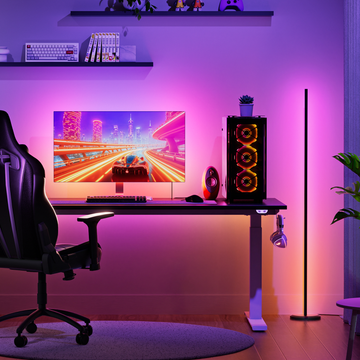
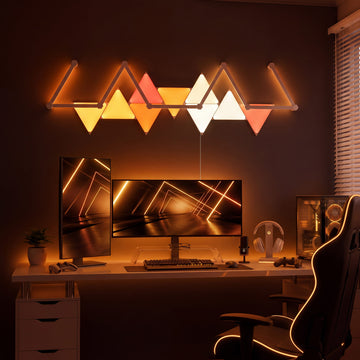
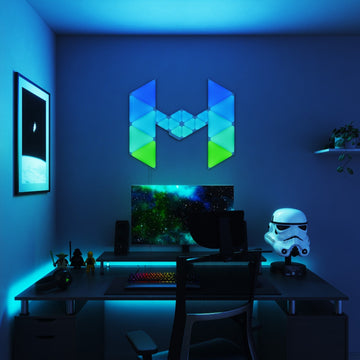
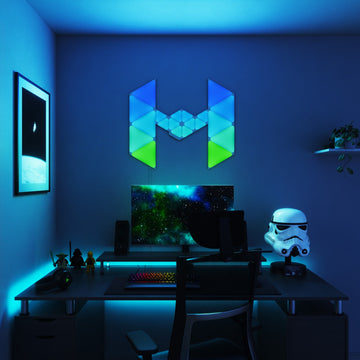
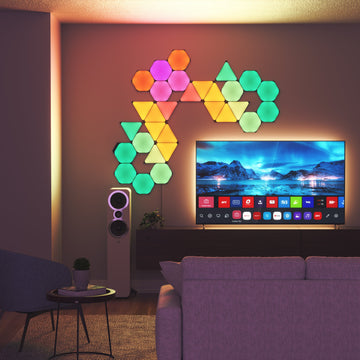
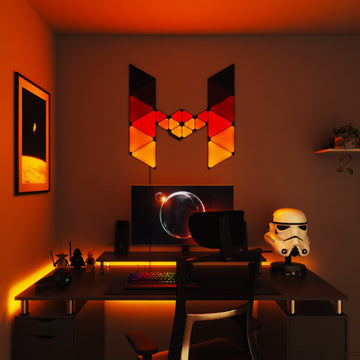
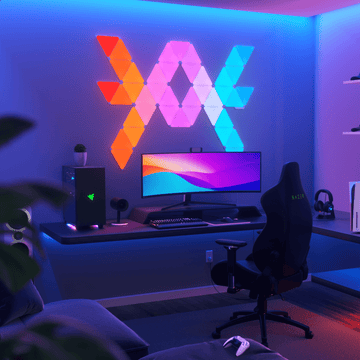
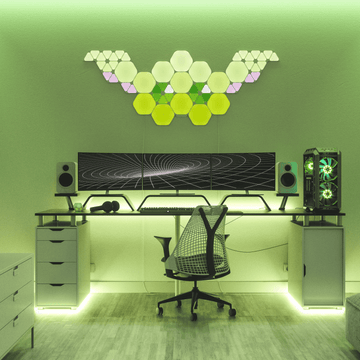
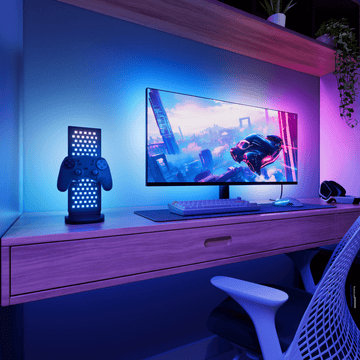
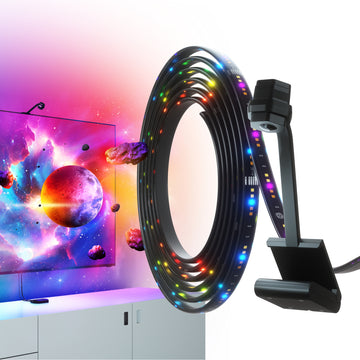
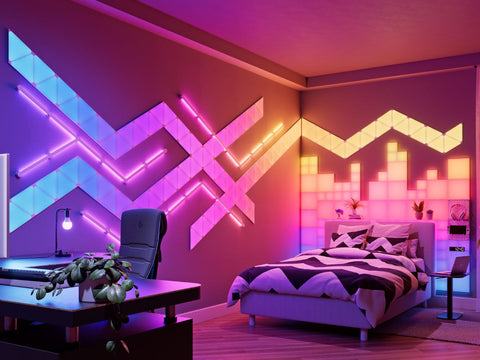
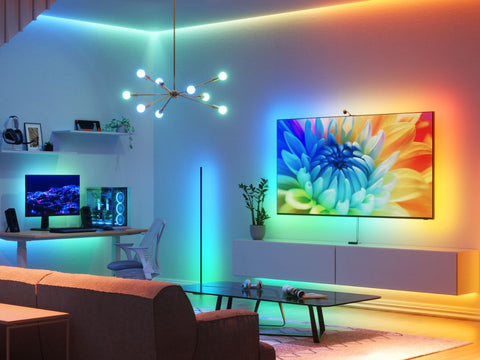
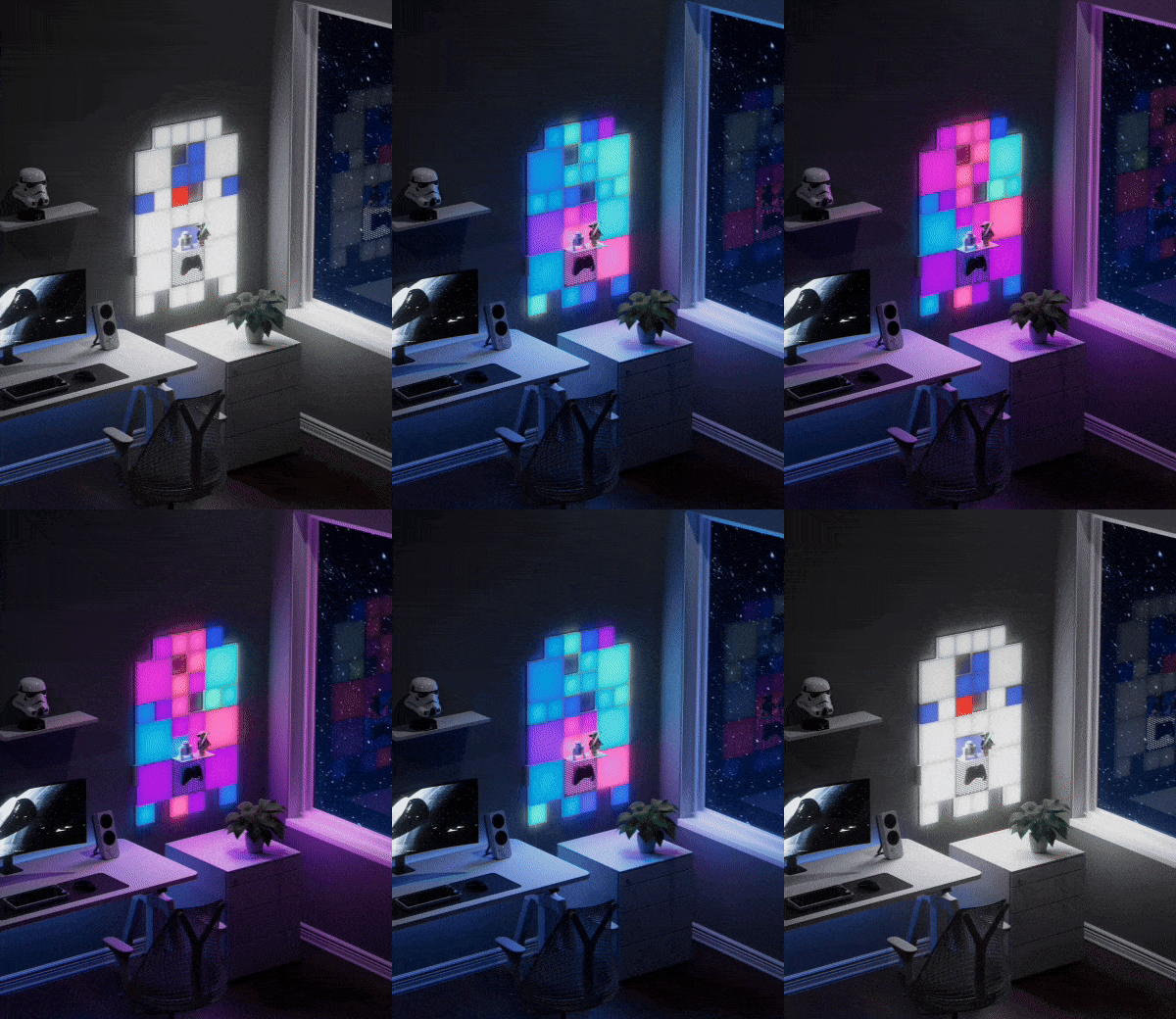
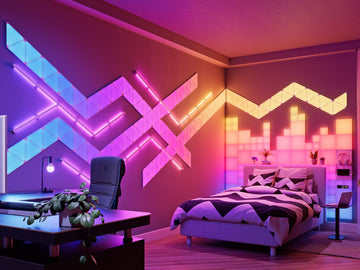
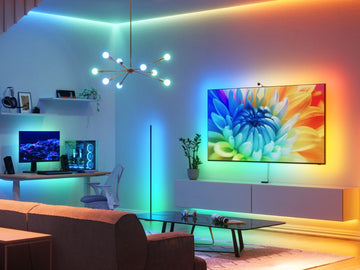
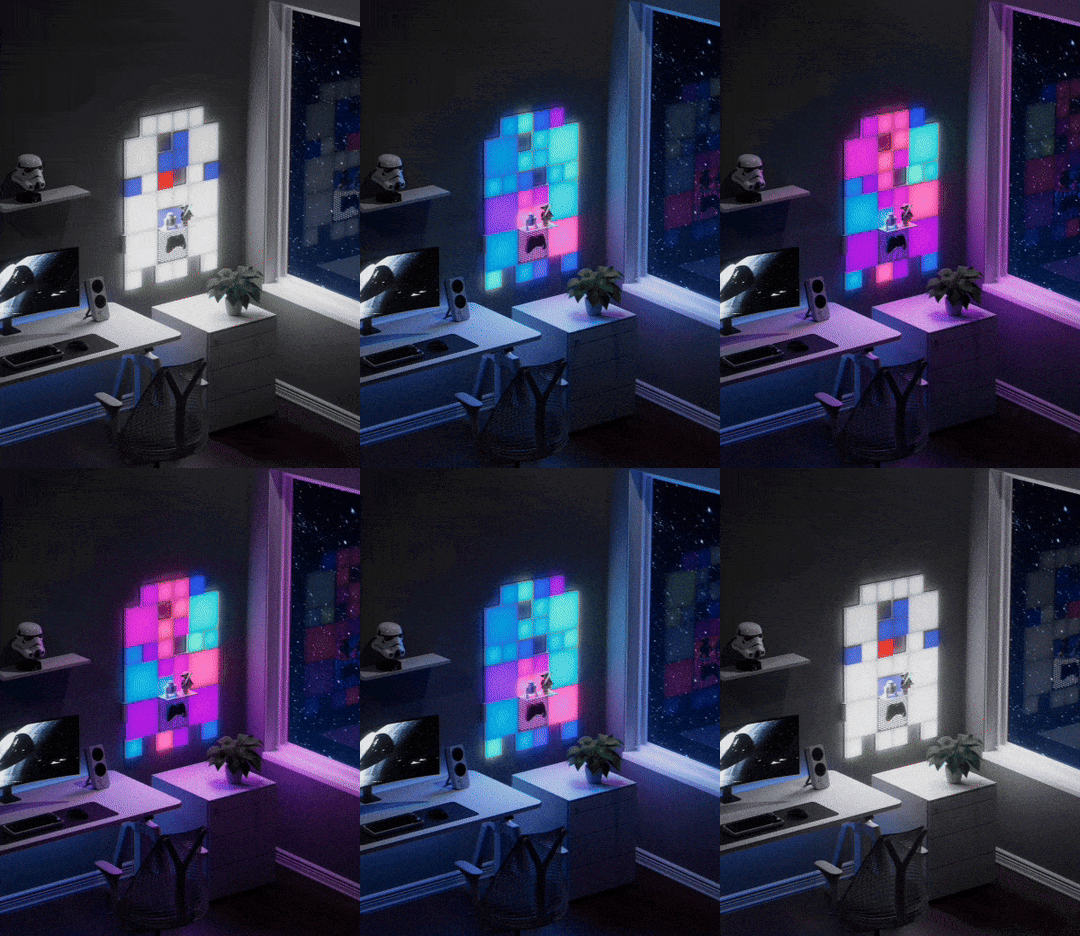
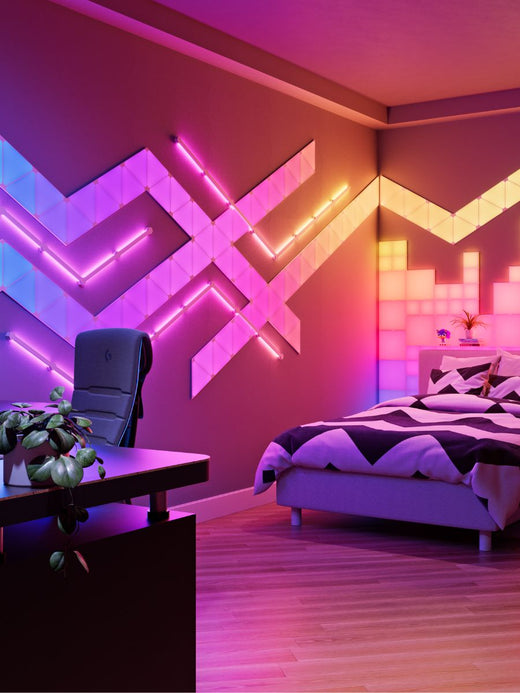
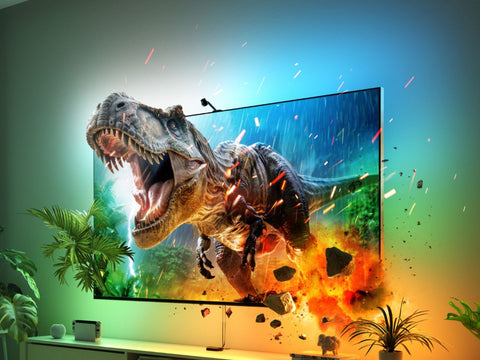
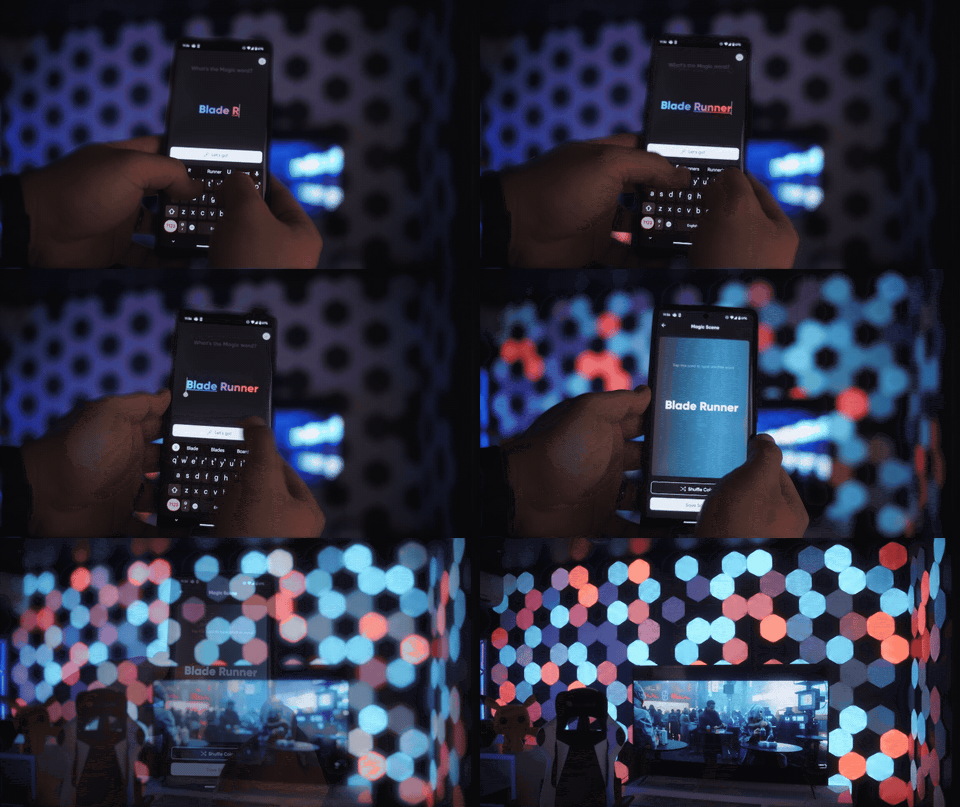
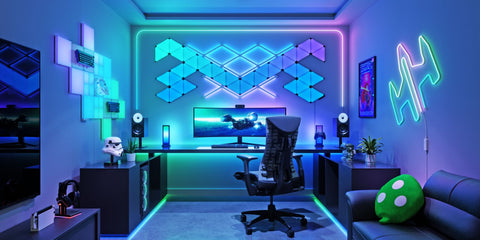
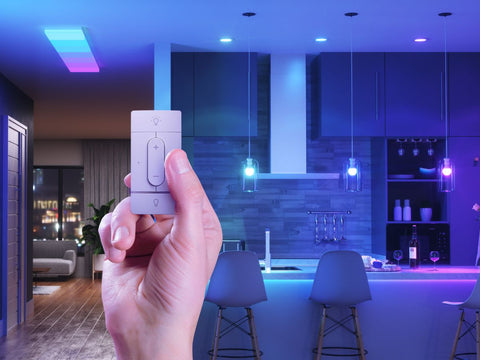
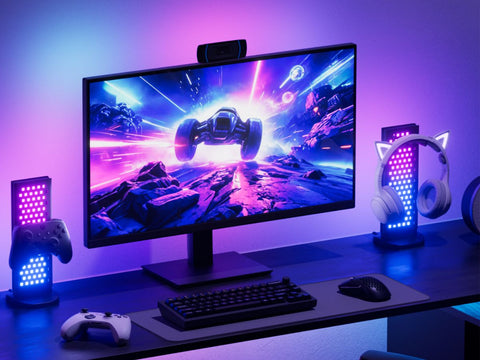
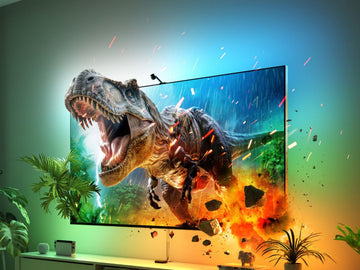
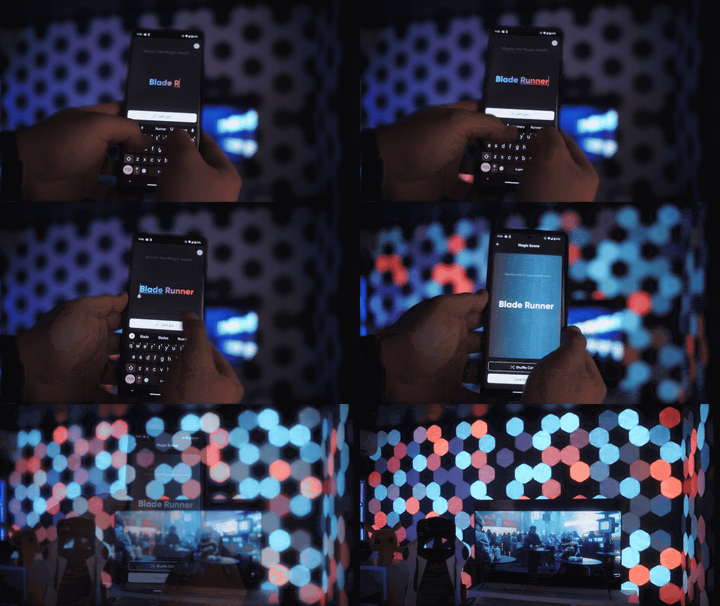
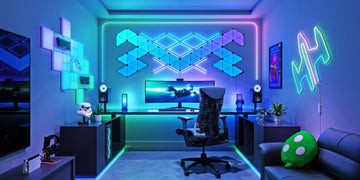
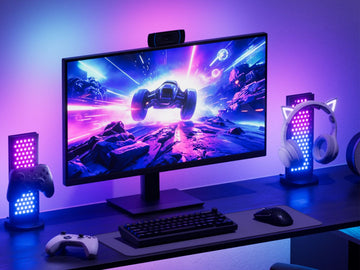
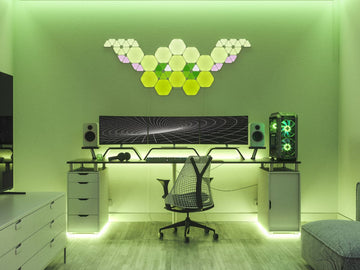
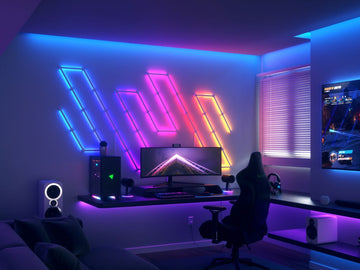
The Nanoleaf Screen Mirror feature allows for all the colors and excitement from your PC screen to be reflected onto your Nanoleaf lights—creating a pretty surreal experience while playing games or streaming movies.

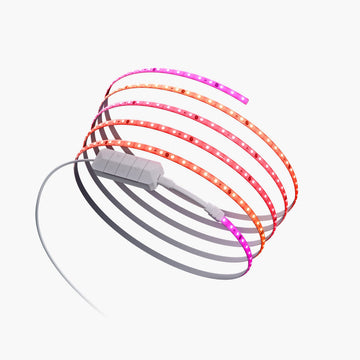
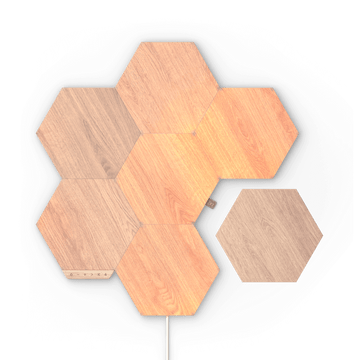
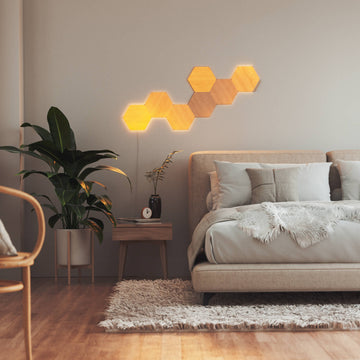
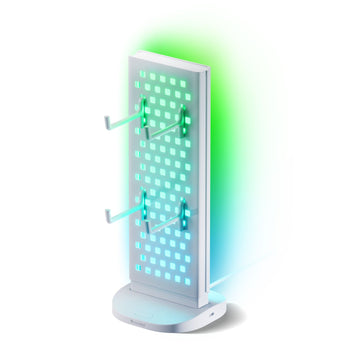
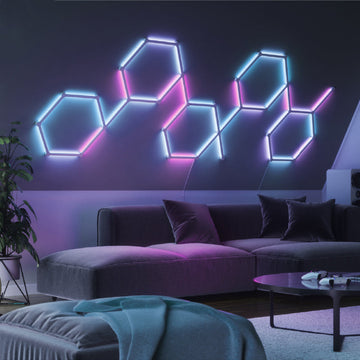
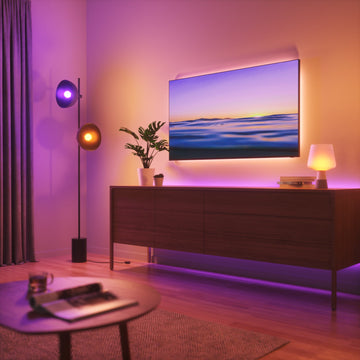
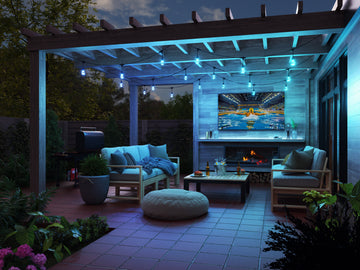
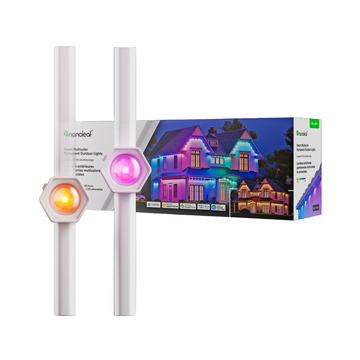
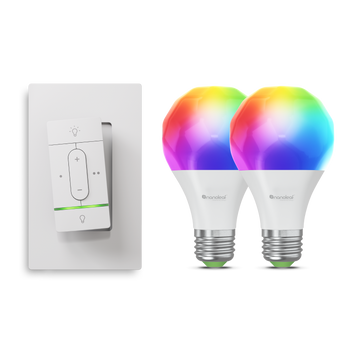
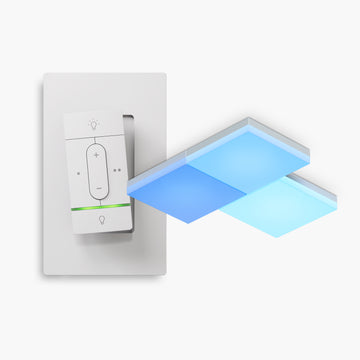
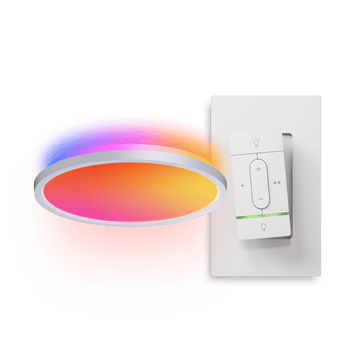
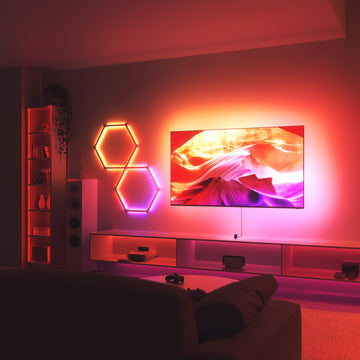
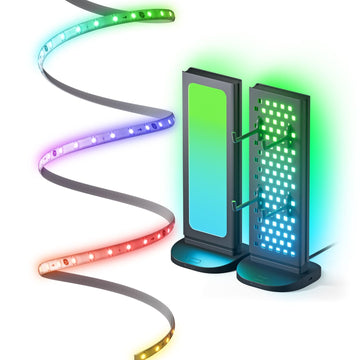
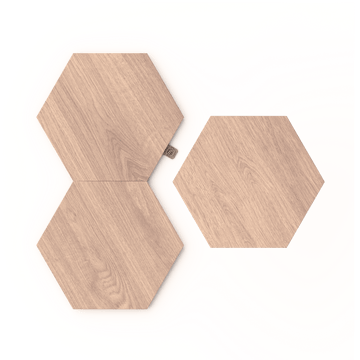
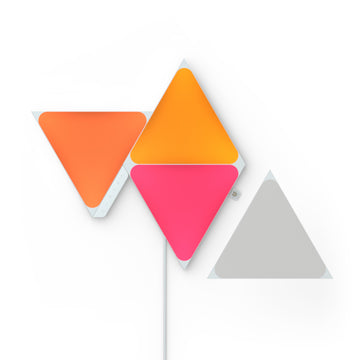
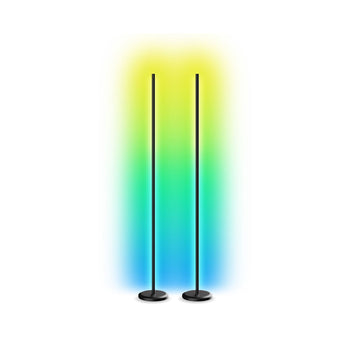
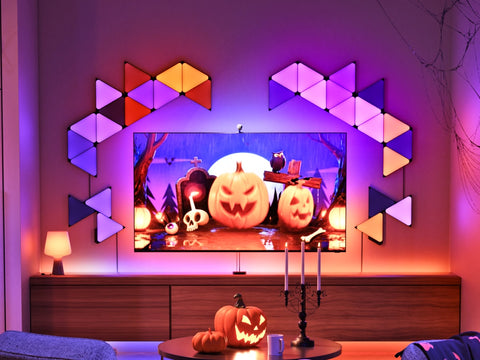
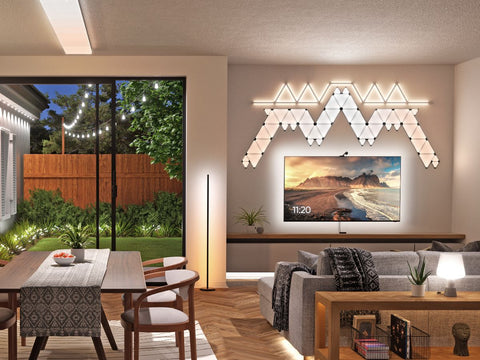
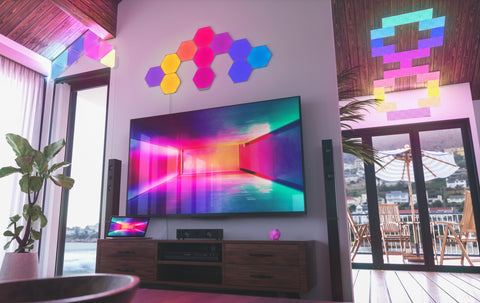
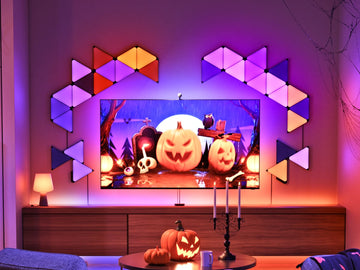
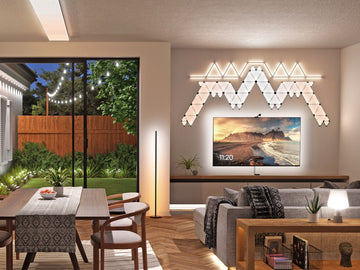
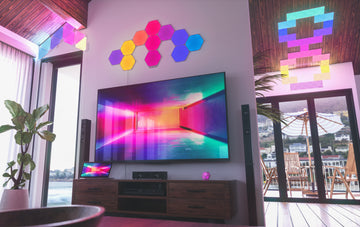
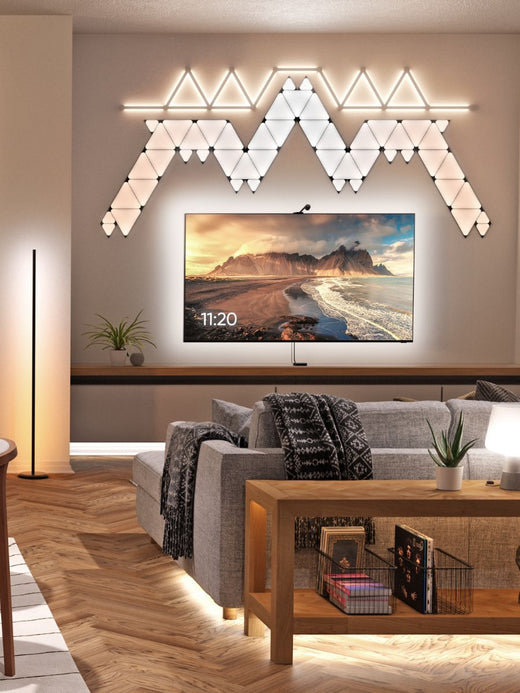
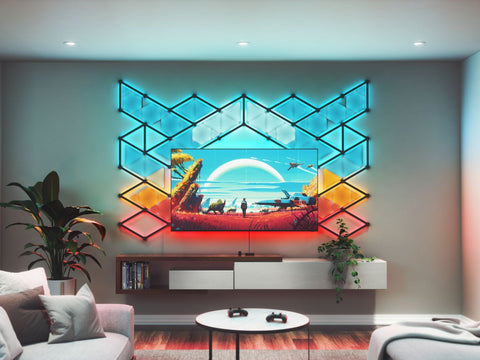
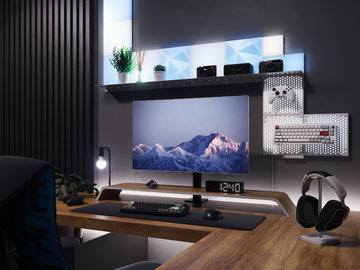
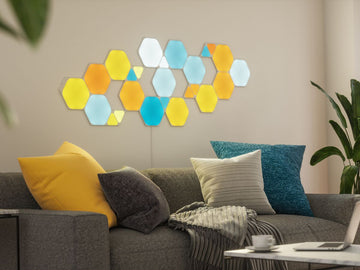
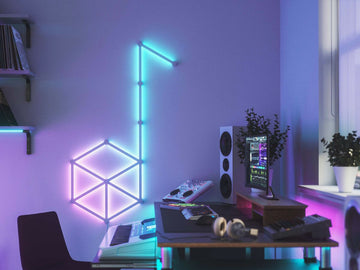
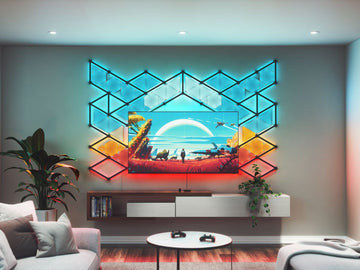
Typically when people think of Screen Mirroring they think of gamers and PC setups but I’m here to show you how to use this fun feature in your entertainment space with your Nanoleaf lights around your TV. If you’re interested in Screen Mirror for your TV setup and have Nanoleaf Shapes, Canvas, Lines, Light Panels, or Essentials, then continue reading to learn more!
Back To The Basic: What is Screen Mirror?
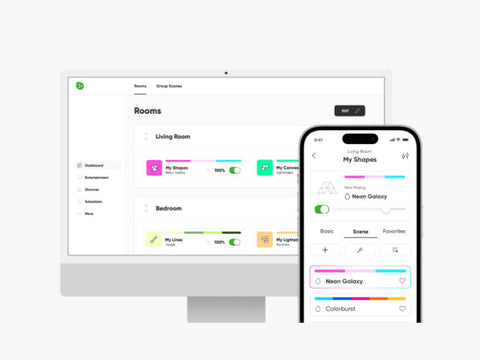
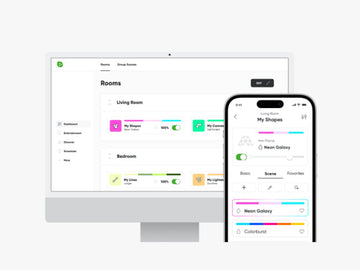
As I mentioned earlier the Screen Mirror feature allows the colors from your on-screen activity to be reflected onto your Nanoleaf lights in real-time. This feature works by connecting your computer to your lights through the Nanoleaf Desktop App.

Use Screen Mirroring to transform your gaming and movie streaming experience! Feel the exhilaration of an explosion or experience traveling through space while watching your favorite films. For extra customizations, choose between 4 different modes—4D, Tranquility, Flow, or Chameleon. Pick the one that best suits your media of choice For example, if you want to watch your lights directly match your screen, select the ‘4D’ option under ‘Screen Mirror’ in the Desktop App.
Learn more about the Nanoleaf Screen Mirror feature at this blog.
Connecting Screen Mirror To Your TV Setup
You may be asking yourself, how do I connect Screen Mirror to my TV if I need the Nanoleaf Desktop App from my PC? There is currently no native integration between TVs and your Nanoleaf lights, but there is a clever workaround to let you enjoy the exact same experience! It just requires a few extra steps to get started.

What You’ll Need:
- A Laptop/PC
- The Nanoleaf Desktop App (downloaded to your laptop)
- A Television
- An HDMI Cable
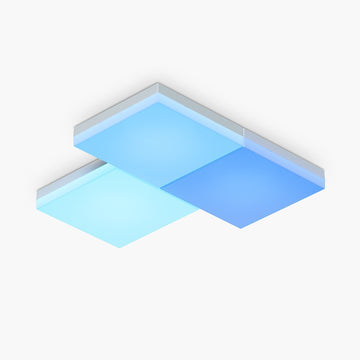
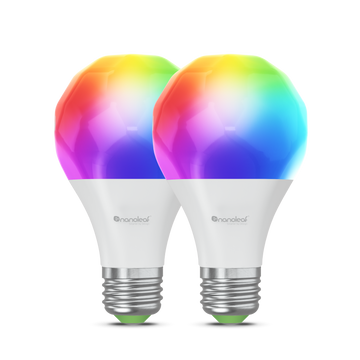
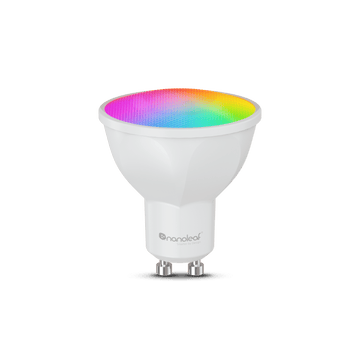
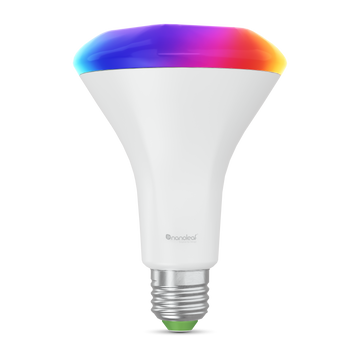
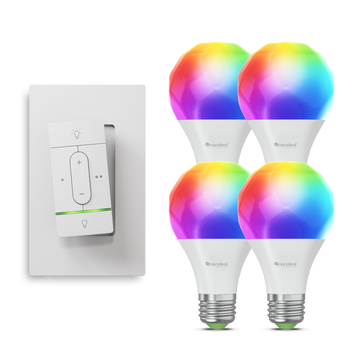
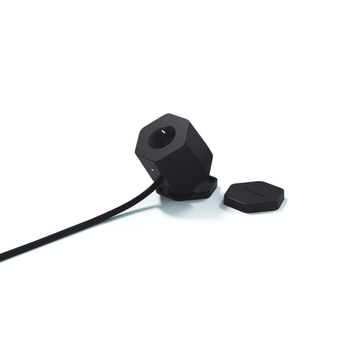
- Nanoleaf Smart Lights (either Shapes, Canvas, Lines, Light Panels, or Essentials)
NOTE: Essentials require Thread Border Router (like Nanoleaf panels or Apple HomePod mini) to work with the Desktop App. Learn more.
How to Set Up Screen Mirror with your TV (Step-by-Step)
- Connect your Laptop/PC to your TV via HDMI (or with Airplay on a Mac)
- Set up your TV as a display on your PC/Laptop through its Display Settings
- Open up the Nanoleaf Desktop App and pair your devices if needed.
- Select the ‘Entertainment’ tab, then select the ‘Screen Mirror’ tab.
- Select your devices and which display you want to mirror with (If you only have 1 device it will show up automatically).
- Then, enable ‘Screen Mirroring’.
And voila, you’re done! Once everything is set up, experience dynamic visuals and real-time reactions across your setup.

Bonus Tip
Here’s a little treat for making it to the end! For a more subtle mode of mirroring that won’t distract you from your screen, choose “Tranquility” mode to see colors gradually dissolve into the next sequence. And for even more customization, you can choose specific areas of your screen to synchronize your lights with by resizing your layout in the Nanoleaf Desktop App.
So what are you waiting for? Elevate your entertainment and download the Nanoleaf Desktop App to experience Screen Mirror on your TV setup for yourself!

Find us on Instagram and Twitter @nanoleaf, or Facebook @thenanoleaf join the Nanoleaf Community.