






















































SmartThings
Example commands
"Hi, Bixby, turn on the lights""Hi, Bixby, set my lights to 20%""Hi, Bixby, change the color to blue"
Samsung, SmartThings, Galaxy, and Bixby are trademarks of Samsung Electronics Co., Ltd. SmartThings features and availability may vary by device, region, and software version.

A Smarter Home with SmartThings
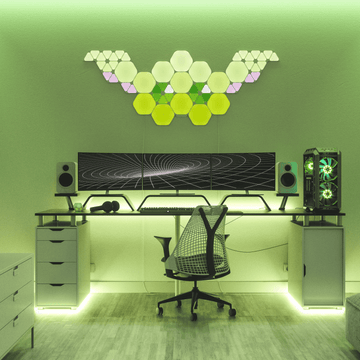
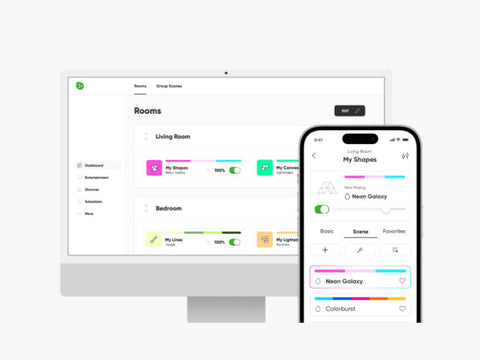
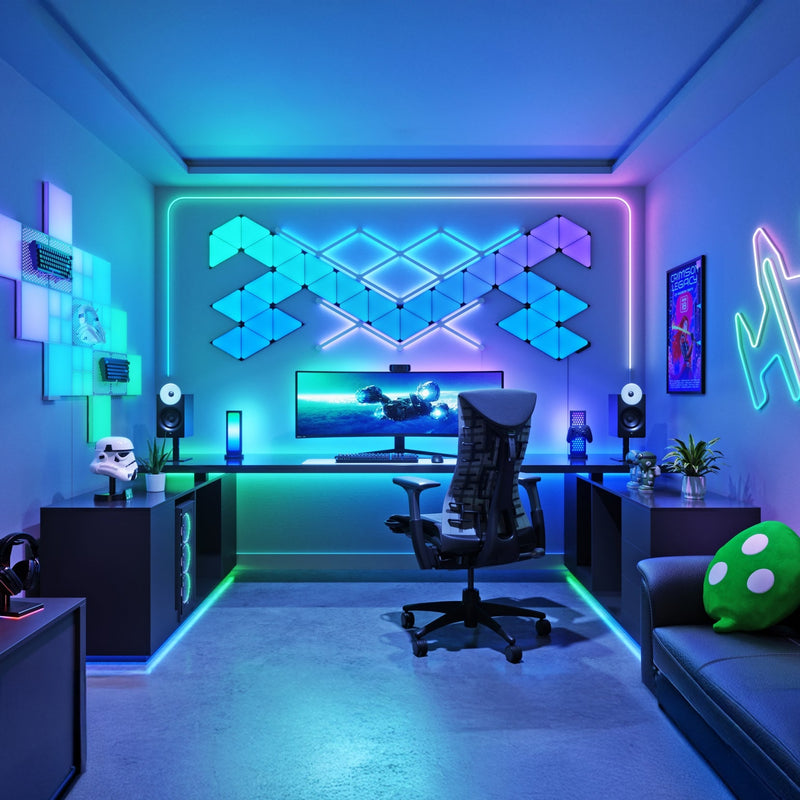
With SmartThings, you can connect and control compatible Nanoleaf lights alongside thousands of smart home devices from one app. Create routines, automate everyday tasks, organize devices by room, and manage your home whether you're at home or away.
Best Experience: Pair your Nanoleaf product with the Nanoleaf App first to install the latest firmware and configure product-specific settings before connecting to SmartThings. SmartThings provides everyday smart home controls, while select Nanoleaf-exclusive features remain available in the Nanoleaf App.
Just Ask Bixby
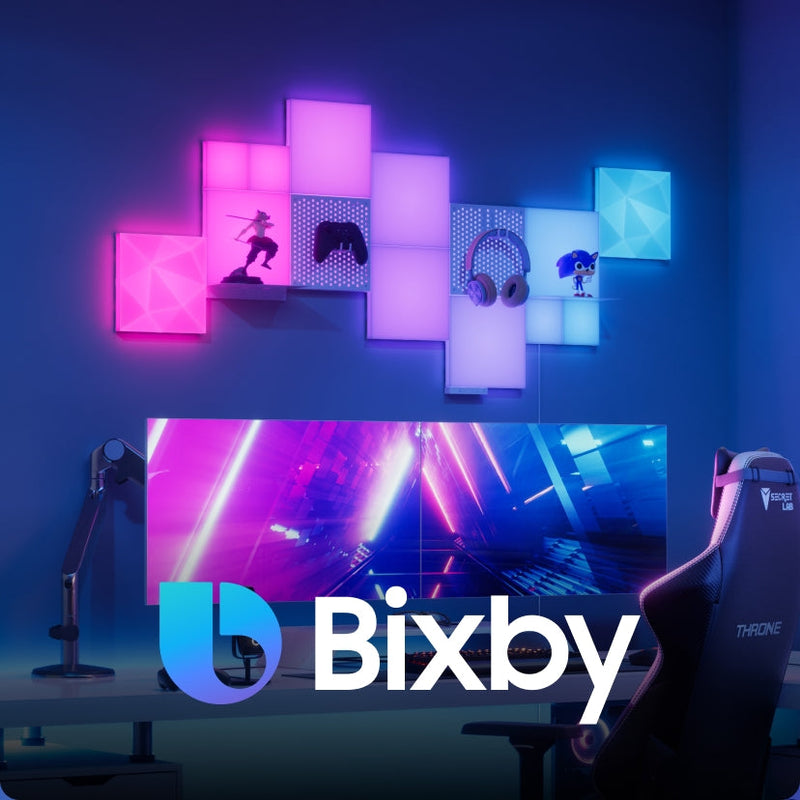
Bixby is a smart voice assistant packed into Samsung devices. If you've got Bixby activated, you can use it to control SmartThings connected devices.
Popular Bixby Commands
- Hi, Bixby, run the Good Morning Scene in the kitchen.
- Hi, Bixby,turn in the light.
- Hi, Bixby, change the light color to blue.
- Hi, Bixby, Turn on all lights at Nanoleaf HQ.
- Hi, Bixby, “Set my lights to 20%.

Lights that Move to Your Music
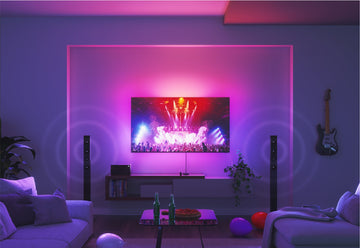
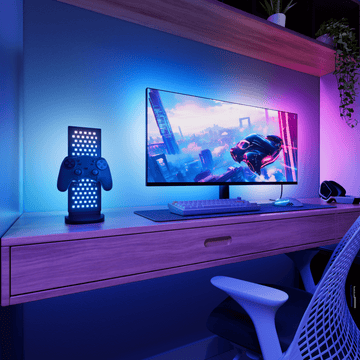
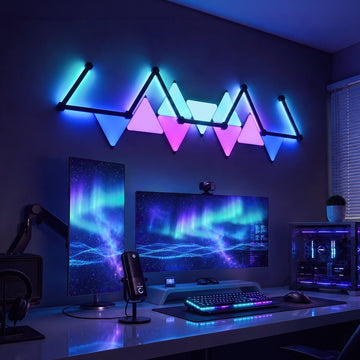
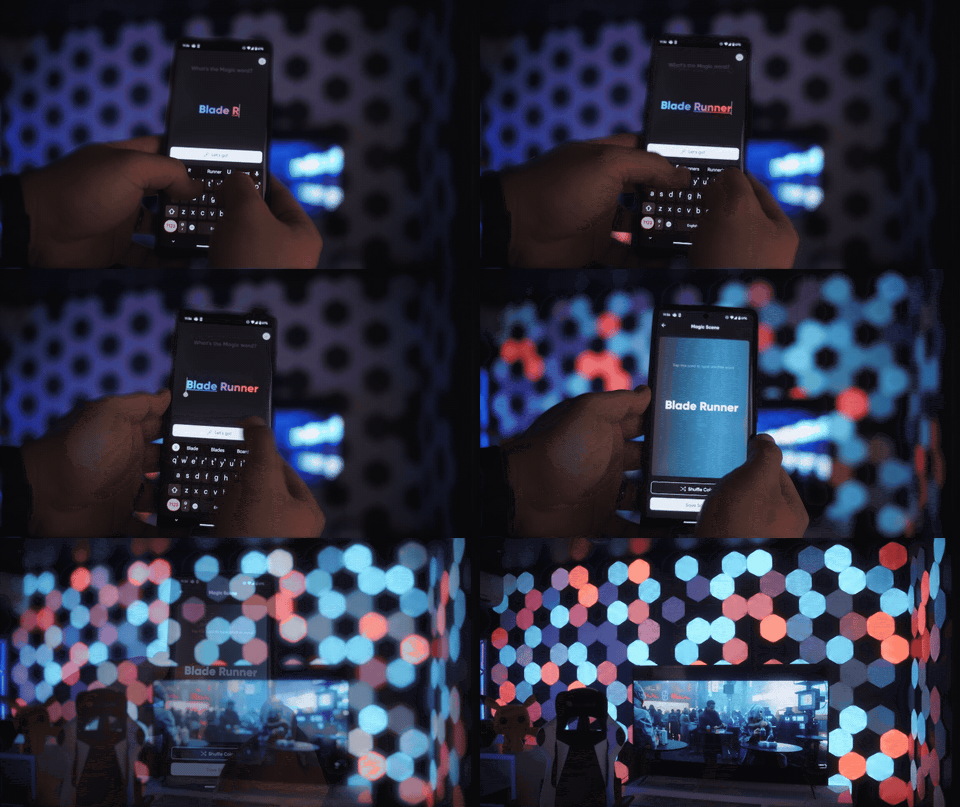
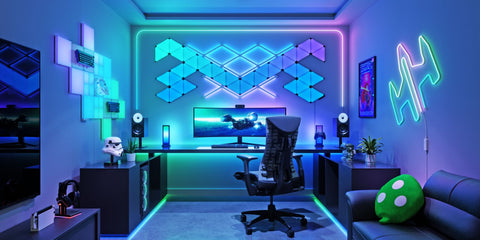
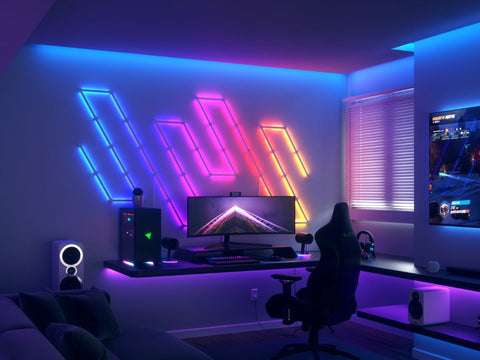
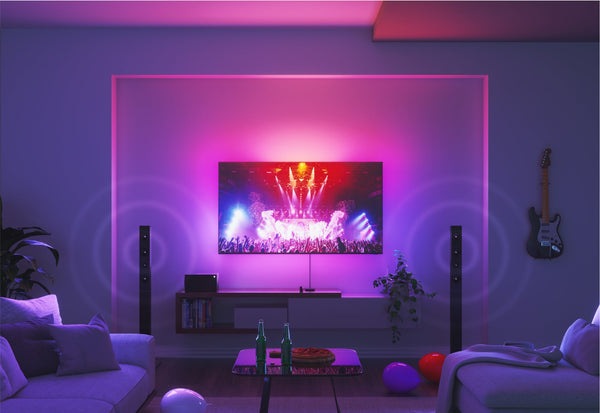
Bring your compatible Nanoleaf lights to life with SmartThings Music Sync. Play your favorite songs from streaming services like YouTube and Spotify, and watch your lights react in real time—turning every moment into an immersive ambient experience. Whether you're hosting or unwinding, it's easy to set the perfect mood at home.1
1 Music Sync is not available on Essentials.
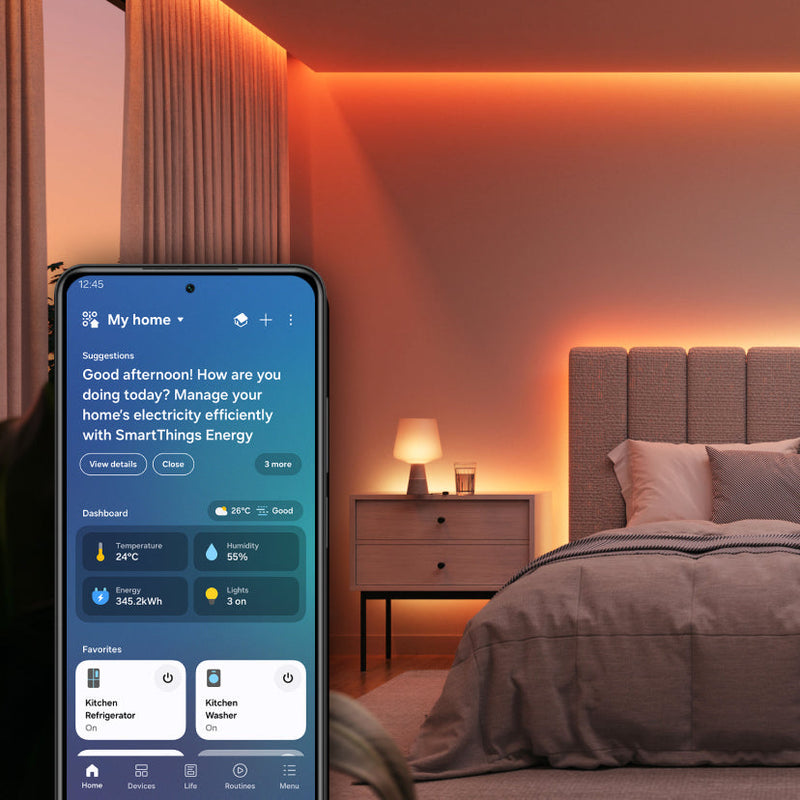
SmartThings App
Sync up your home to suit your lifestyle. Try using the SmartThings App to make your days easier and nights calmer, whether that's dimming the lights to your favorite color for bedtime, or turning them on to a gentle wake up scene in the morning.
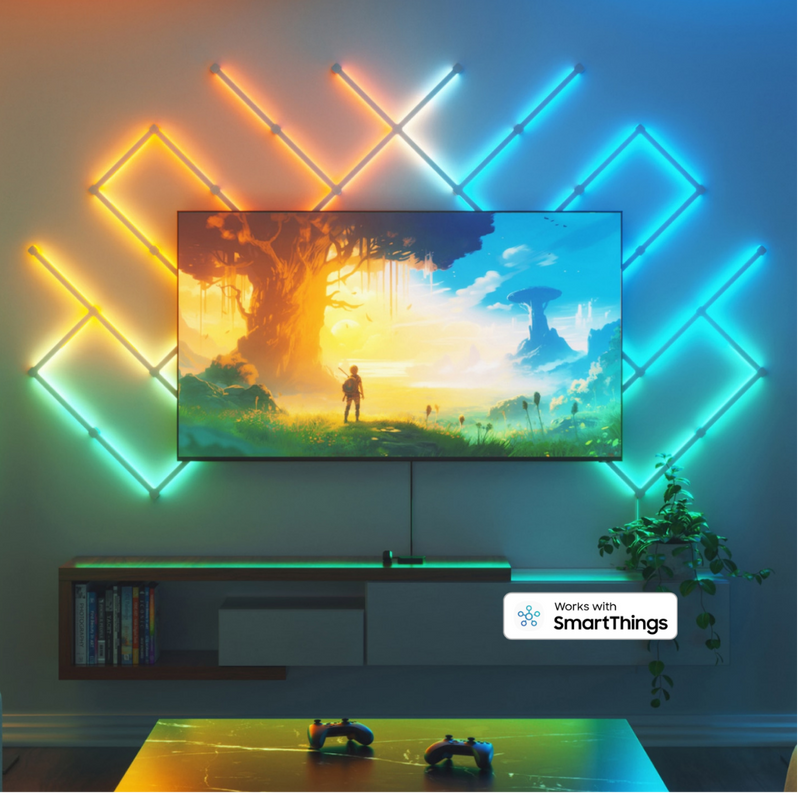
No Nanoleaf Hub Required
Compatible Nanoleaf products connect directly with Samsung SmartThings without requiring a proprietary Nanoleaf hub or bridge. Matter-enabled products require a compatible Matter controller and Thread Border Router for Matter functionality.1
1 Thread Border Router functionality is available on select Nanoleaf products, such as Blocks, Shapes, Lines, and Elements. Requires the latest firmware. Availability may vary by product.
Compatible Products
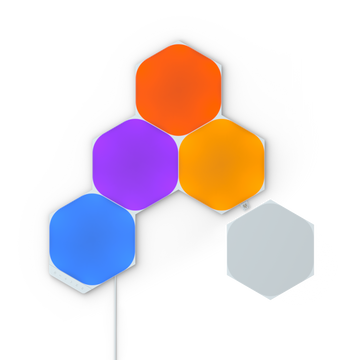
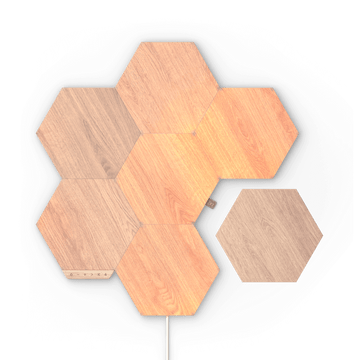
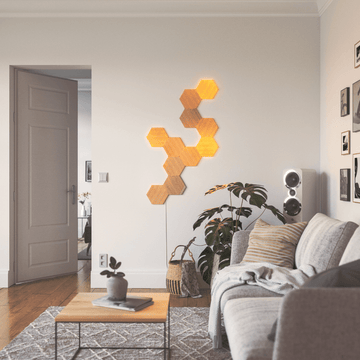
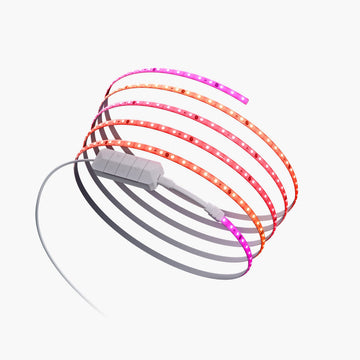
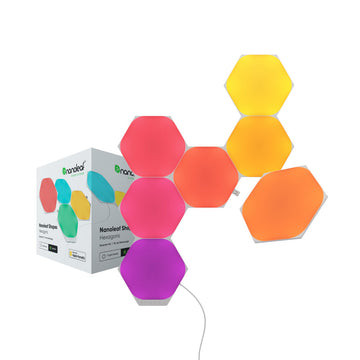
Works with these Nanoleaf products
 20% OFF
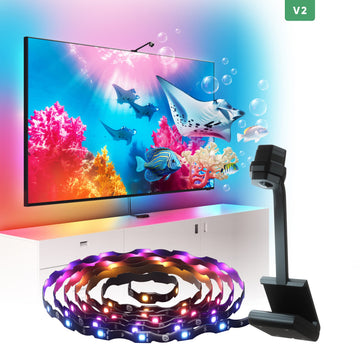
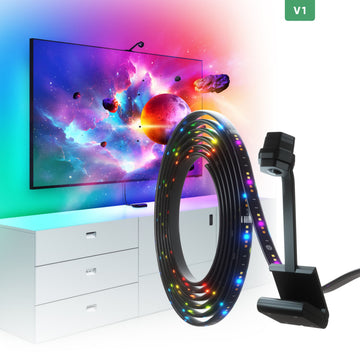
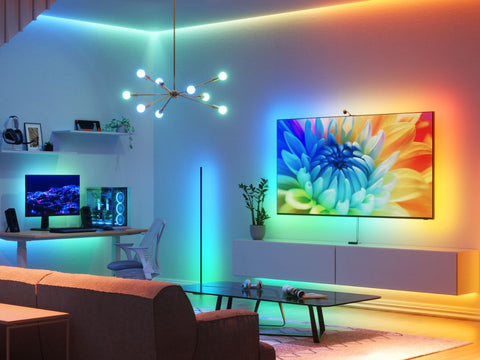
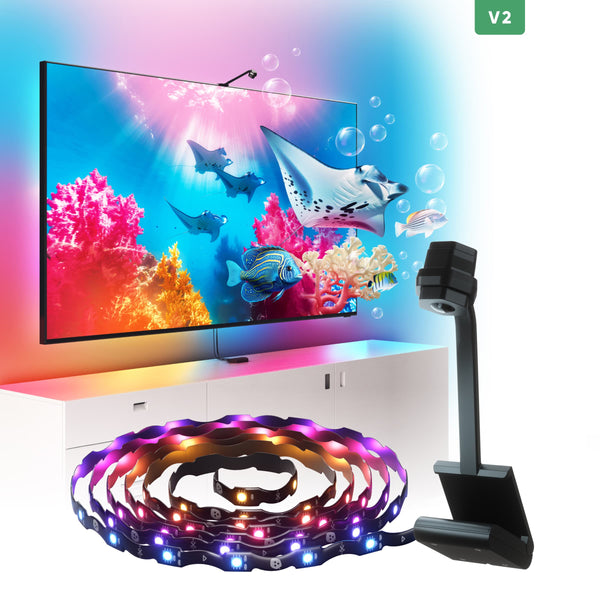
Nanoleaf 4D Screen Mirror
270
$79.99$99.99

 15% OFF
Nanoleaf Ambient Bundle
$169.98$199.98
16% OFF
Nanoleaf Artoo Bundle
$419.99$499.99
 33% OFF
Nanoleaf Big Baby Gu Bundle
1
$449.97$674.92
 Sold Out
Nanoleaf Big Boy Bundle
2
$758.73$944.87
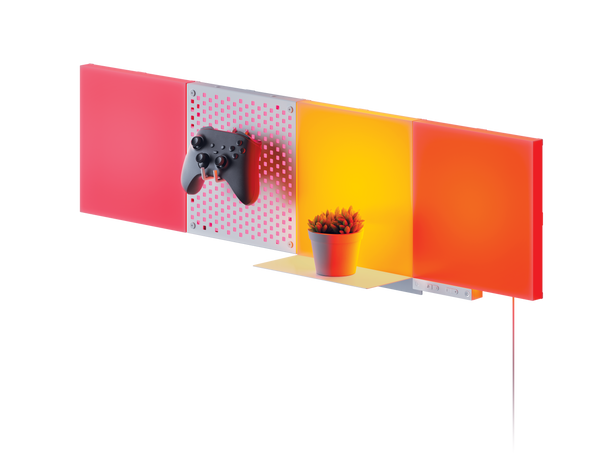
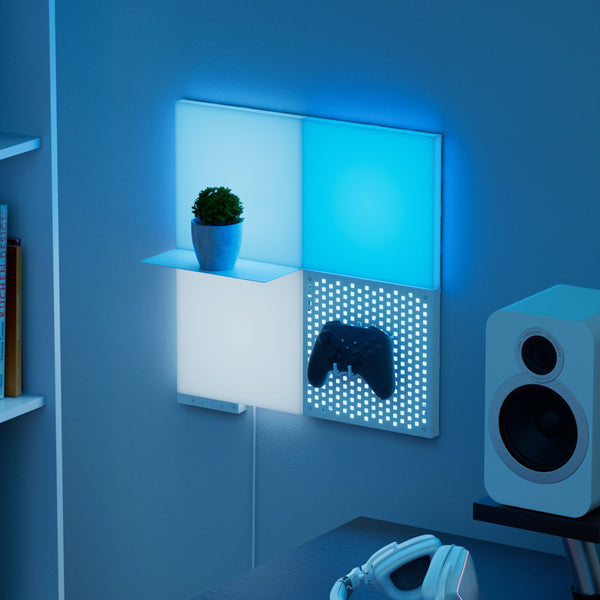
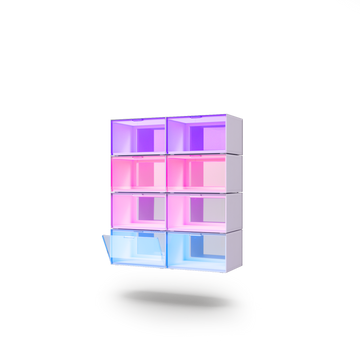
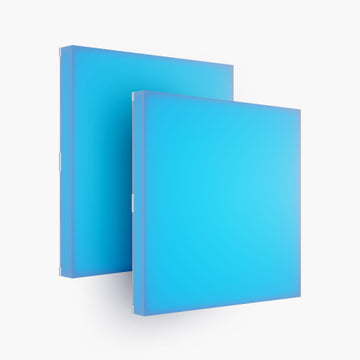
Nanoleaf Blocks
89
$29.99
18% OFFNanoleaf Connected Bundle
$89.97$109.98
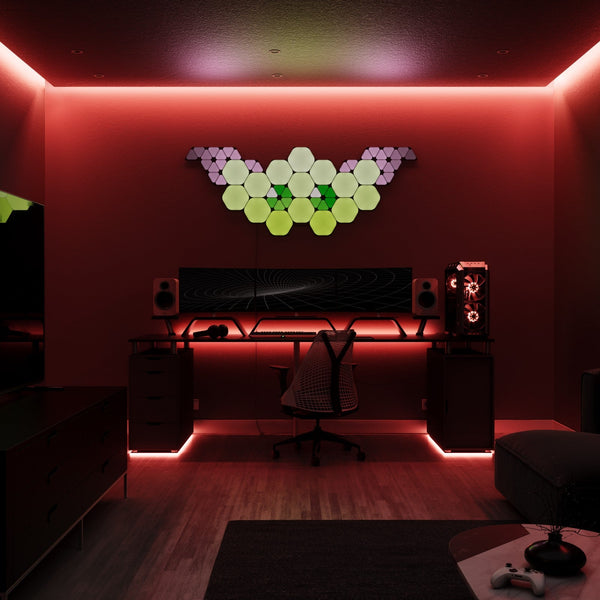 25% OFF
Nanoleaf Dark Big Baby Gu Bundle
$588.69$784.92
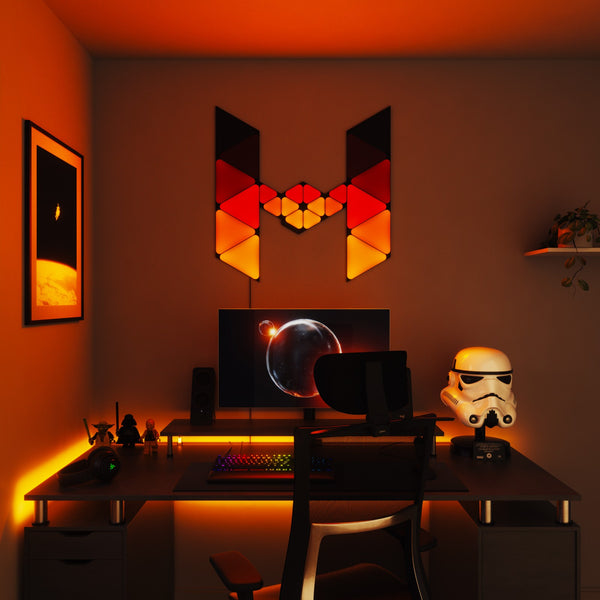 15% OFF
Nanoleaf Dark Fighter Craft Bundle
1
$289.99$339.97
 Sold Out
Nanoleaf Dark Small Baby Gu Bundle
$287.98$319.98
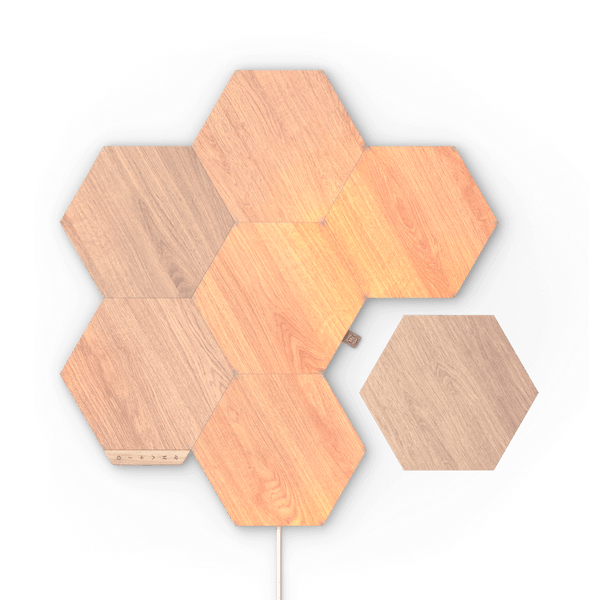
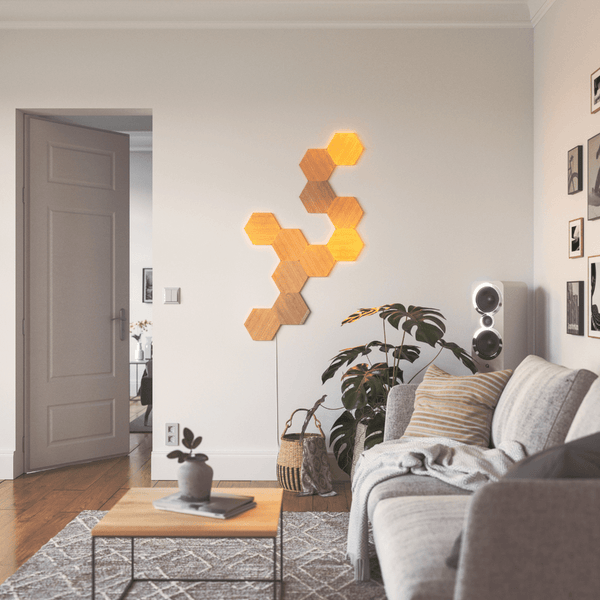
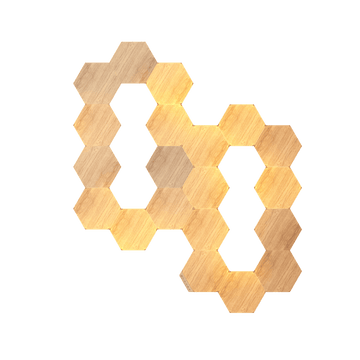
Nanoleaf Elements
2308
$34.99
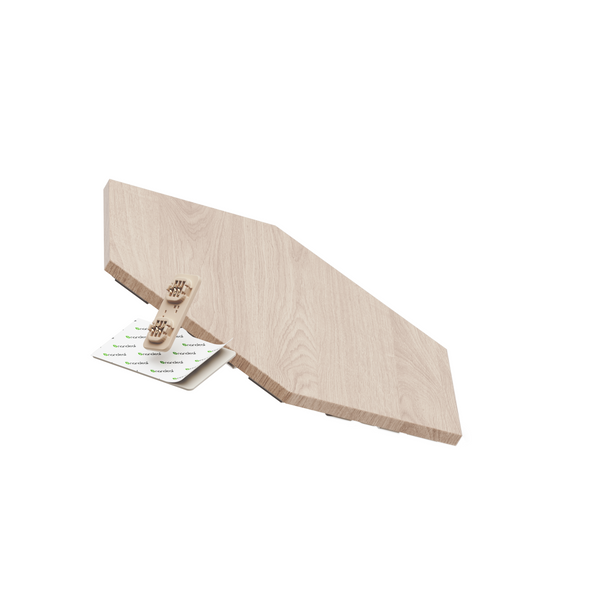
Nanoleaf Elements Expansion Packs
$34.99