

































































Why Bias Lighting Might Be the Best Upgrade Your Setup Never Asked For
Gaming in a dark room with a bright monitor creates a sharp contrast between your screen and its surroundings, forcing your eyes to constantly strain and adjust to different levels of light.
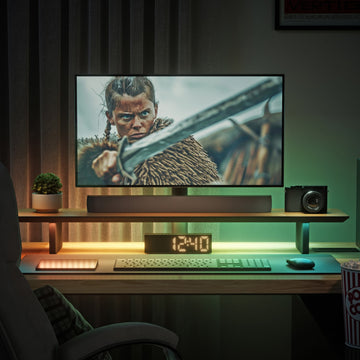
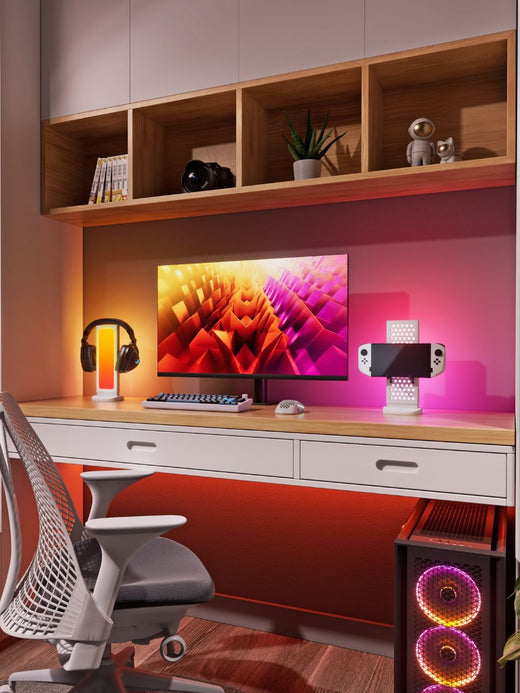
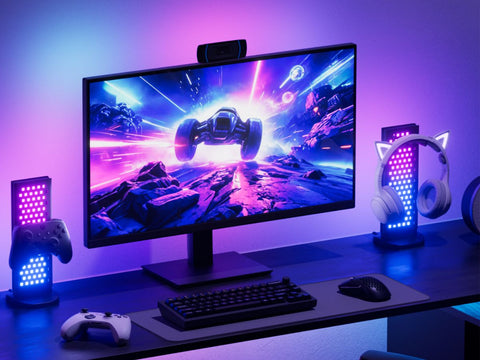
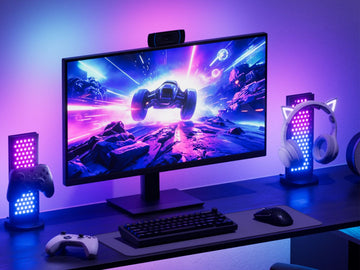
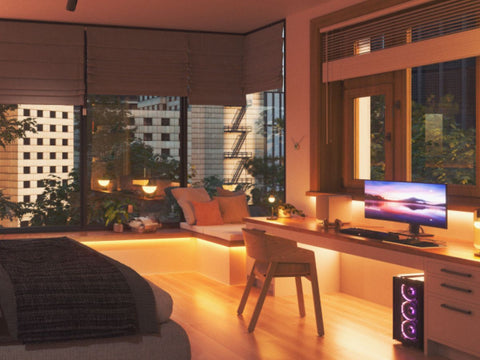
One of the simplest ways to create a healthier and more comfortable gaming environment is by adding bias lighting to your setup. A soft light behind your monitor can reduce the harsh contrast between a bright screen and a dark room, creating a more balanced viewing environment.
And when you combine bias lighting with immersive RGB lighting, you can take your gaming setup from functional to seriously atmospheric. Here's what bias lighting is, why gamers use it, and how to set it up properly.
What Is Bias Lighting?

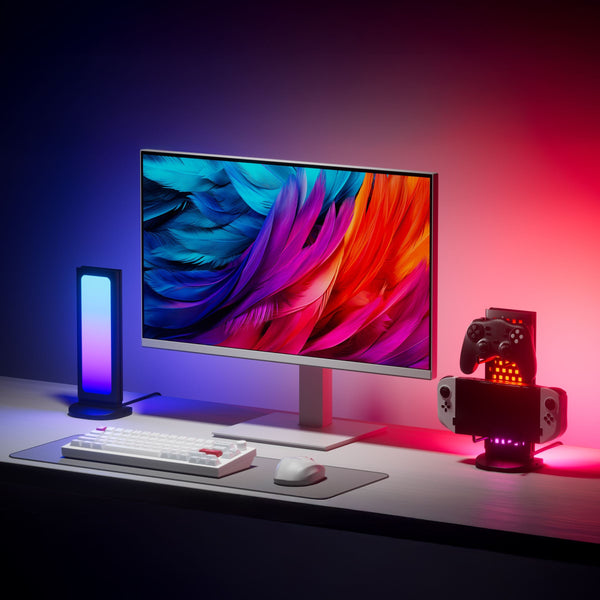
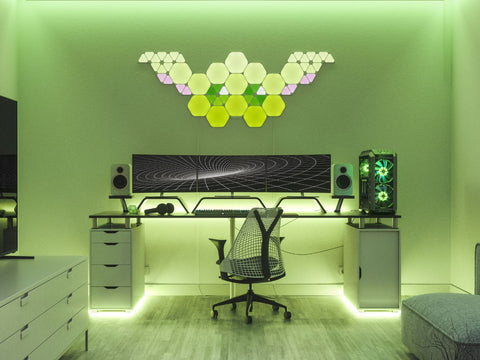
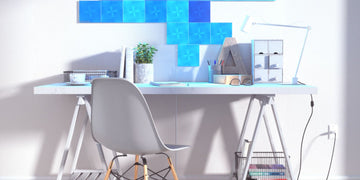
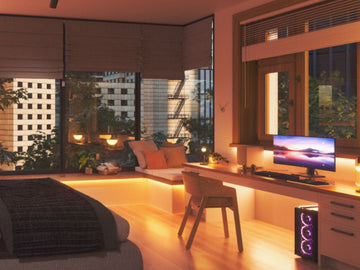
Bias lighting is a soft light placed behind your monitor that creates a balanced glow around your screen.
It reduces the contrast between a bright display and a dark room, making gaming more comfortable and easier on your eyes. According to the American Optometric Association, viewing a screen under poor lighting conditions, including too much contrast between the screen and its surroundings, is a recognized contributor to computer vision syndrome, the umbrella term for the eye strain, headaches, and fatigue that come from extended screen use.
Think of bias lighting as a strategy for both your game and your setup. It is how you get the most out of your gaming experience while keeping your eyes fresh, so the only thing you feel after a long session is the thrill of the story and the victories you earned.
Why Gamers Use Bias Lighting

More comfortable gaming. Bias lighting helps reduce strain during long sessions by balancing the light around your screen.
A better visual experience. Colors feel richer and contrast appears more natural. It makes even a simple screen feel premium.
An elevated setup. A soft backlight adds depth and instantly upgrades your gaming desk. It feels like you are actually inside the game, not just playing it.
Why Does Bias Lighting Actually Work?

We will admit it sounds a little backward to add light in order to fight light related eye strain. But bias lighting works precisely because it is not aimed at your eyes. It faces the wall behind your monitor, filling in the space around the screen instead of adding another light source pointed straight at you. There is solid visual science behind why that makes a real difference.
At its core, eye strain from gaming is not really about "blue light." It is about contrast, adaptation, and workload on your eyes. Save the trendy blue light glasses for your regular workday screen time.
When you game in a dark room, your screen becomes the only light source in the space. That creates an extreme gap between a bright display and a dark environment, something researchers refer to as luminance contrast, one of the primary drivers of digital eye strain according to a peer reviewed review published in BMJ Open Ophthalmology. It is basically like staring into a flashlight in the dark. Not something you would do on purpose, but somehow completely normal once it is attached to a game you do not want to stop playing.
Your eyes are constantly fighting contrast. Gaming in the dark feels ideal in the moment, but your eyes disagree. They have to continuously adjust between light and dark. Your pupils expand and contract over and over. That constant adjustment leads to fatigue. This is called contrast glare, and the same BMJ Open Ophthalmology review identifies it as a major driver of eye strain during extended screen sessions.
Your pupils are working overtime. In a high contrast setup, bright screen, dark room, your pupils are constantly reacting to what is happening on screen. A flashbang makes them shrink. A dark cave makes them expand. An explosion shrinks them again. And repeat. A study published in Frontiers in Neurology found that intermittent light exposure produces a significantly stronger and more sustained pupillary response than steady, continuous light, meaning the on-again, off-again flicker of screen content genuinely works your pupils harder than a stable ambient glow would. That rapid adjustment creates strain and even headaches over time, the kind of throbbing that lingers even after you are finally ready to close your eyes for bed. Bias lighting helps by stabilizing your pupil size with that steady background glow, so your eyes are not constantly recalibrating.
Bright screen plus dark room equals more strain over time. The longer you look at a screen, the more eye strain builds, and it gets worse during extended sessions like a gaming marathon. Higher screen brightness without balanced ambient light increases visual fatigue, a pattern well documented in the eye strain literature, including the BMJ Open Ophthalmology review referenced above. So it is not just about how long you play. It is about how your environment is set up while you play.
How to Set Up Bias Lighting

Here is the practical version, not just the theory.
-
Place your light source behind your monitor so it shines onto the wall, not toward your face
-
Aim for a brightness around 10 to 20 percent of your monitor's peak brightness. Bright enough to soften contrast, dim enough that it never competes with your screen
-
Match the color temperature to your display when you can. Most monitors run close to 6500K, a neutral white that avoids introducing a color cast that makes your eyes work harder to compensate
-
Keep it even and steady rather than harsh or flickering, since a stable glow is what actually calms pupil response
Picture the difference. A screen glowing alone in a pitch black room, your eyes locked onto the only light source in sight, working overtime with every scene change. Now picture that same screen with a soft, even glow spilling onto the wall behind it, your eyes settling into a steady middle ground instead of constantly adjusting. That is the entire pitch for bias lighting in one comparison.
Build a More Immersive Gaming Setup
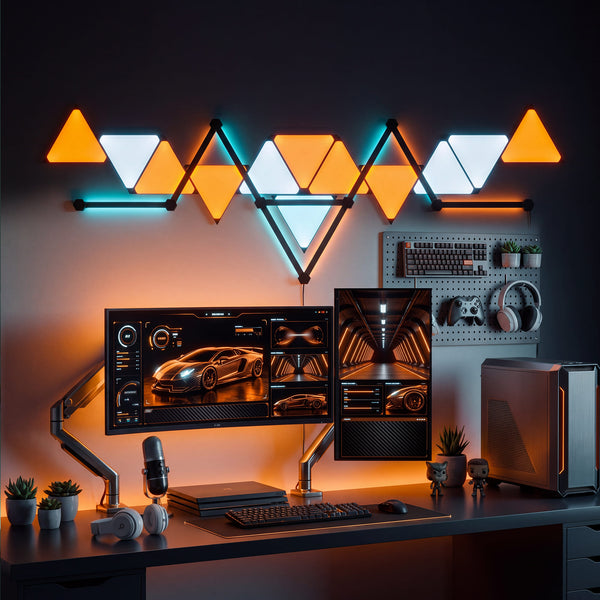
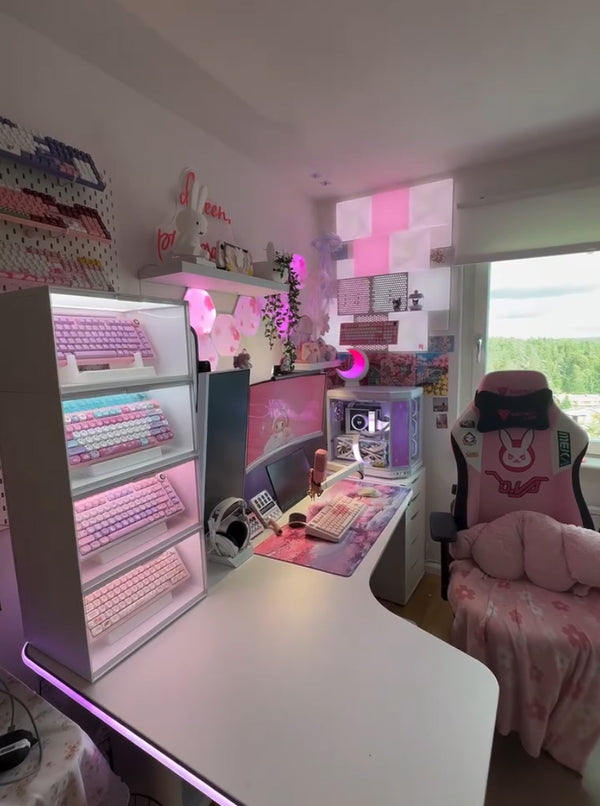
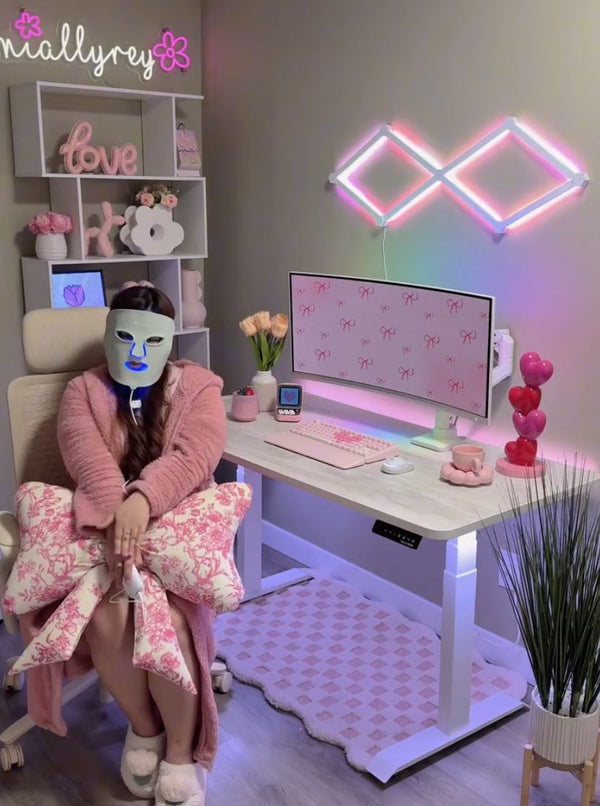
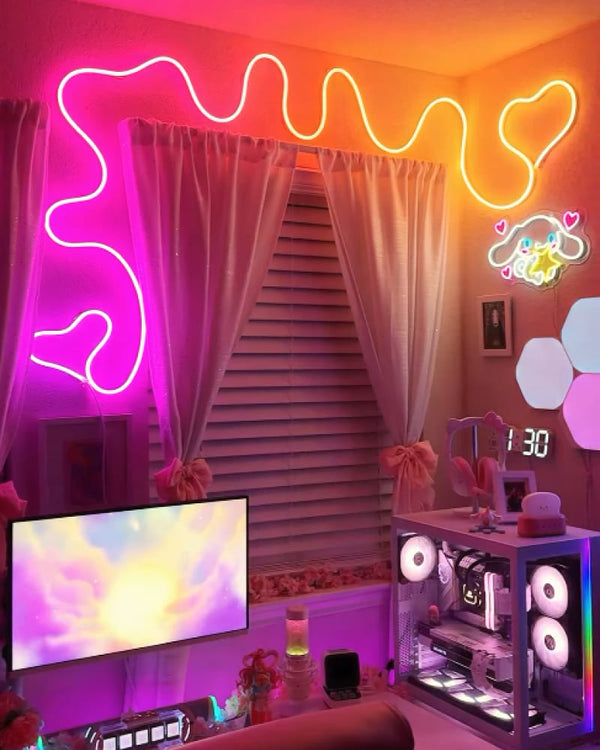
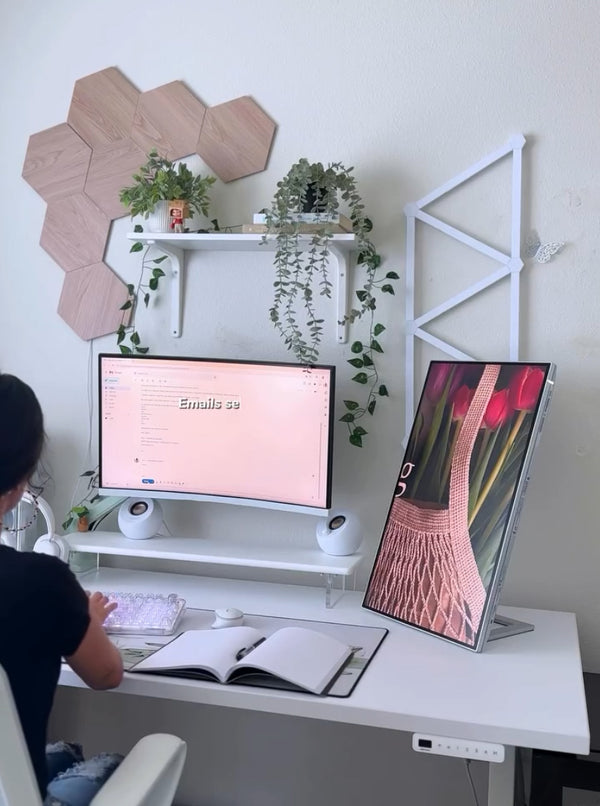
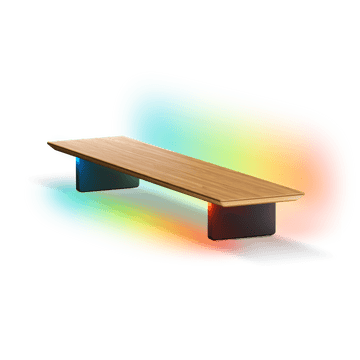
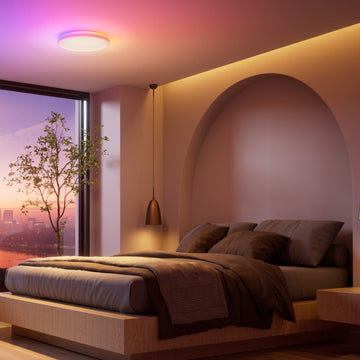
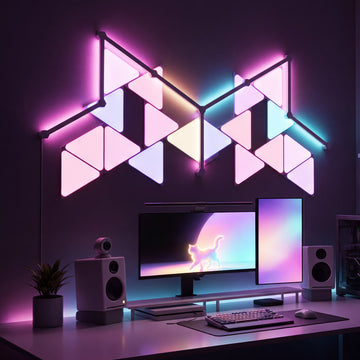
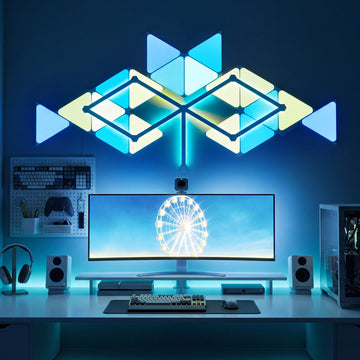
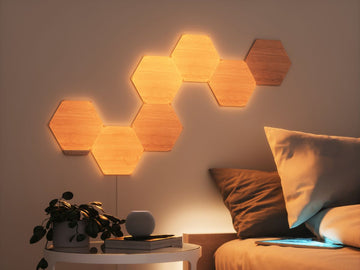
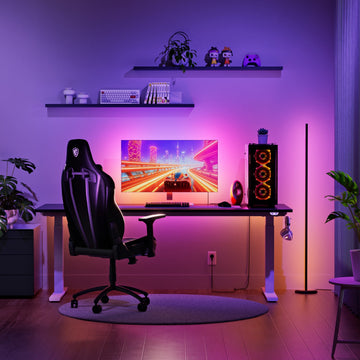
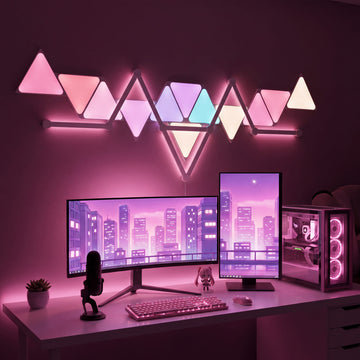
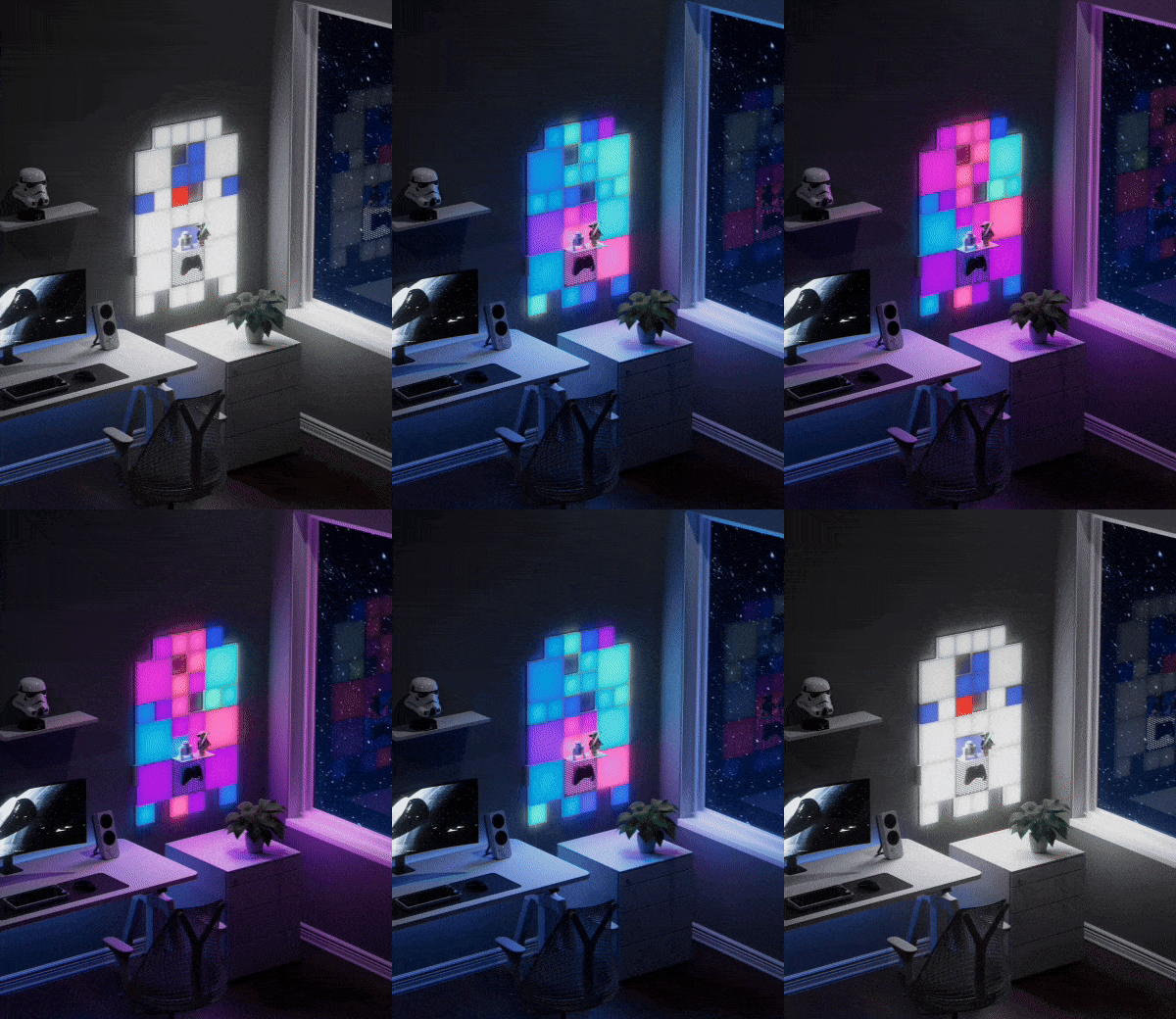
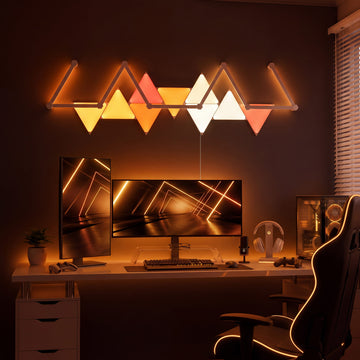
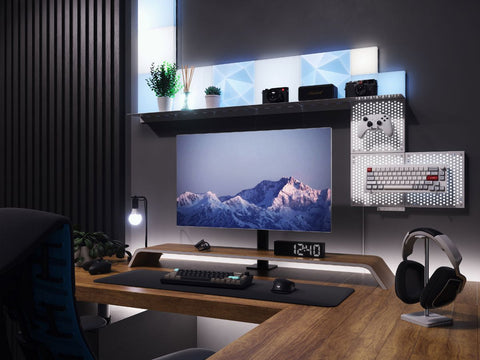
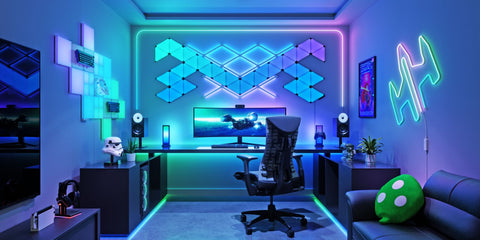
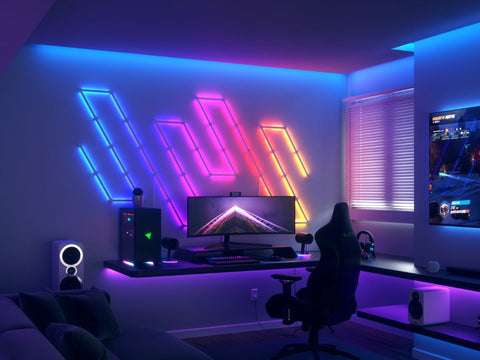
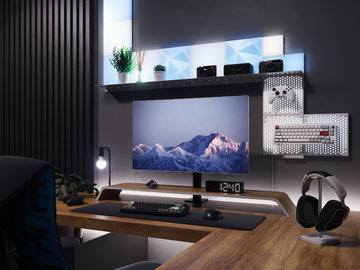
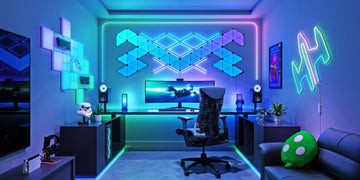
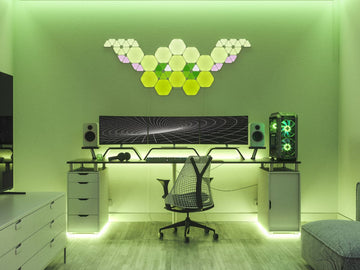
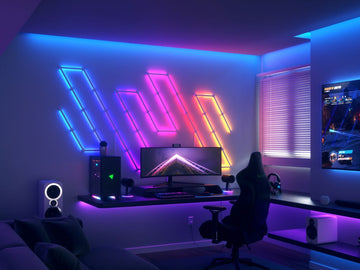
 A single soft, dimmed light behind your monitor is bias lighting in its simplest form, and it works well on its own. But if you want to take your setup further, the move is layered lighting rather than a single source. Think monitor backlighting, desk edge lighting, and wall lighting behind your setup working together. That combination creates real depth, turning a flat desk into a space that feels considered rather than just lit.
Lights That Sync With Your Game

Static bias lighting solves eye strain. Reactive lighting solves everything else, the part where your setup starts to feel like an extension of the game itself.
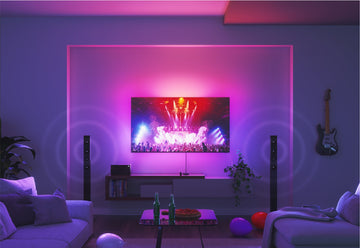
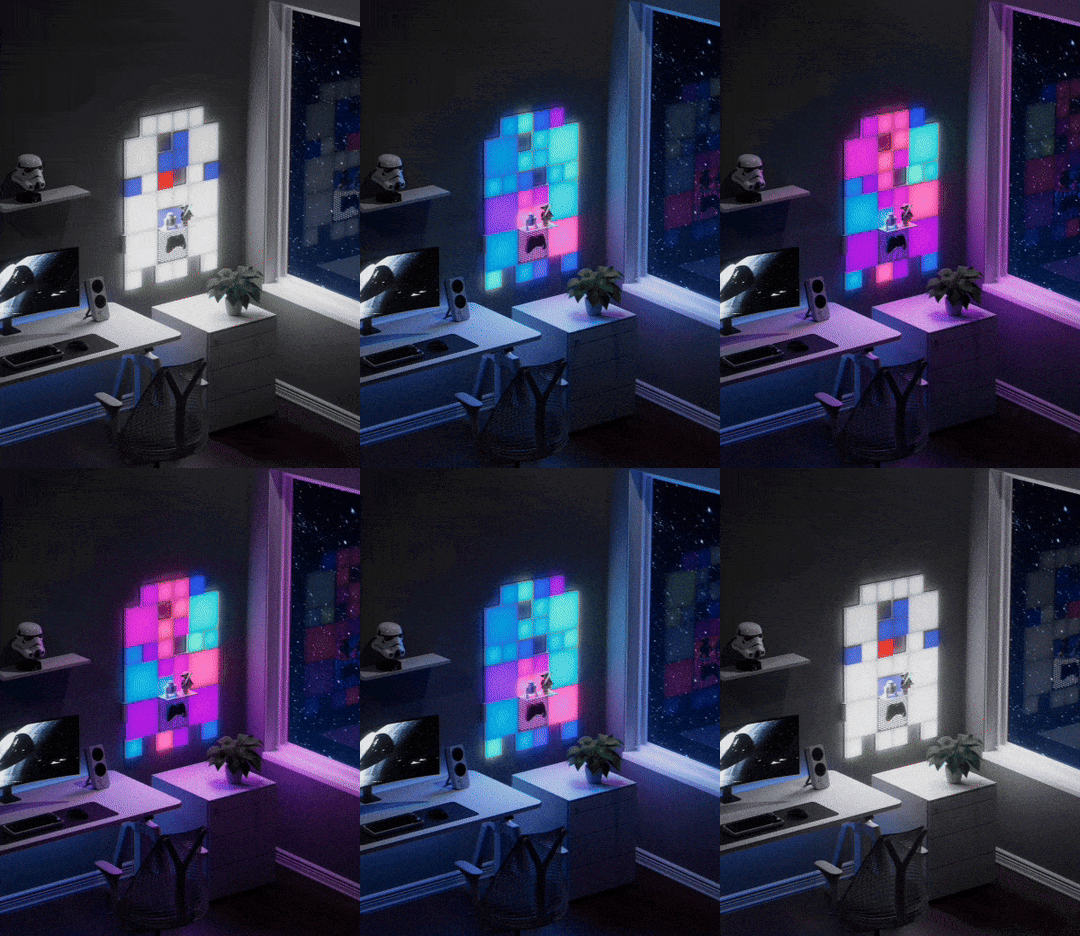
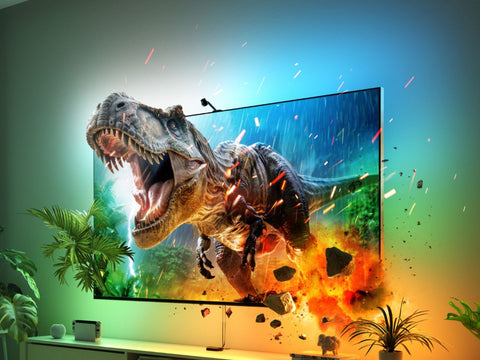
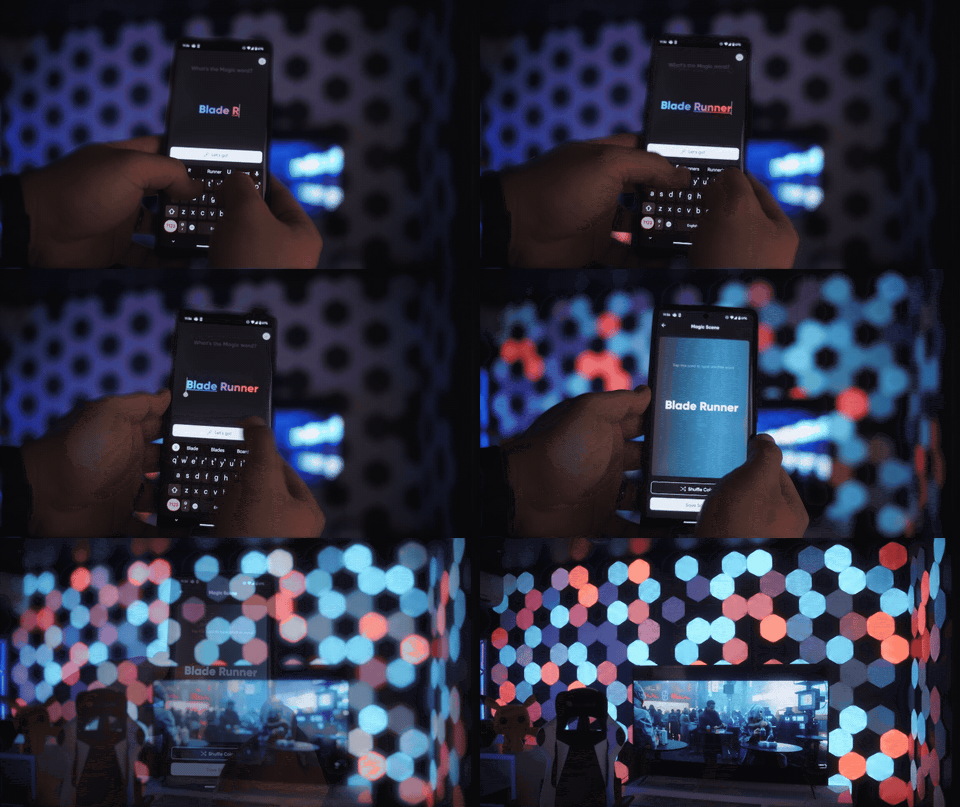
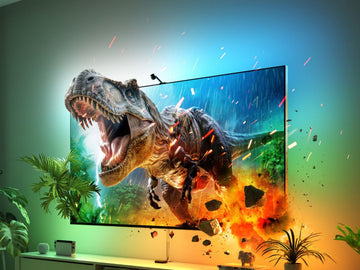
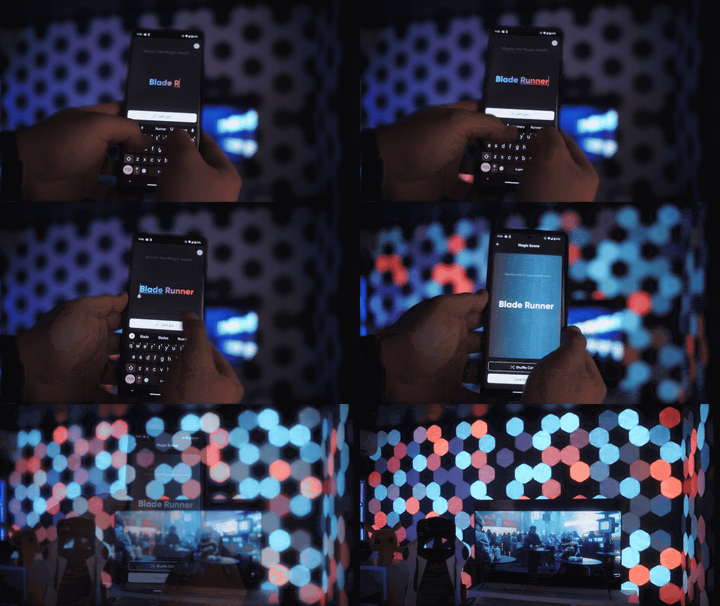
Instead of a light that just turns on, imagine lighting that reacts to sound or mirrors your screen in real time, so every shot, explosion, and scene shift comes alive beyond the display. Lighting can pulse with action, shift with sound, and react as things happen on screen.
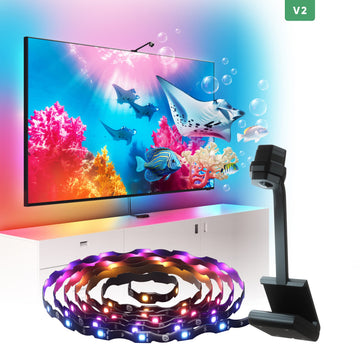
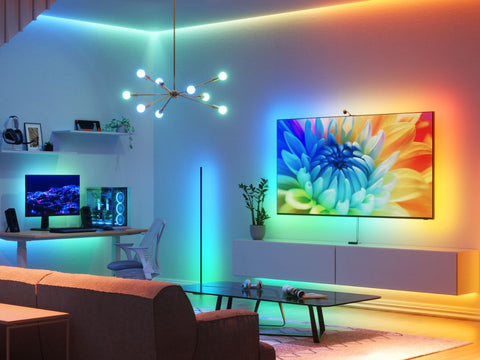
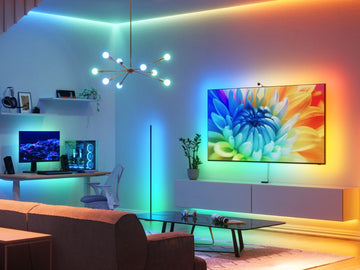
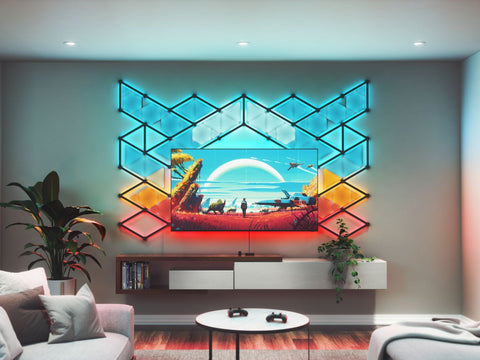
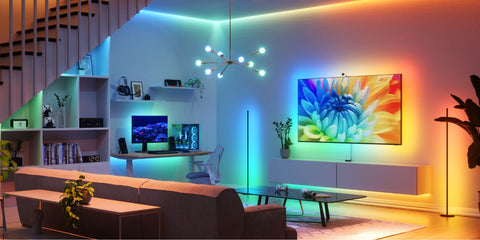
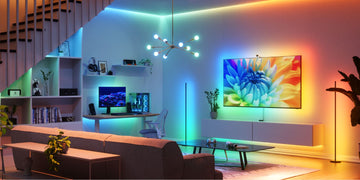
Using something like Nanoleaf's PC Screen Mirror Lightstrip with your desktop, or the 4D Screen Mirror for your TV, your setup starts to feel like it has no edges. What happens on screen does not stay contained to the frame. It spills outward, casting light, color, and movement into the space behind it. Every muzzle flash, every flicker of firelight, every wide open landscape stretches past the screen and pulls your whole room into the moment. Including, unfortunately, that jump scare you were not emotionally prepared for.
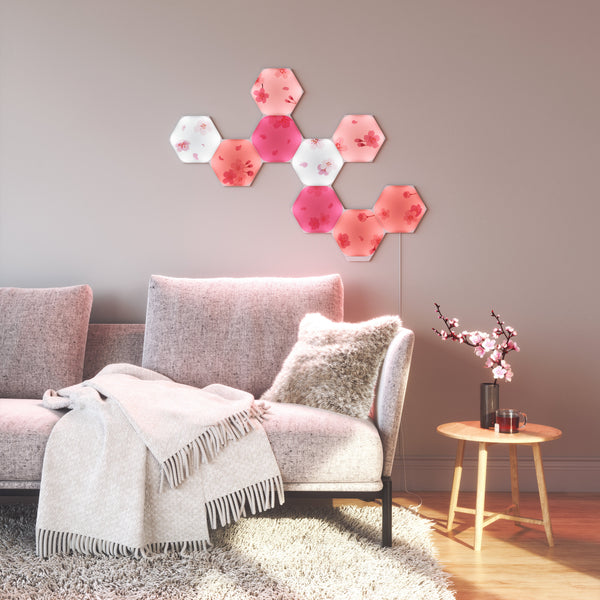
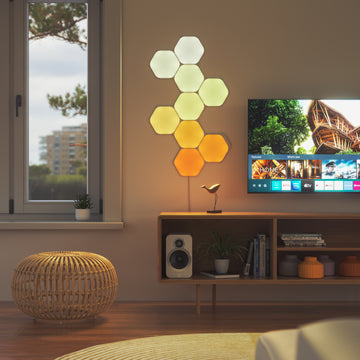
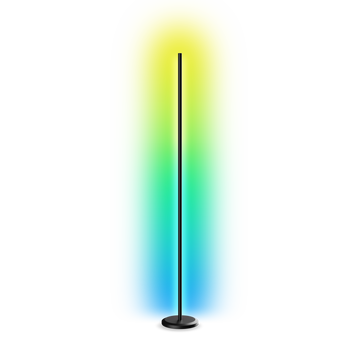
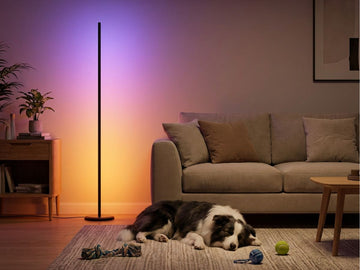
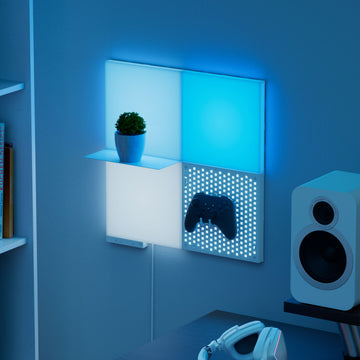
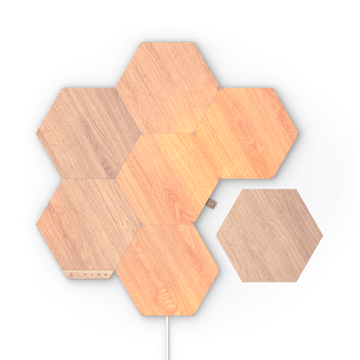
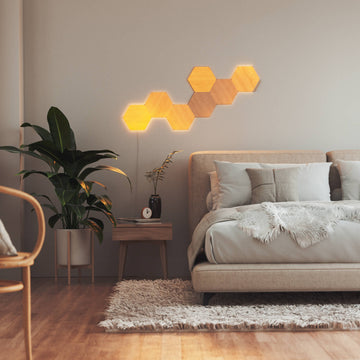
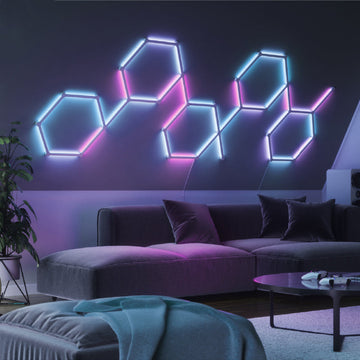
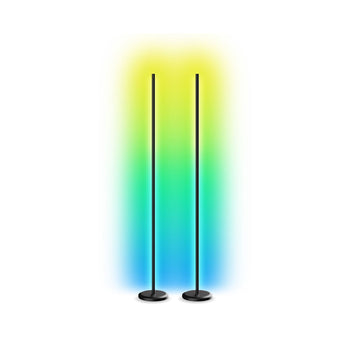
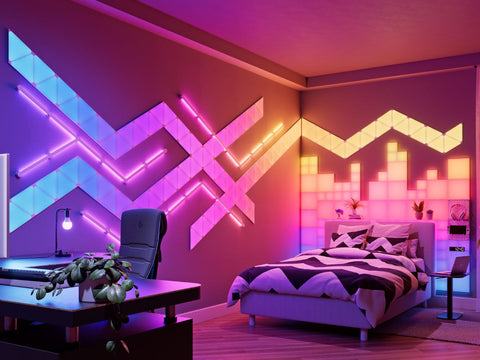
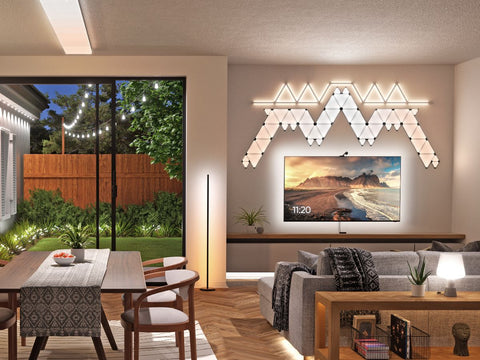
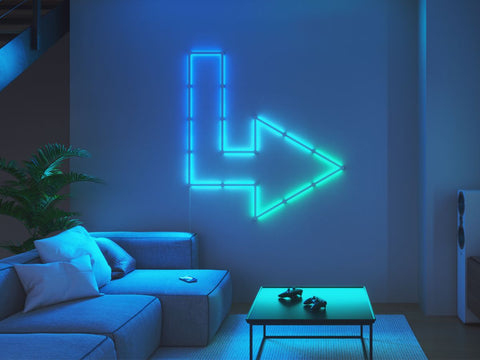
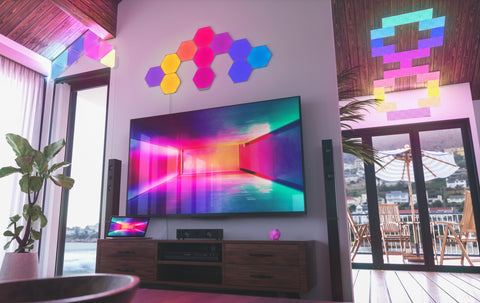
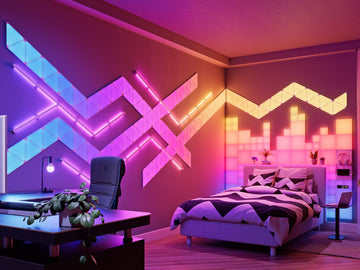
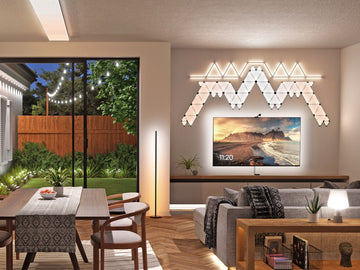
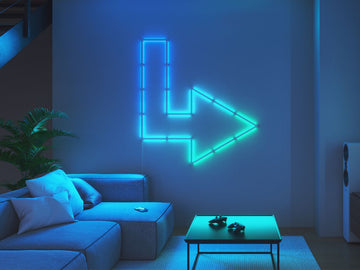
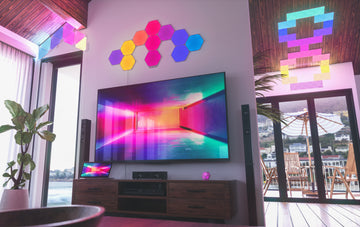
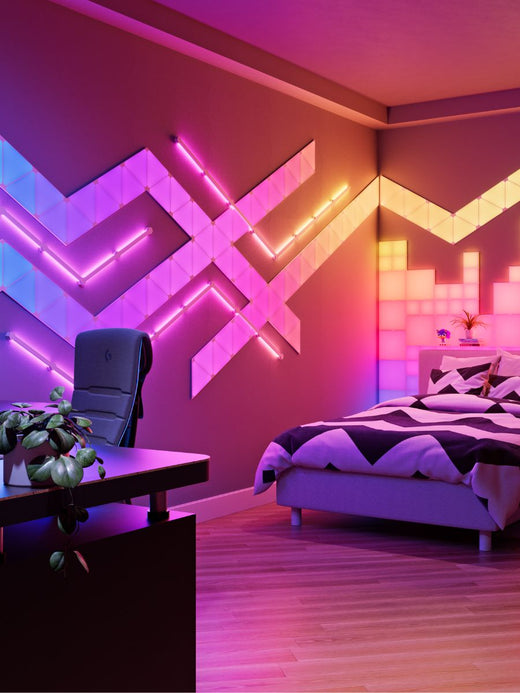
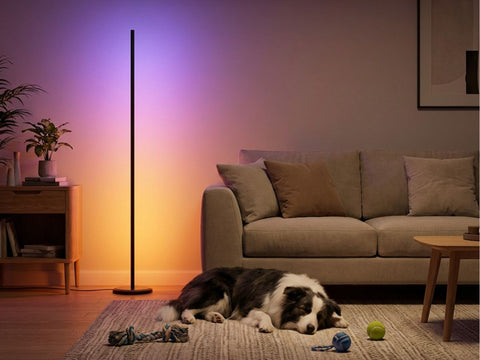
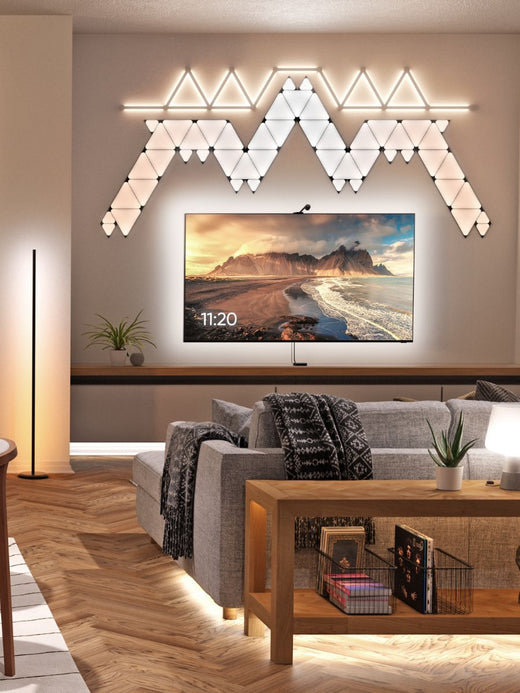
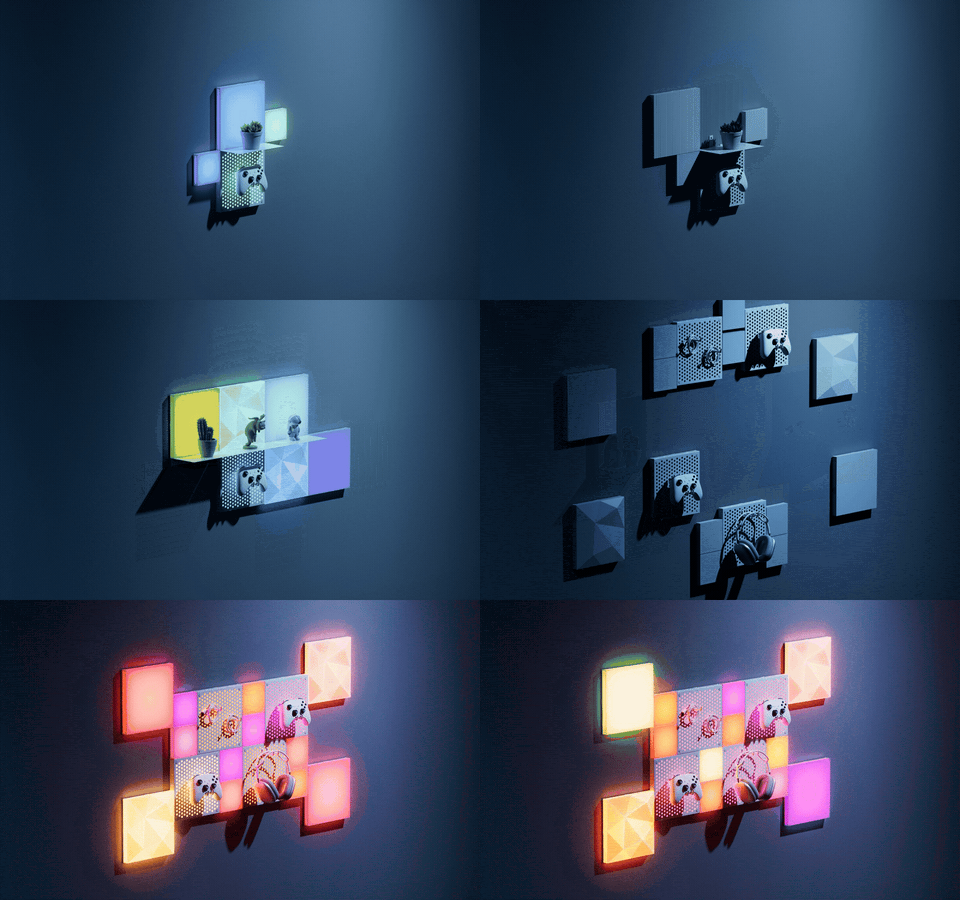
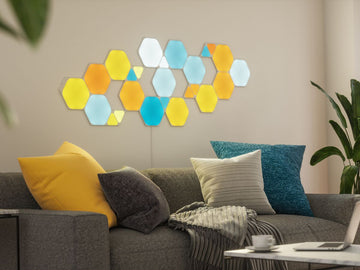
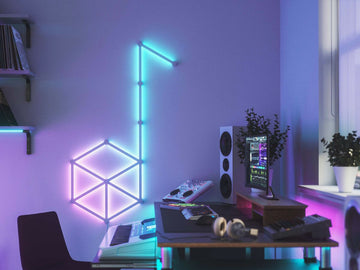
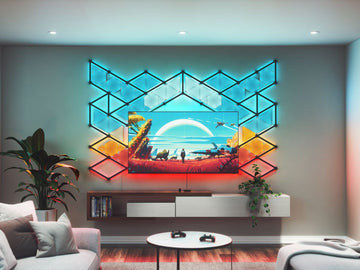
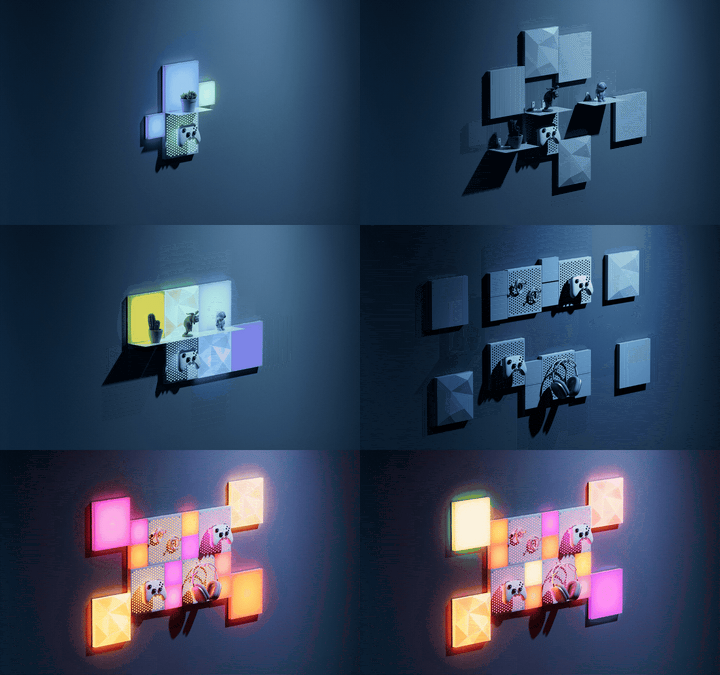
And it does not stop at a single Lightstrip. Layer in wall panels, a floor lamp, and accents across your desk, and your lighting stops just reacting and starts surrounding you. It moves with you, adapts with you, and turns your space into something that feels genuinely alive.
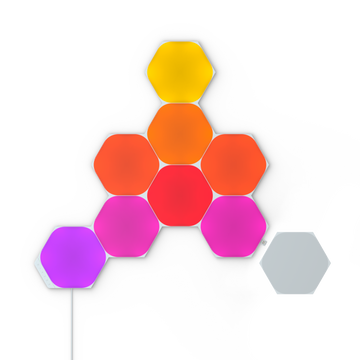
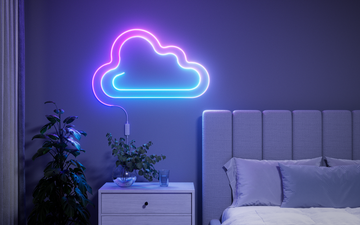
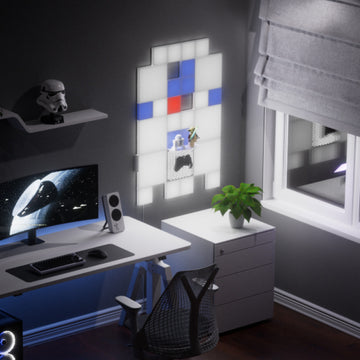
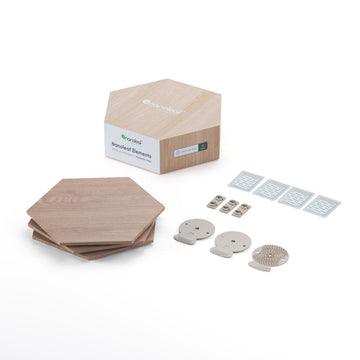
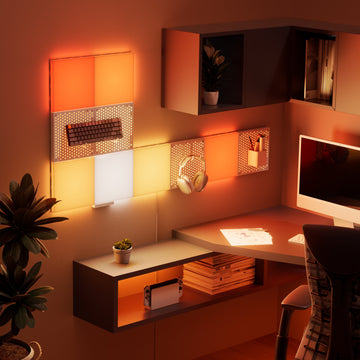
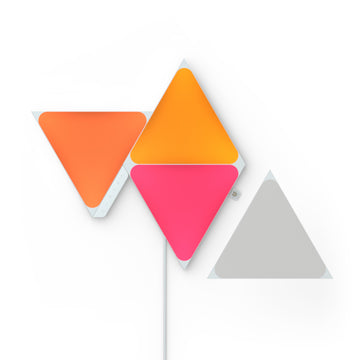
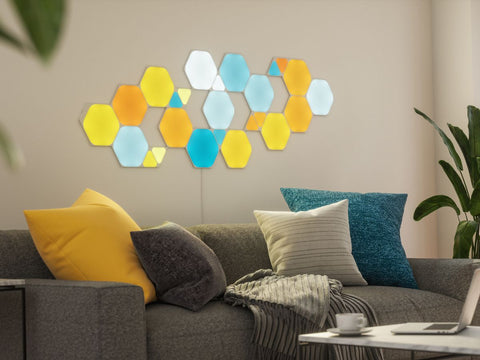
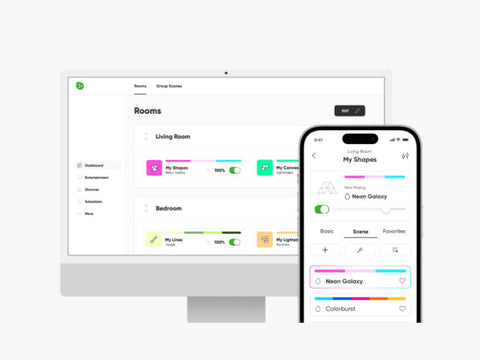
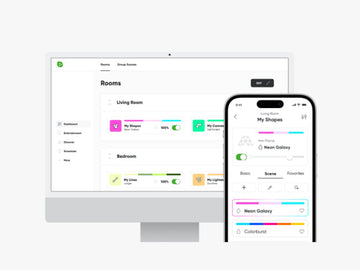
Nanoleaf's Screen Mirror feature brings it together across a range of options that fit your aesthetic, including Shapes, Lines, Canvas, and Essentials Lightstrips and Bulbs, all synced through the Nanoleaf app. Whether you keep it minimal or go all in, everything responds as one system, creating a setup that feels immersive, intentional, and entirely your own.
The Bottom Line for Your Setup
 Bias lighting is a simple upgrade that improves comfort, visuals, and immersion, all at once, and the science behind why it works is genuinely solid, not just a marketing claim borrowed from a lighting company that happens to sell lights.
Add a soft glow behind your monitor and change how your setup actually feels to use. Give your eyes a break so your time in game stays yours.
Because the hours you spend playing should leave something behind. The story that stuck with you. The strategy that finally paid off. The moments you want to come back to.
Not sore, tired eyes.