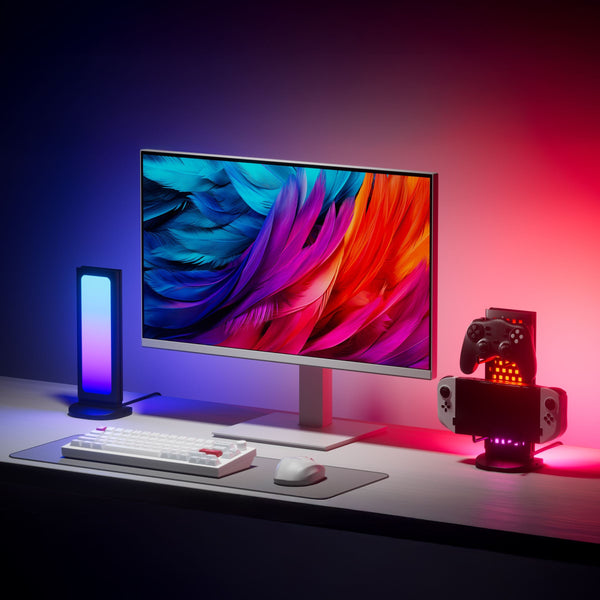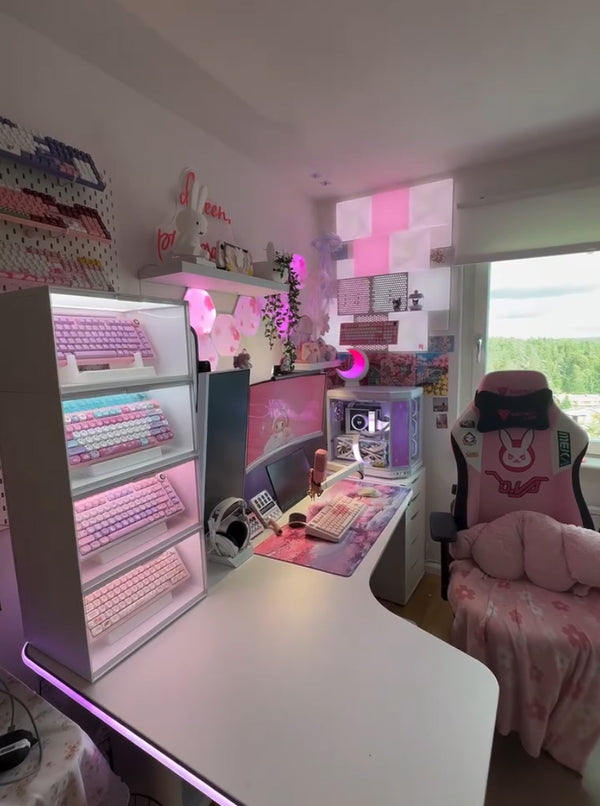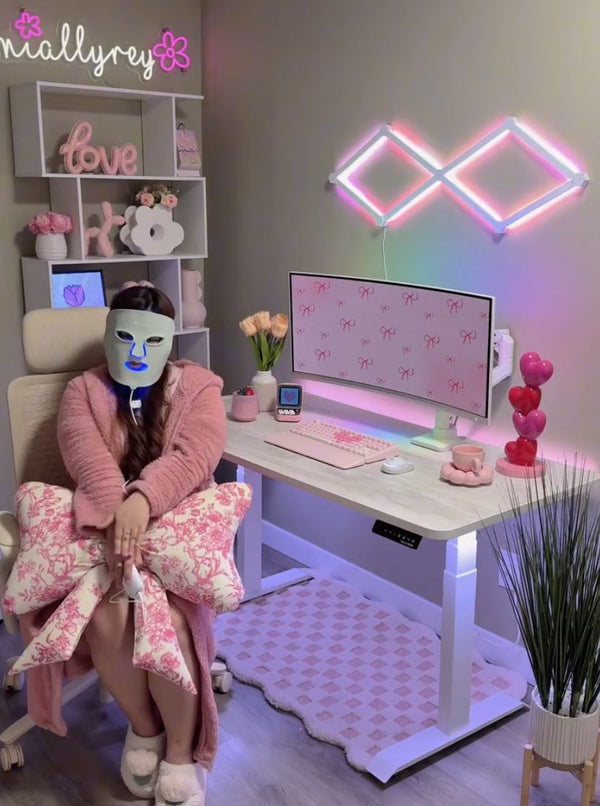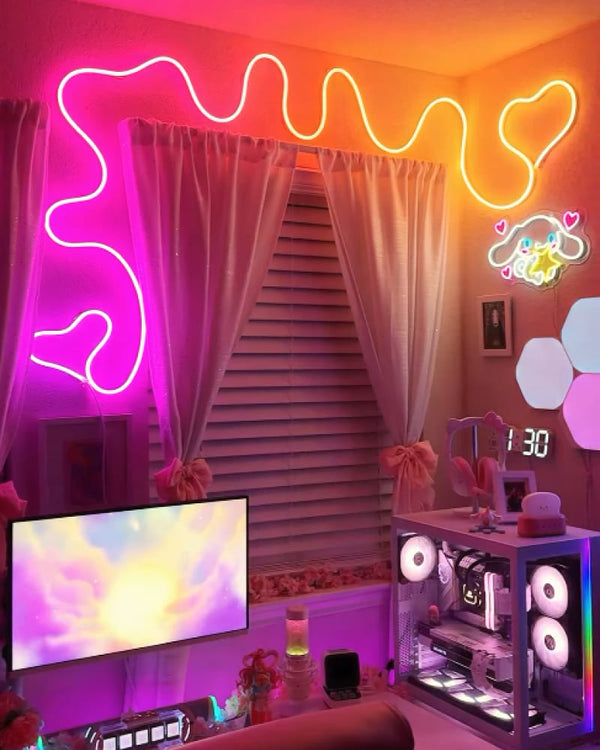
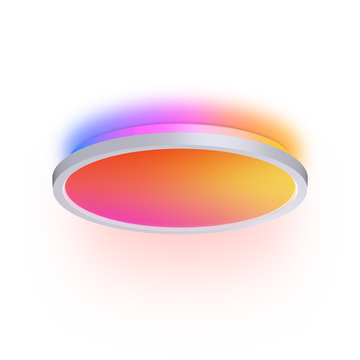
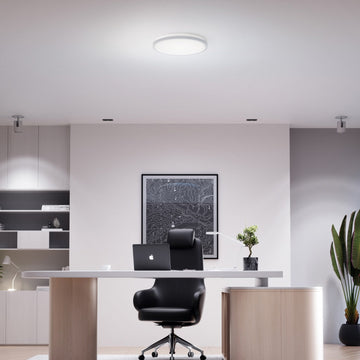
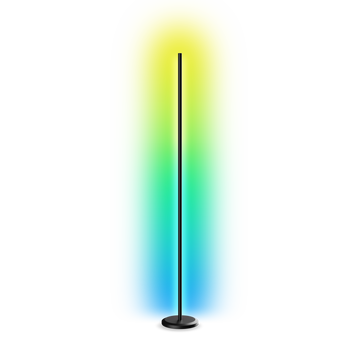
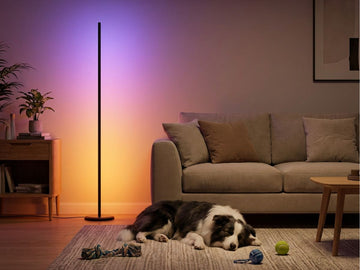

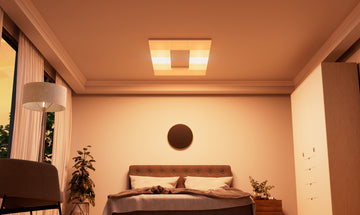
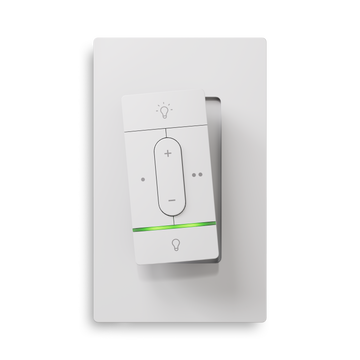
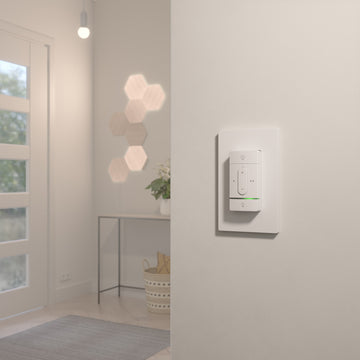

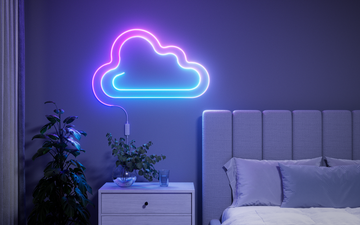
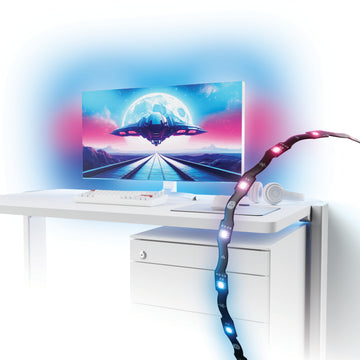
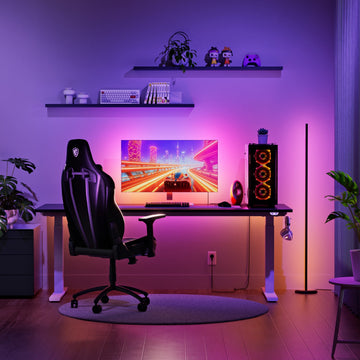

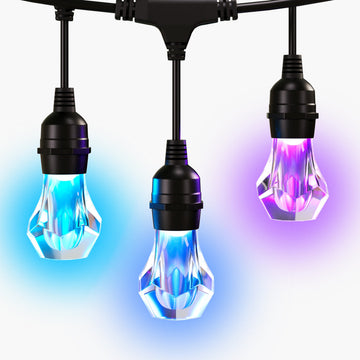
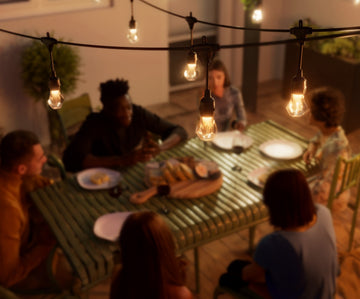
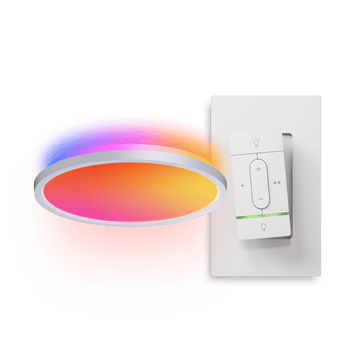
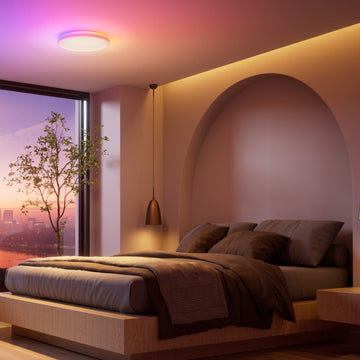
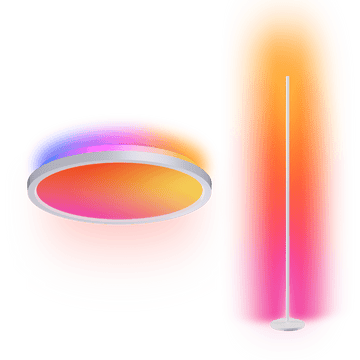
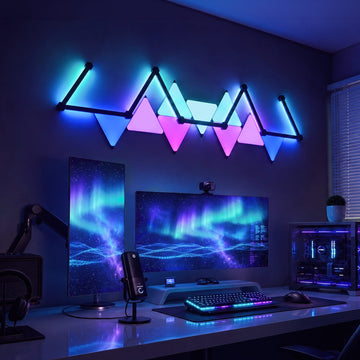
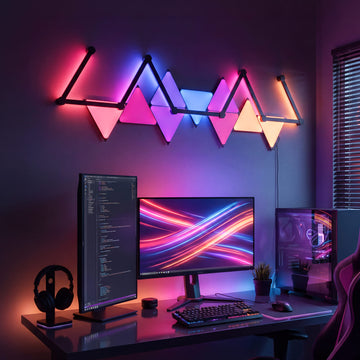
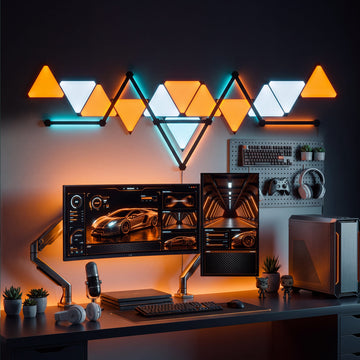
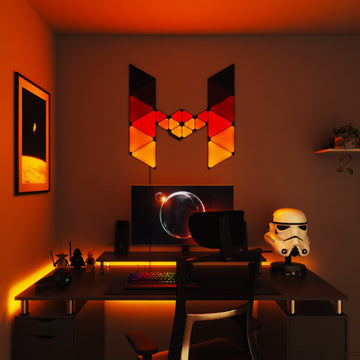

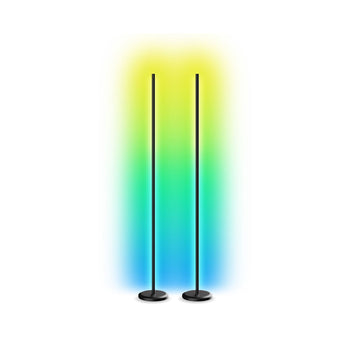
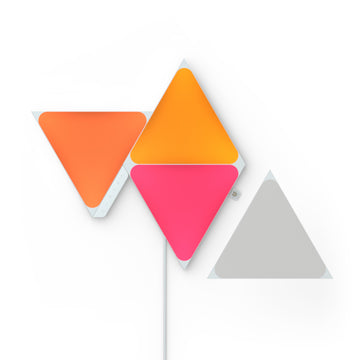


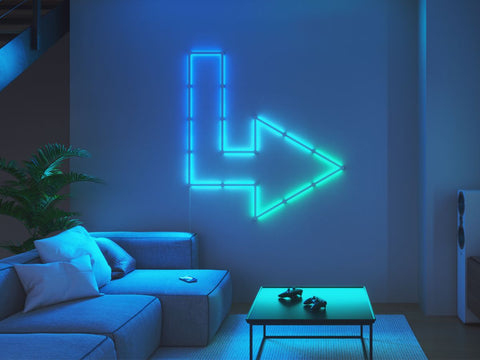
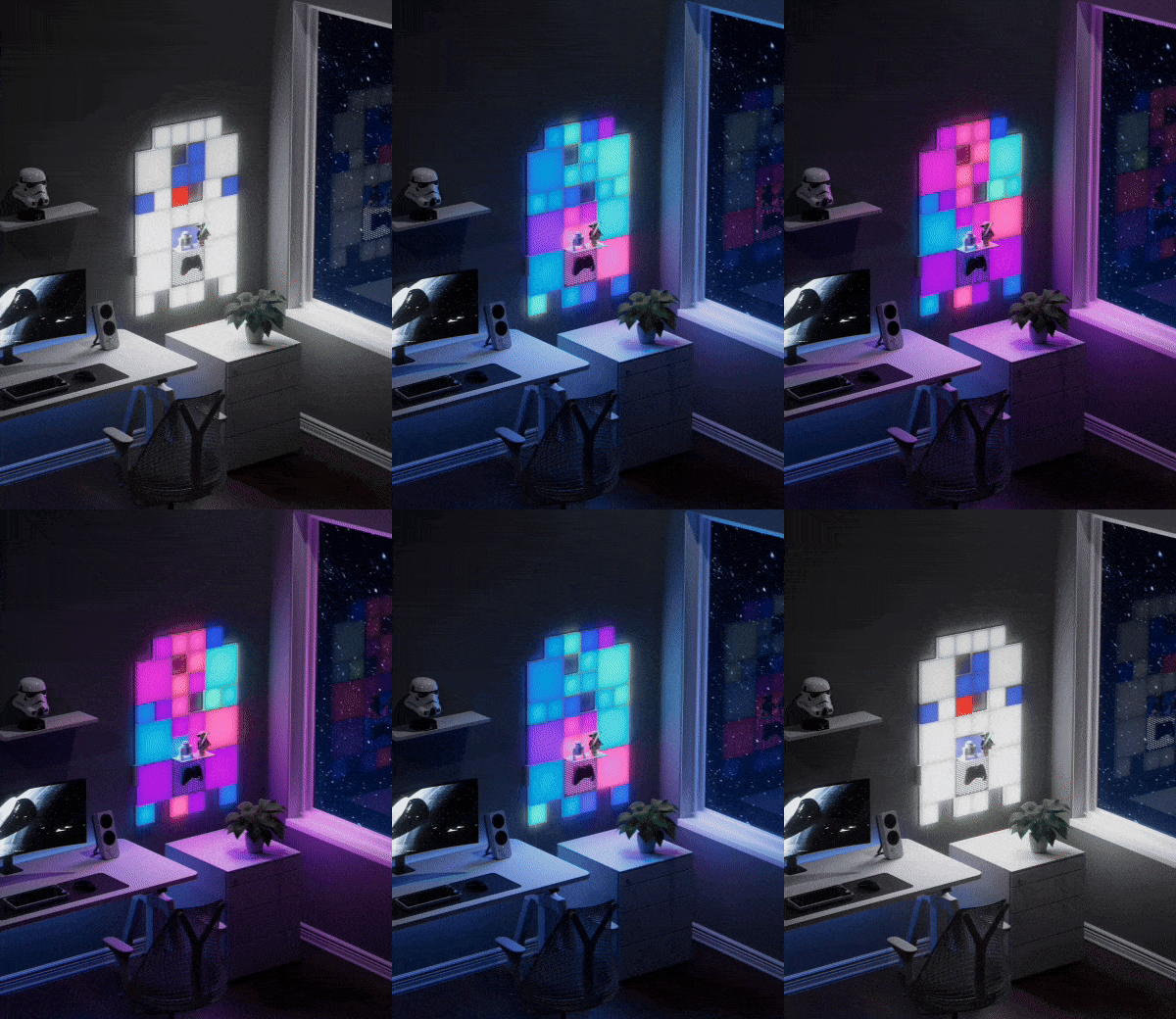





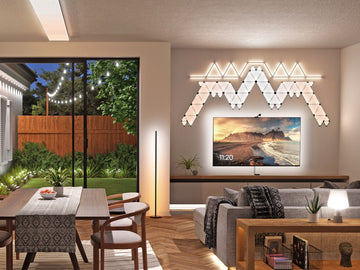
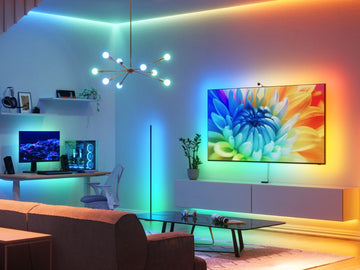
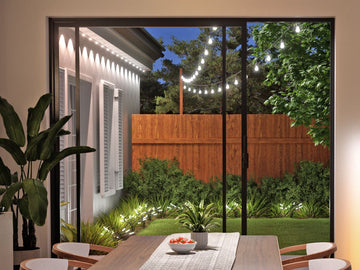
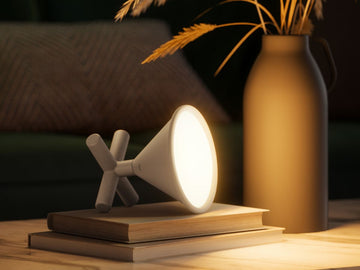
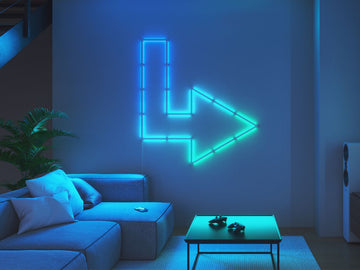
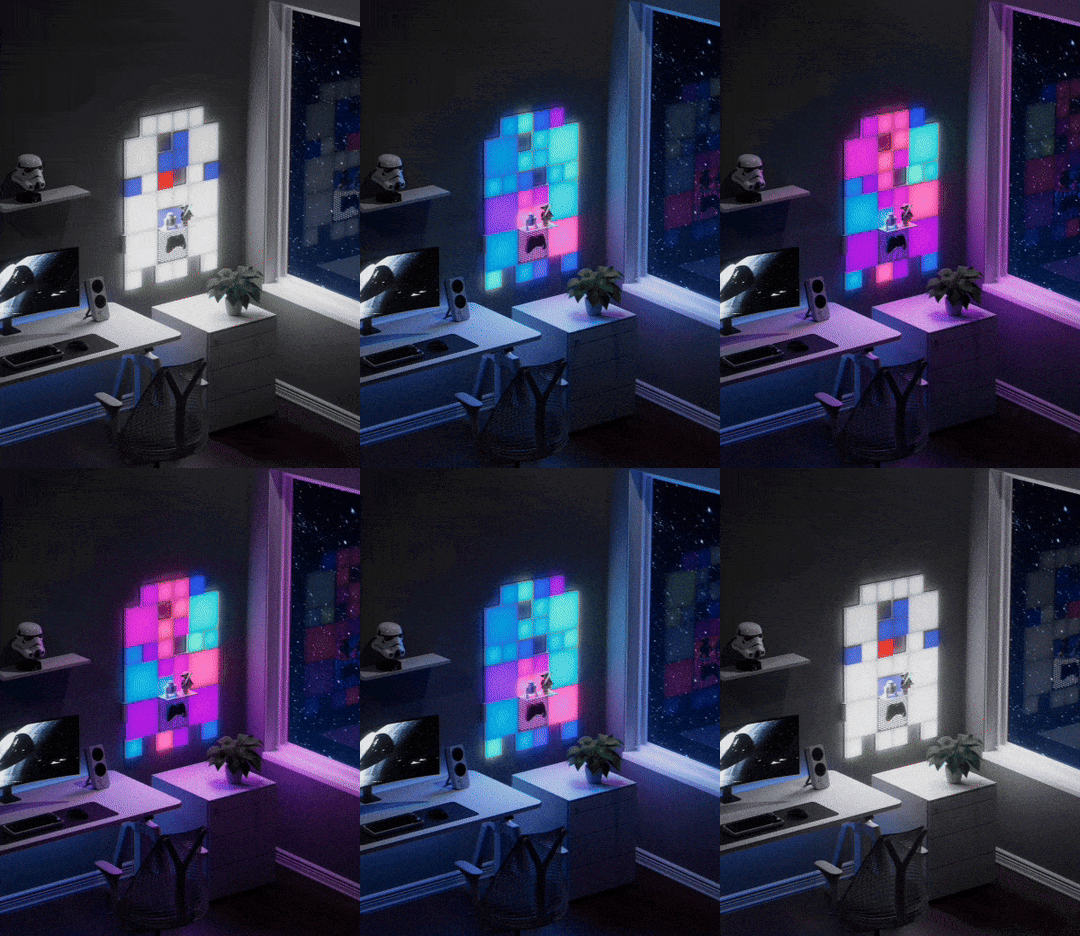



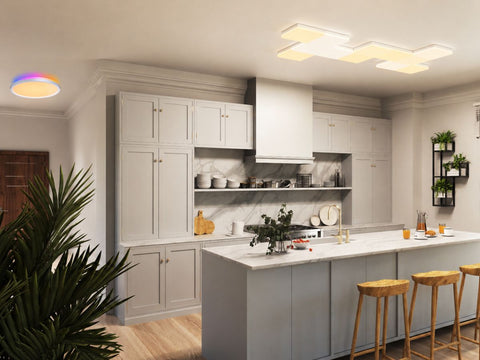
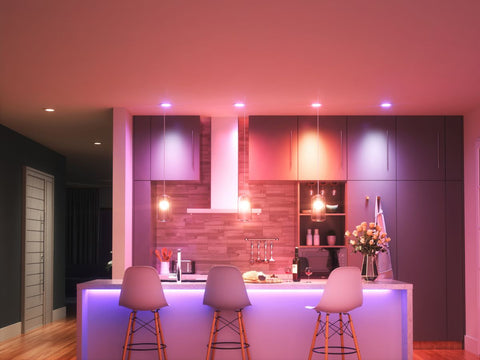
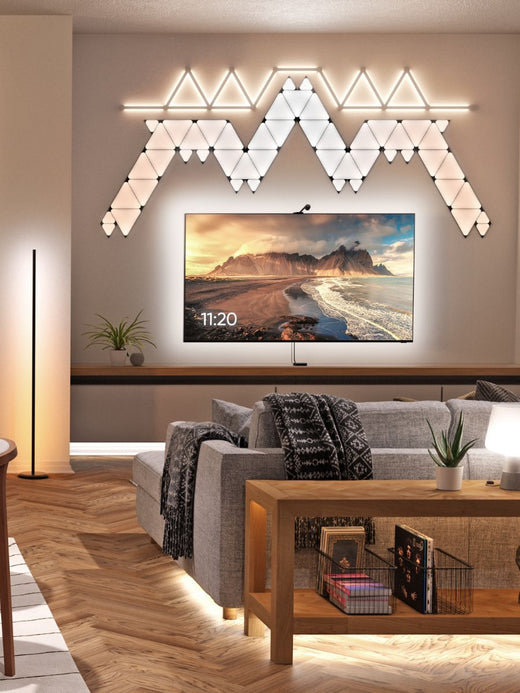

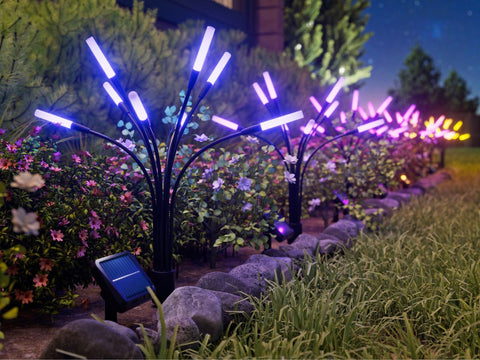










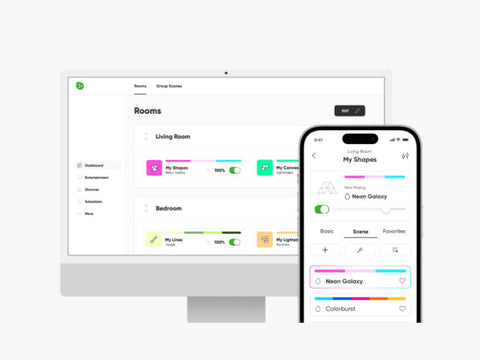


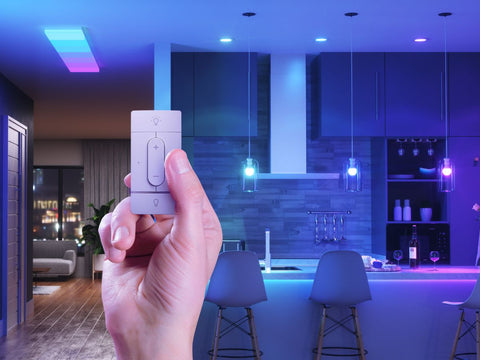
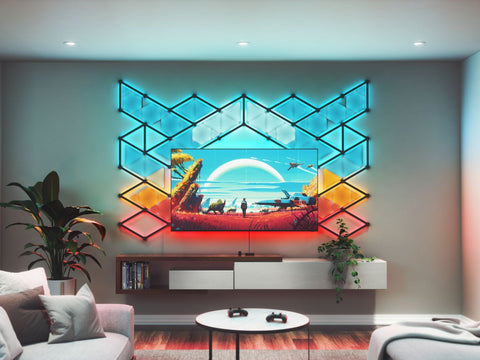
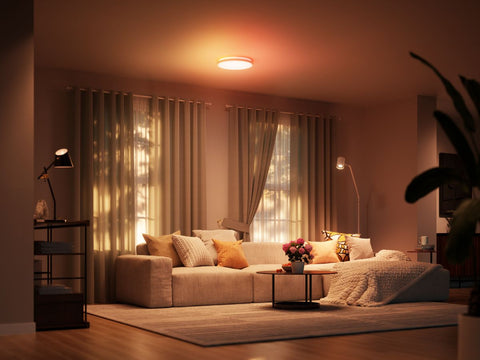

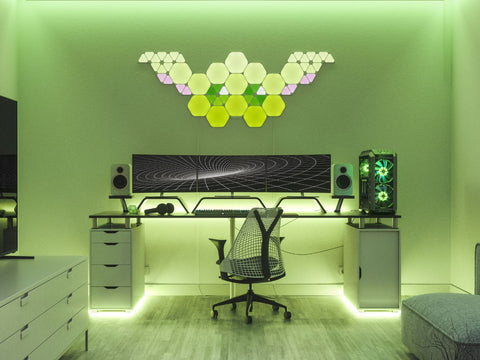
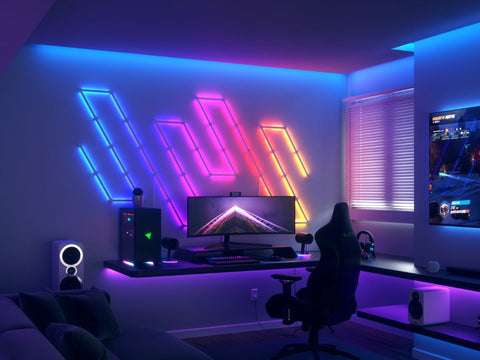
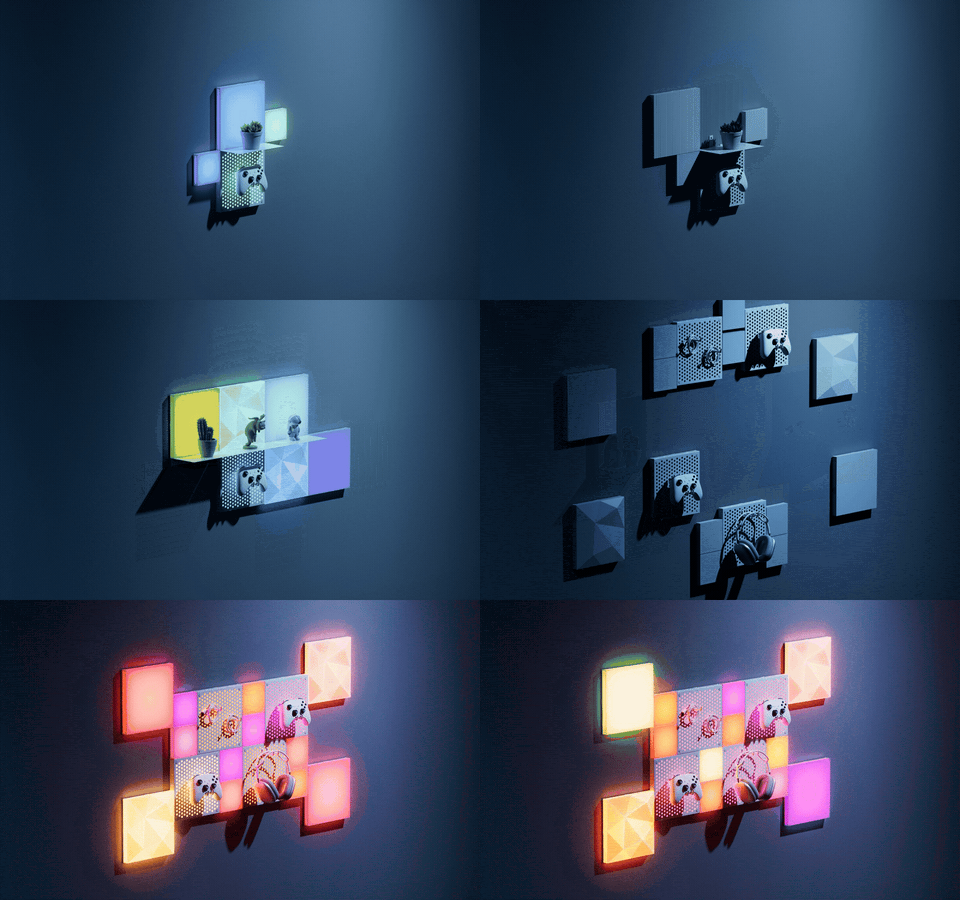
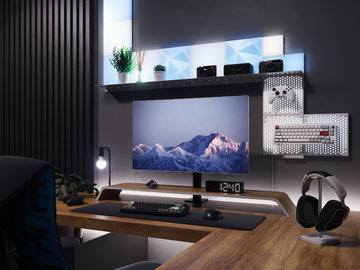


















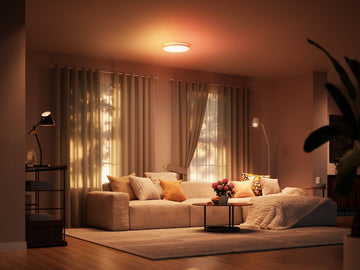
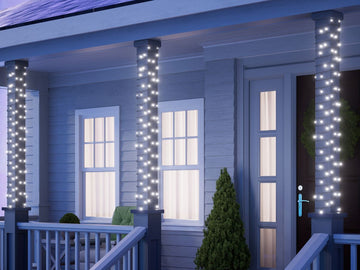
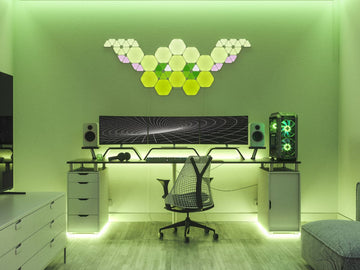
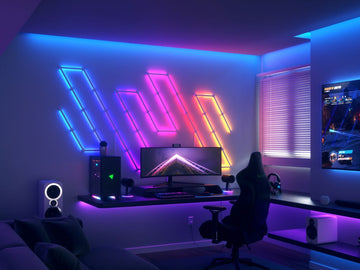
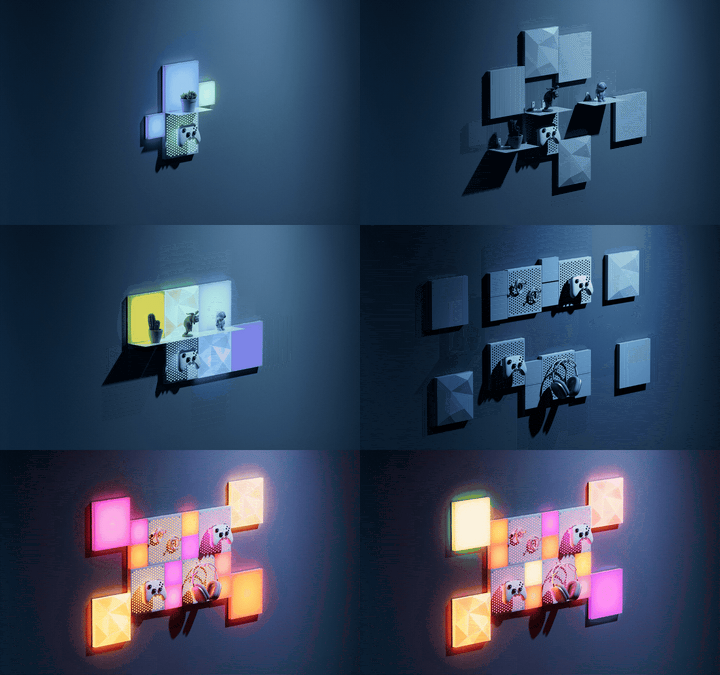









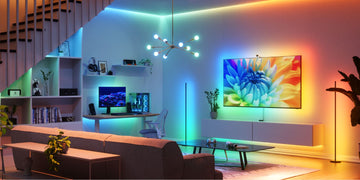


When it comes to control and customization of your lights, smart lighting really changed the game. Suddenly, you could turn your lights ON or OFF from anywhere, choose vibrant colors, and even set automations to help simplify your routine. But with traditional smart lighting, every setting was a (admittedly tedious) manual process.
Want your lights blue?
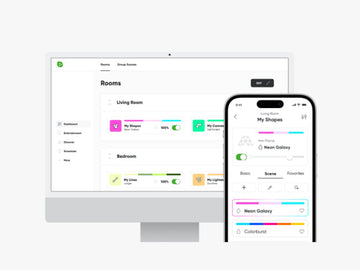
Open the app > Find your device > Turn it on > Open the Color Wheel > Select the right blue color.
That was, until now. Now, using the new Nanoleaf MCP and the AI platform you're already using, you can start with what you actually want, and then simply ask for it.
Want your lights blue?
Open the app > Find your device > Turn it on > Open the Color Wheel > Select the right blue color.
That was, until now. Now, using the new Nanoleaf MCP and the AI platform you're already using, you can start with what you actually want, and then simply ask for it.
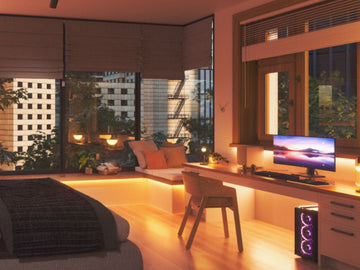
“I want to wake up naturally in the morning”“I need to focus for the next hour”“I want the house to feel cozy for the holidays”
Your AI interprets the request. Nanoleaf MCP gives it a way to interact with your supported Nanoleaf devices.
No new AI tools to figure out. No need to speak fluent smart home. Just ask.
What Is Nanoleaf MCP?
Nanoleaf MCP (Model Context Protocol) lets compatible AI platforms communicate with your Nanoleaf lights.
Think of it as the bridge between your AI and your Nanoleaf products.
Instead of putting another task-specific AI tool inside a lighting app, Nanoleaf brings your lights into the supported AI platforms you already use, like ChatGPT or Claude.
How Does it Understand My Lights?
The MCP knows all the useful information about your Nanoleaf lights, and what they're capable of doing.
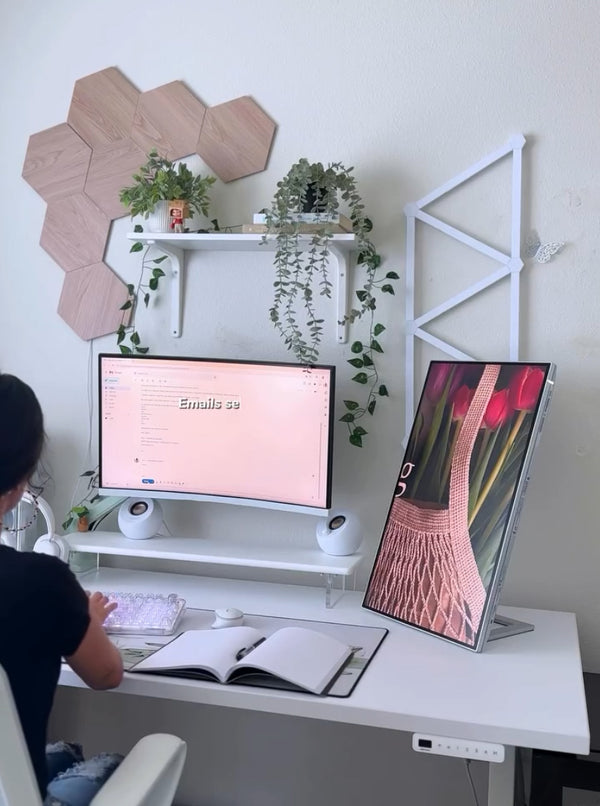
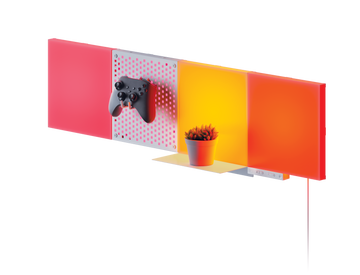
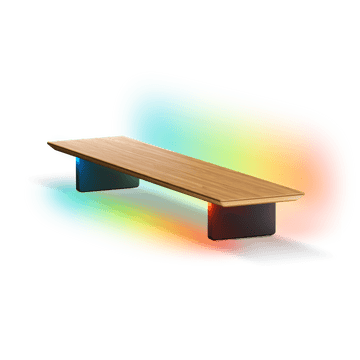
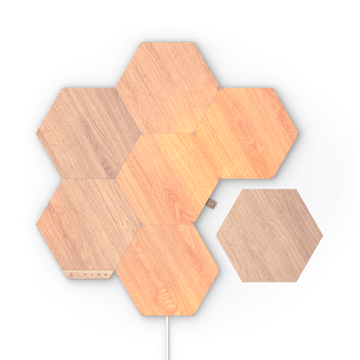
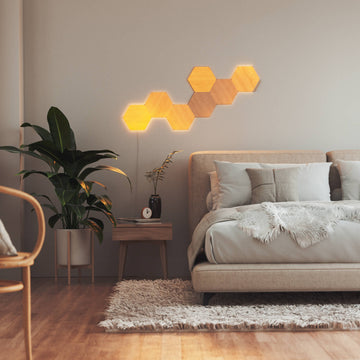
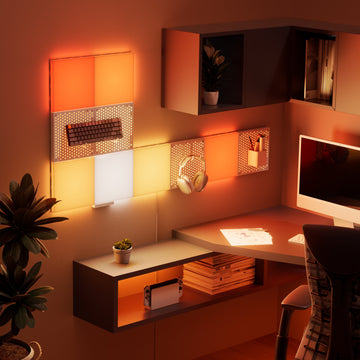
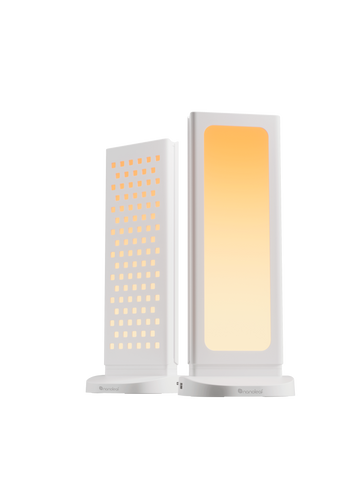
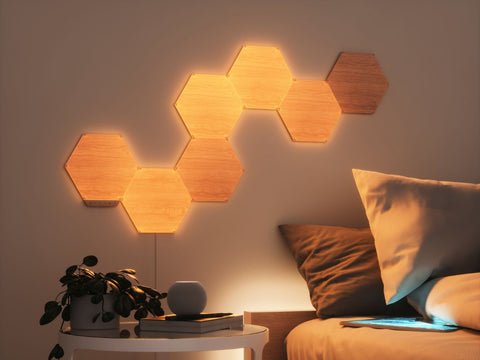
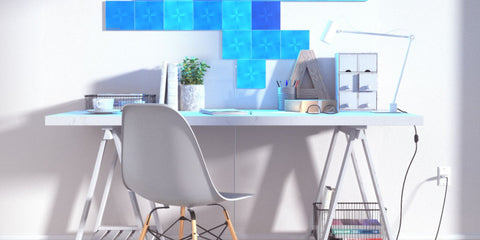
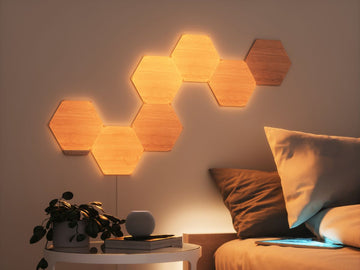
For example, ask Nanoleaf Elements (our beautiful wood-look panels which display the full range of warm to cool white lighting temperatures) to turn bright blue, and the MCP knows that color isn't an option for that device. Your AI is clever enough to know that your lights still have boundaries.
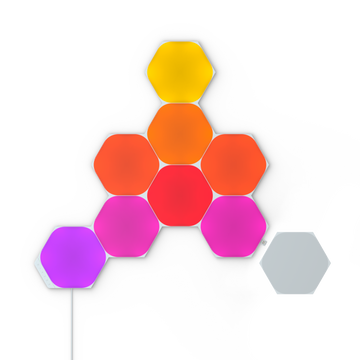
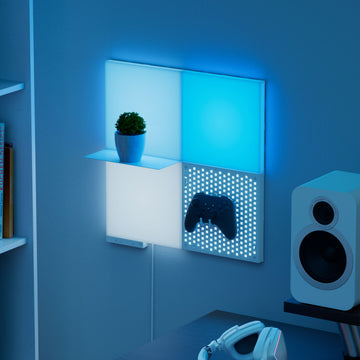
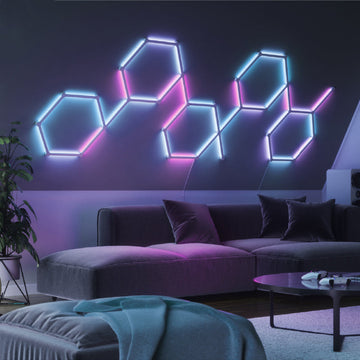
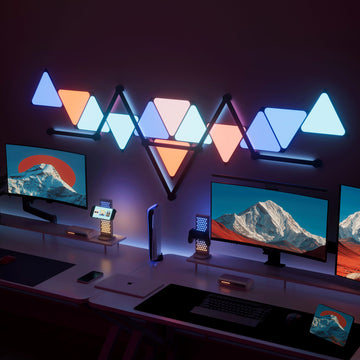
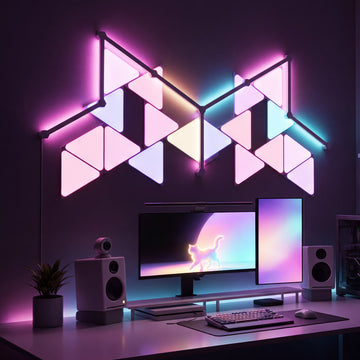
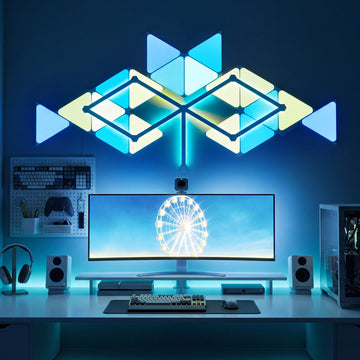
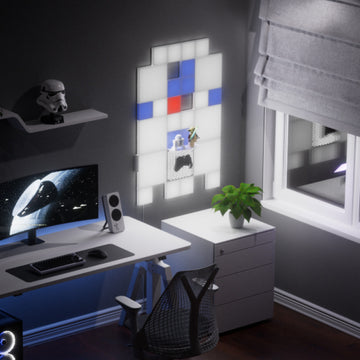
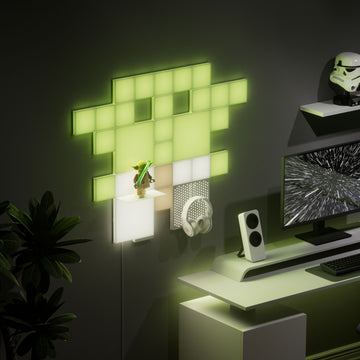
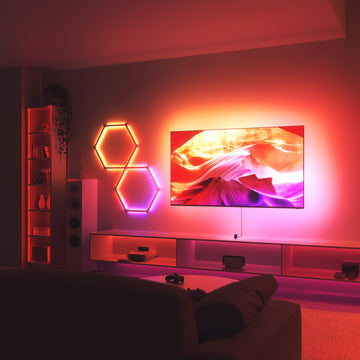
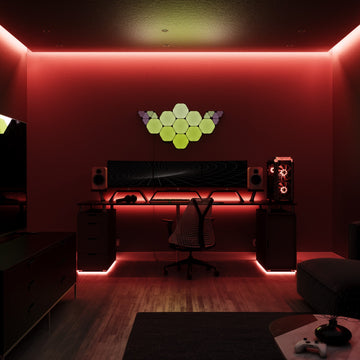
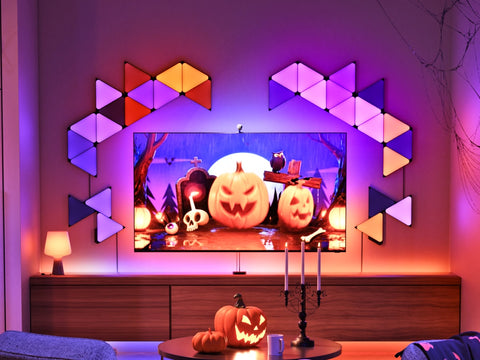
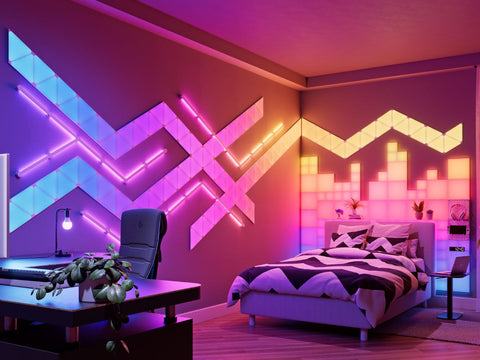
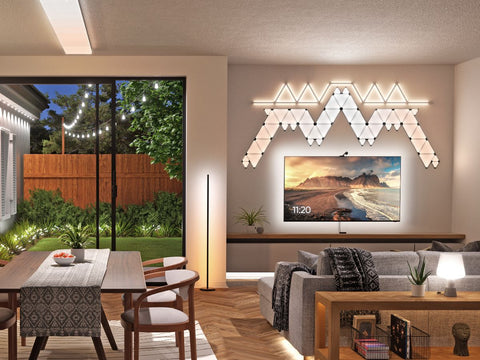
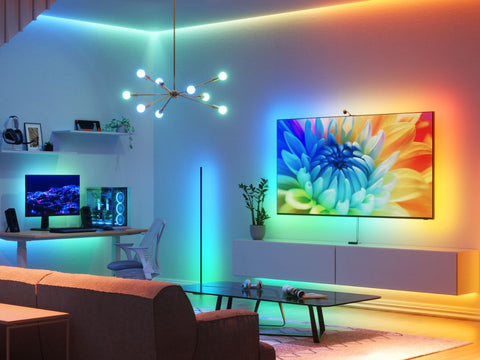
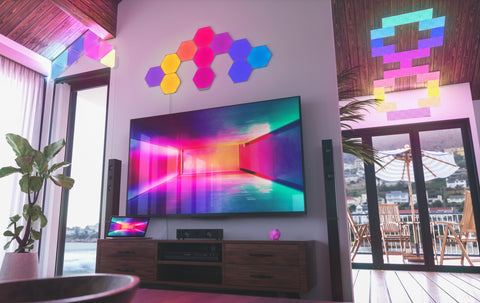
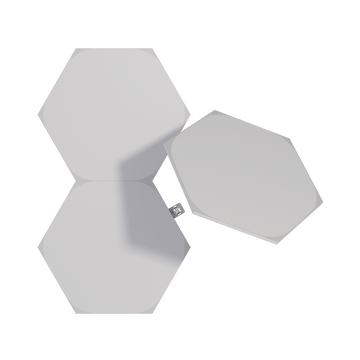
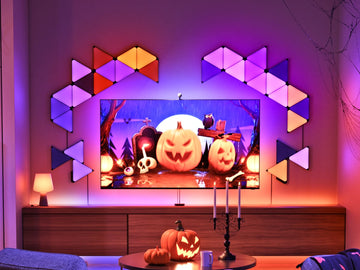
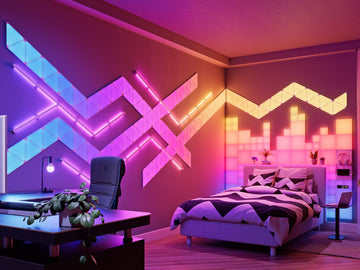
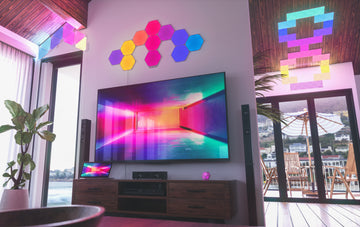
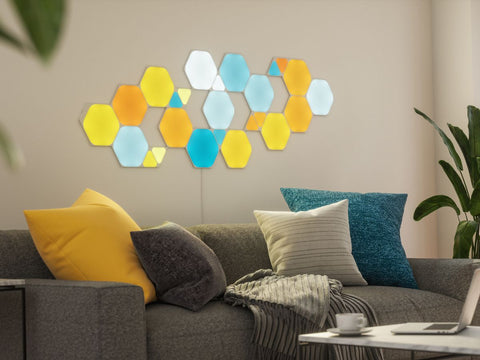
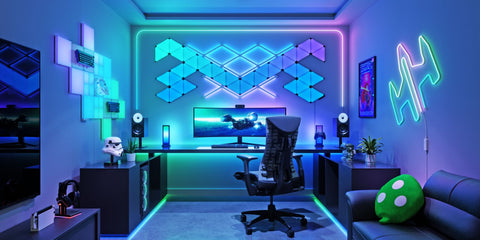
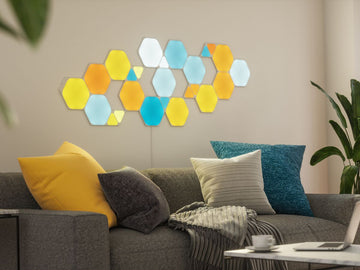
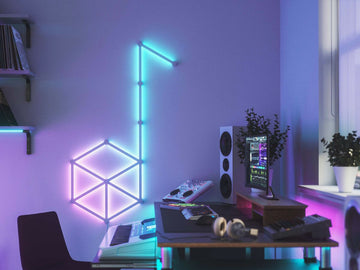
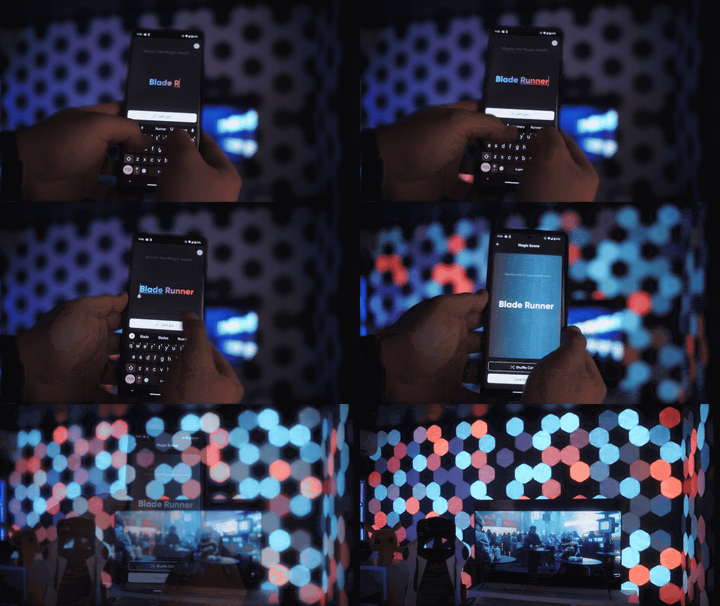
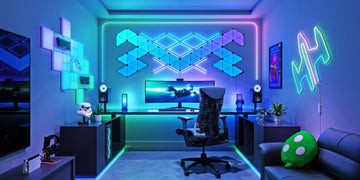
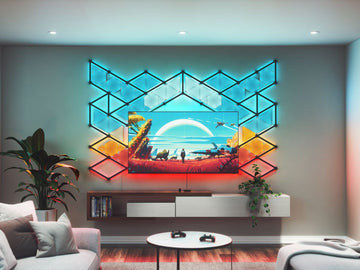
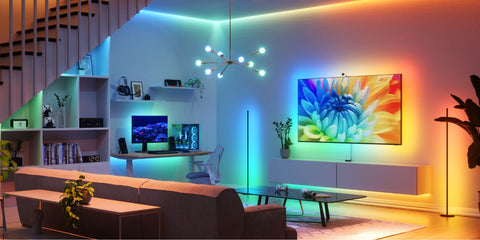
But try the same thing on your RGB-capable Shapes Hexagons and watch your panels instantly illuminate with vibrant blue tones. And there's no reason to limit it to "Turn my lights Blue", as with the previous limitation for smart home voice assistants. Ask your ChatGPT to "make the lighting in my room feel like I'm swimming at the bottom of the ocean" and see your room transform with waves of dynamic multi-dimensional blue lighting effects.
How to Connect Nanoleaf MCP

Ready to introduce your AI to your lights? Here's how.
Configure the Nanoleaf App MCP Integration
-
Open your preferred MCP-compatible chatbot application. For the easiest setup with ChatGPT or Claude, use their desktop app to connect the Nanoleaf MCP integration.
-
Go to Settings and locate Connectors or Plugins.
-
Sign in to your Nanoleaf account and approve the requested MCP access to complete the setup.

Start Controlling Your Nanoleaf Products
-
Make sure your using Nanoleaf Desktop App version 3.0.0 or later, app is open and your devices are paired.
*The Nanoleaf Desktop App must remain open and your computer must remain on for the MCP connection to stay available.
-
Tell your chatbot that you’d like to control your Nanoleaf devices, then approve any requested actions.
-
If your chatbot identifies an available firmware update, update your devices before continuing.
-
Test the integration with a simple command, such as: “Turn off my lights.”
-
If your lights respond, voilà—you’re all set! Start giving your chatbot instructions and see the magic happen.
Here are a few ideas to try:
-
“Match my Blocks’ colors to this attached image of a Bad Bunny album cover.”
-
“Make me a vibrant Scene for a New Year’s party.”
-
“Make me a Playlist with fall colors.”
-
“Start Screen Mirror in 4D mode.”
Once you're connected, turning your lights ON and OFF is really just the starting point.
Just Say What You Want

Nanoleaf MCP supports everyday controls like ON/OFF, brightness, single colors, and color temperature.
So you can simply ask:
“Warm up my bedroom lights and dim them to 30%.”
MCP understands the current state and capabilities of supported products, helping your AI work within what each light can actually do.
Useful? Absolutely.
But you didn't connect your lights to AI just to replace the light switch.
Create a Scene From an Idea

This is where natural language gets much more interesting.
Instead of choosing every color, palette, and effect yourself, start with the outcome:
“Make me a vibrant Scene for the New Year's party I'm hosting tonight.”
Nanoleaf MCP can create, preview, and delete Scenes across supported devices, working with available palettes and Motion options, including Paint, Rhythm, and Dynamic Scenes.
Or get specific:
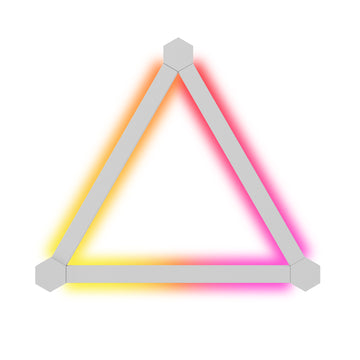
“Display a painted rainbow on my Nanoleaf Shapes.”
“Display a painted rainbow on my Nanoleaf Shapes.”
You bring the idea. Your AI figures out the lighting.
Can't Describe It? Show It.
Sometimes it's easier to point than explain.
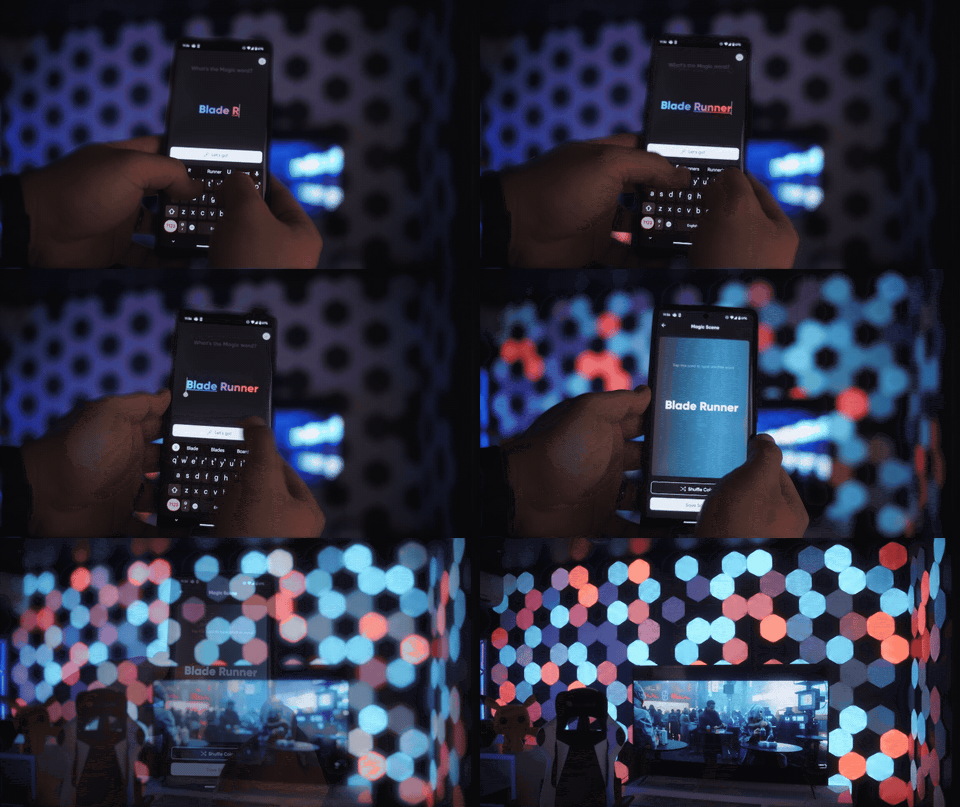
“Match my lights to this album cover.”
“Match my lights to this album cover.”
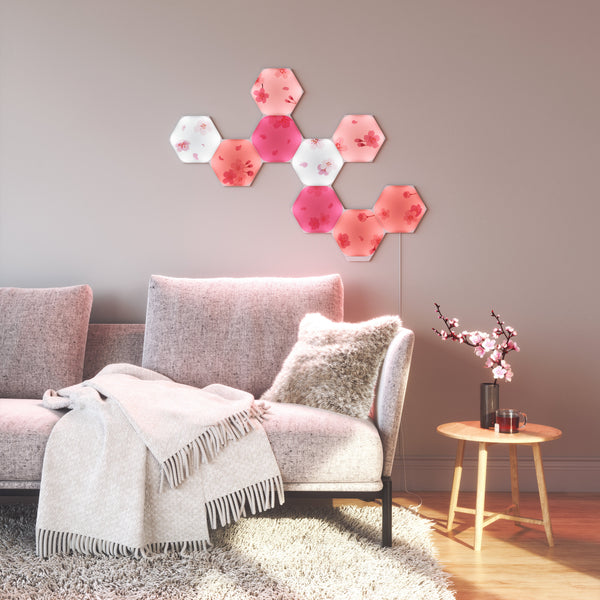
Your AI can interpret an image and use Nanoleaf MCP's Scene capabilities to bring that inspiration into your lighting.
Try an album cover, game, wallpaper, or another image that catches your eye.
It's essentially the lighting version of: “That. I want that.”
Keep Things Moving With Playlists
One Scene not enough?
“Make me a new Playlist with fall colors.”
“Make me a new Playlist with fall colors.”
Nanoleaf MCP can create and play Playlists using Scenes available across supported devices, letting your lighting move from one look to another without you managing every transition.
Already have a favorite?
“Play my party Playlist on the Shapes in my living room.”
“Play my party Playlist on the Shapes in my living room.”
One request. Multiple Scenes. Considerably less tapping.
Make Your Lighting Work With Your Day

AI-powered lighting doesn't always need to be dramatic. Sometimes the best use is simply making your space work a little better around you.
Circadian Lighting
“Turn on Circadian Lighting on my bedroom lights.”
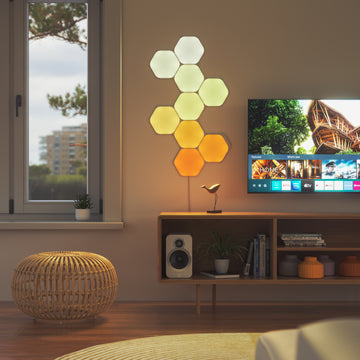
Nanoleaf MCP can control and configure Circadian Lighting, shifting brightness and color temperature throughout the day while accounting for what your supported products can produce.
Warmer mornings. Cooler light during the day. Warmer evenings.
Your lighting can follow the clock, even when you don't.
Focus Without Another Screen
Your lights can also become the timer.
“Give me productive lighting while I work for the next hour, a gentle color cue when there are five minutes left, then switch to something fun during my break”
“Give me productive lighting while I work for the next hour, a gentle color cue when there are five minutes left, then switch to something fun during my break”
If your AI platform supports and is authorized to manage the timing, MCP can handle the supported lighting actions.
No extra countdown competing for your attention. Your room gives you the hint instead.
Bring Entertainment Beyond the Screen

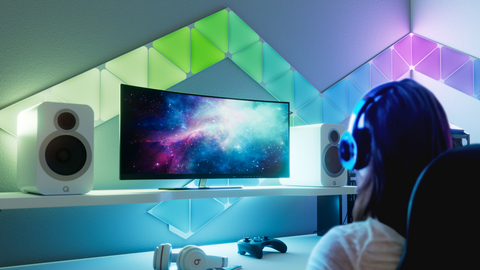
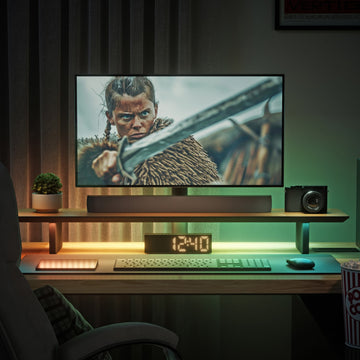
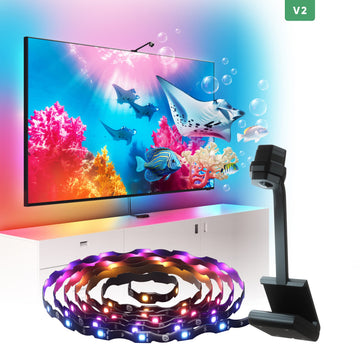
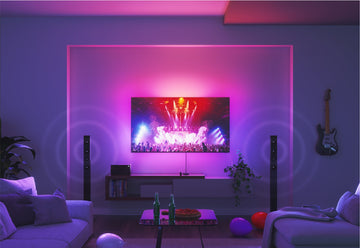
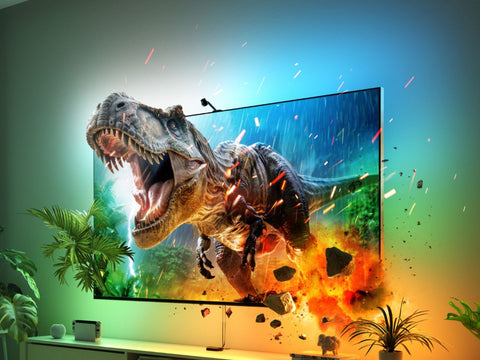
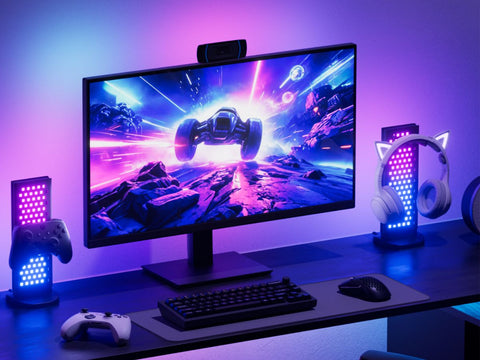
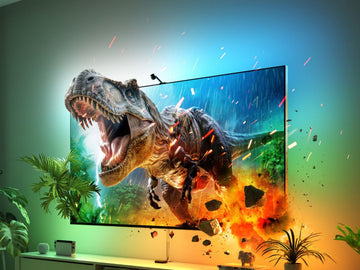
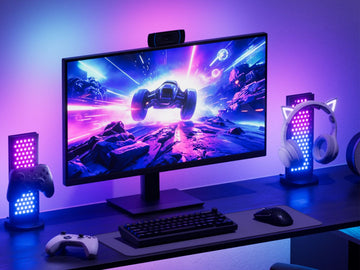
Your AI can also tap into supported Nanoleaf entertainment experiences, including Sync+, 4D Screen Mirror, and Nanoleaf Desktop App Screen Mirror.
Want your lighting reacting to what's on your PC?
“Start Screen Mirror in 4D mode.”
“Start Screen Mirror in 4D mode.”
Finished?
“Stop mirroring my screen.”
“Stop mirroring my screen.”
MCP can start and stop Nanoleaf Desktop App Screen Mirror, as well as turn Sync+ on or off and add or remove compatible devices.
You can even use a photo of your TV and surrounding lights to help configure Sync+, provided those devices are already paired and controllable through the Nanoleaf Desktop App.
Less fiddling before you play. More actually playing.
Give Your AI More Context
This is where conversational control starts becoming something bigger.
Your AI brings the context. MCP brings the connection to your lights.
If your AI has access to other information or services and is authorized to act on them, that context can become part of your lighting experience.
For example:
“Between 9 AM and 5 PM on workdays, keep my Office Shapes in sync with the weather.”
Your AI can use available weather information and timing to determine what should happen, while MCP handles the supported Nanoleaf lighting actions.
Rainy afternoon? Maybe the Office Shapes get warmer and cozier. Bright and sunny? Your AI can take things in another direction.
The same idea can extend to time, focus sessions, entertainment, calendar events, web information, and other services your AI can access.
One important distinction: Nanoleaf MCP itself does not create Routines. Scheduling, outside information, and other contextual triggers depend on what your AI platform supports, can access, and is authorized to do.
That's the difference between simply controlling a light and connecting your lighting to more of your world.
For Developers & Creators: This Is Where Another Story Starts

For most people, the idea is simple: ask for what you want and let your lights respond.
For developers and creators, that's where another story begins.
Nanoleaf MCP gives compatible AI systems structured access to supported Nanoleaf capabilities while providing useful context about the products they're working with.
That can include:
-
Current power and brightness state
-
Color and color temperature capabilities
-
Product-specific limits
-
Available Scenes, palettes, and Motion options
-
Circadian Lighting configuration
-
Screen Mirror state
-
Sync+ compatibility
That context gives AI more information to work with before deciding what action makes sense.
Build the Controls You Wish Existed
Maybe the interface you want doesn't exist yet.
Build it.
“Build a custom dashboard for all my Nanoleaf devices with only my top three favorite Scenes and the ability to paint my panels from the main view.”
“Build a custom dashboard for all my Nanoleaf devices with only my top three favorite Scenes and the ability to paint my panels from the main view.”
MCP gives developers and creators a foundation for experimenting with interfaces and experiences built around their own needs rather than only the experiences Nanoleaf defines.
Connect Lighting to More of Your World
Now take that same foundation and combine it with other information and services available to an AI platform.
Lighting could become ambient feedback for something happening elsewhere. Custom services could influence your space. New Scenes could be generated from changing inputs. Developers could create entirely new ways of interacting with a Nanoleaf setup.
MCP provides the connection to supported Nanoleaf capabilities. External information, scheduling, memory, third-party services, and other integrations depend on the AI platform and what the user has authorized.
We give you the connection. You decide what to build.
Good to Know
Nanoleaf MCP opens up new ways to interact with your lighting, but it doesn't replace every part of the Nanoleaf experience.
Nanoleaf MCP currently does not support:
-
Routines
-
Group Scenes
-
Sense+ Control Group
-
Firmware updates
-
Pairing and product configuration, such as initial 4D calibration
-
Moving devices between Rooms or Homes
-
Nanoleaf Discover
-
Matter pairing and control
Your devices need to already be paired and controllable through the Nanoleaf Desktop App.
And while your chatbot may identify that a firmware update is available, the firmware update itself is not performed through Nanoleaf MCP.
Your AI in Your World
Turning your lights on with AI is useful.
But it's not really the point.
Tell your AI the atmosphere you want. Show it an image. Ask for a focus session. Create a Playlist. Bring entertainment beyond your screen. Give it context from the world around you. Or build something Nanoleaf hasn't thought of yet.
Nanoleaf MCP gives supported AI platforms a way to reach beyond the screen and interact with your lighting.
No new AI to learn. No list of magic commands to memorize.
Use the AI you already use. Tell it what you want. See it happen in your space.