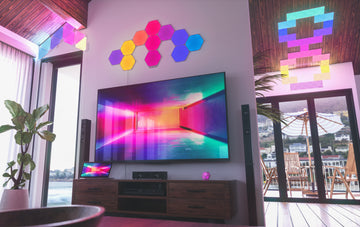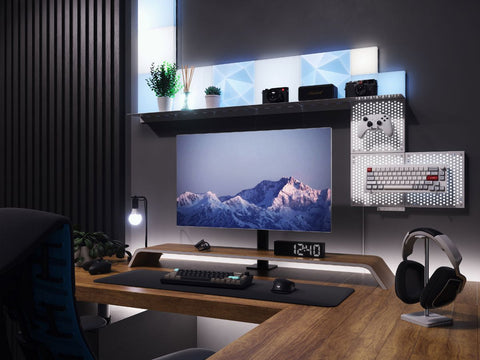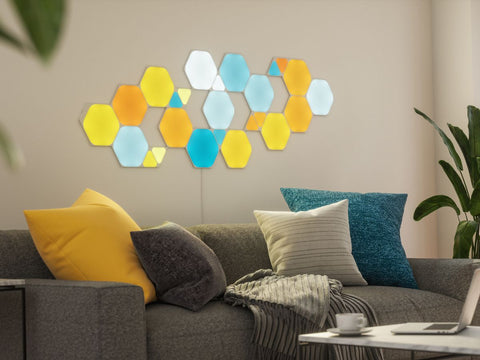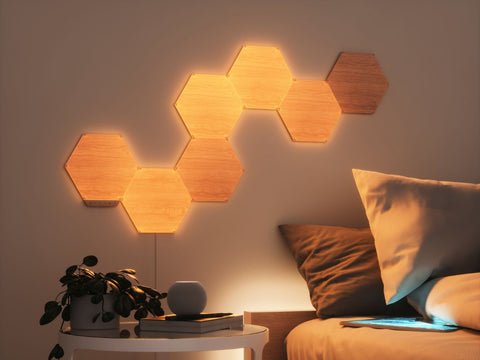



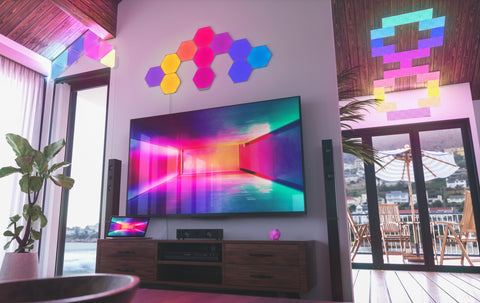



Shop Smart Lighting

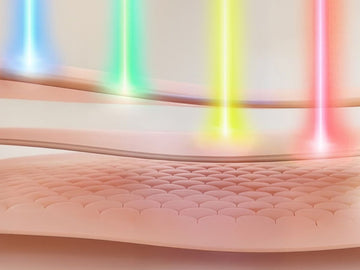
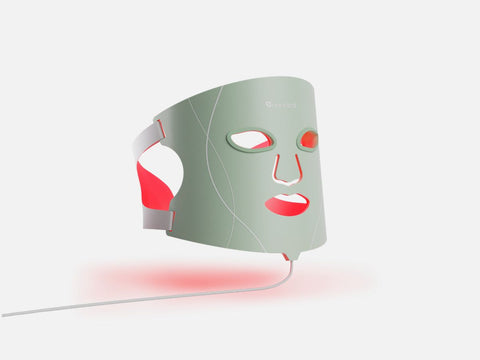
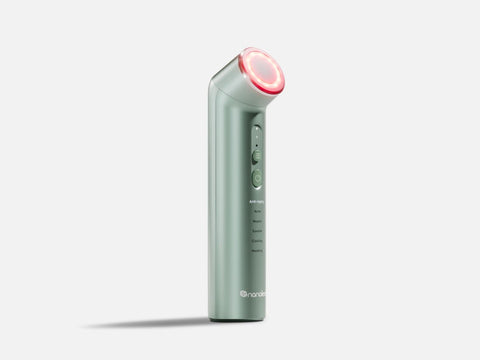
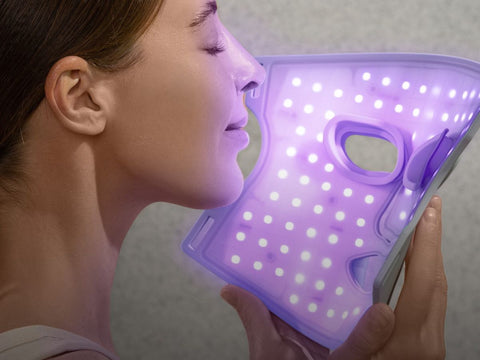
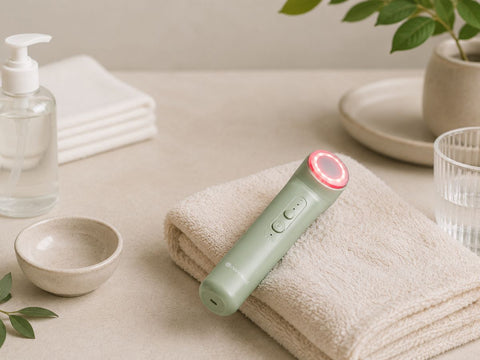
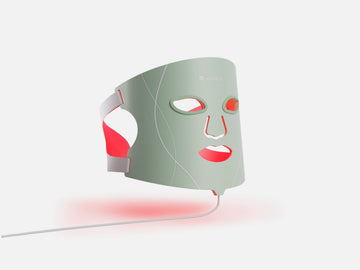
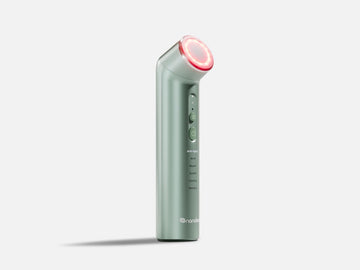
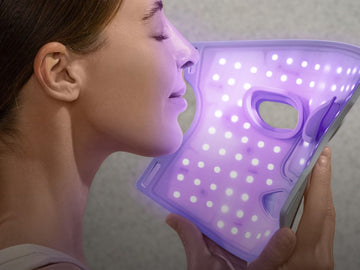
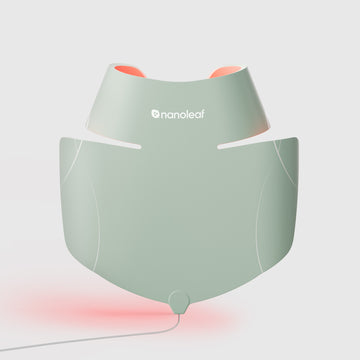
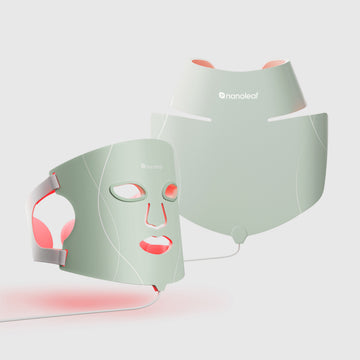
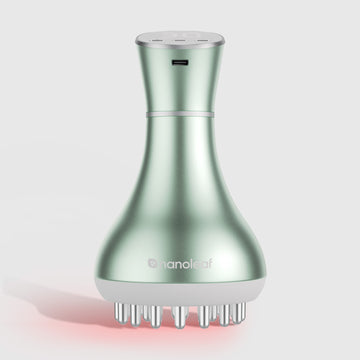
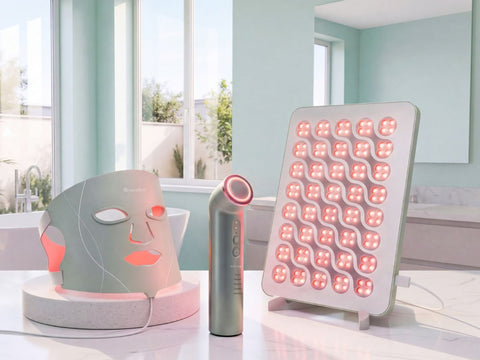
Shop Light Therapy Devices


Shop All Nanoleaf Products


Browse all Nanoleaf products for unique customizable smart lighting essentials, gaming setup accessories, and wellness devices, designed to elevate your home and lifestyle.
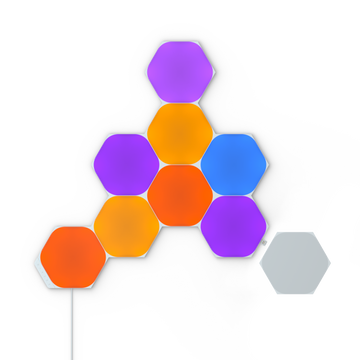
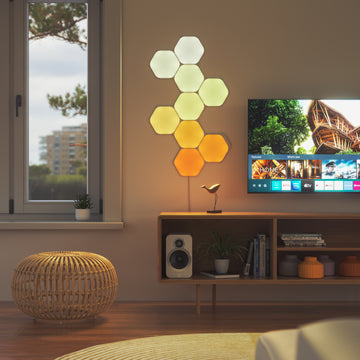
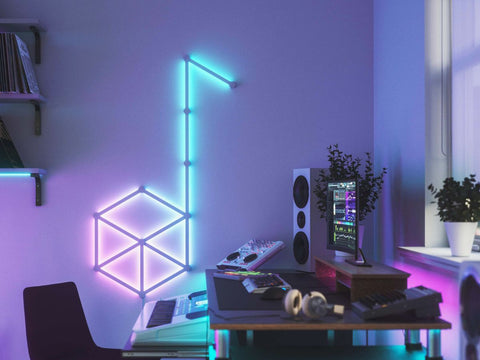
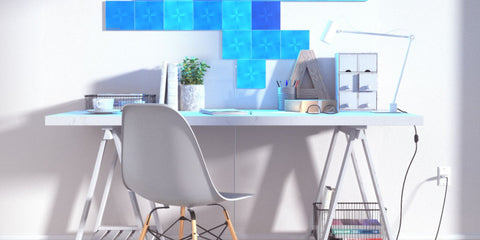
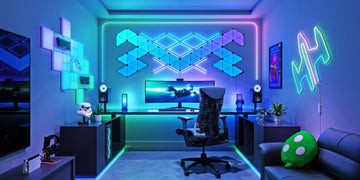
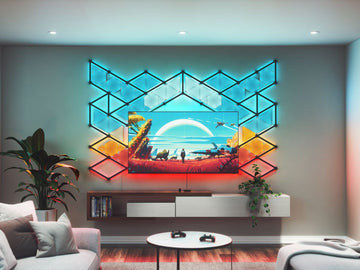
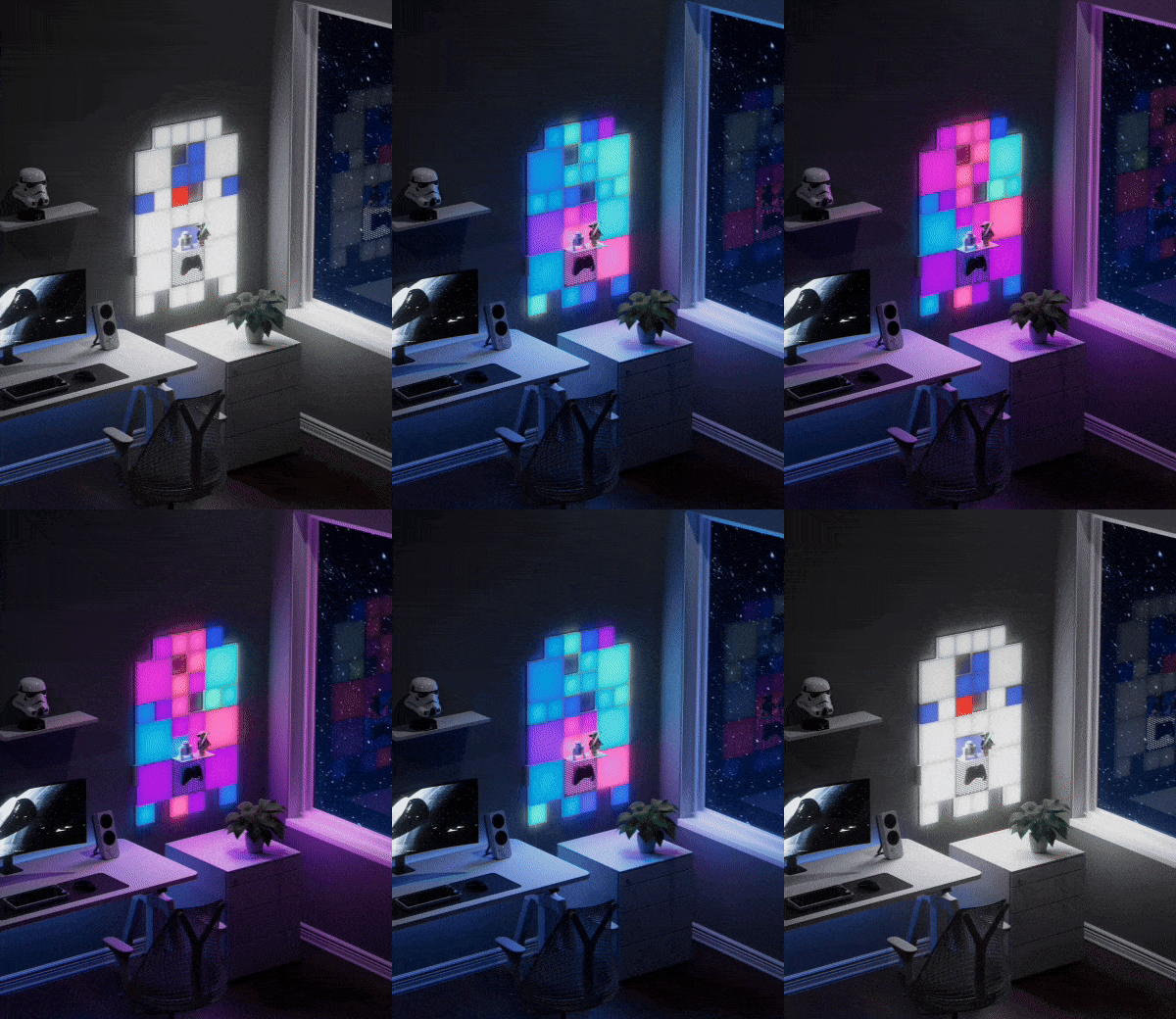
Nanoleaf Shapes Starter Kits
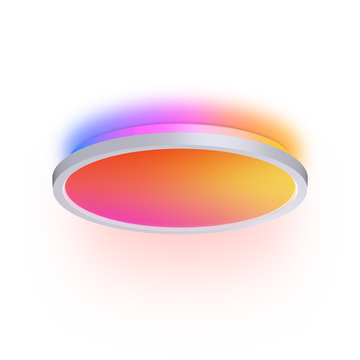
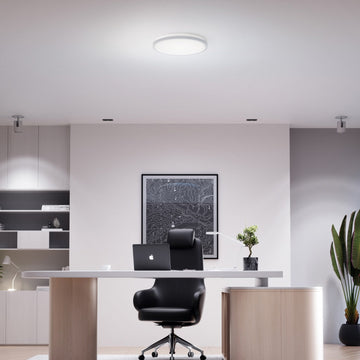
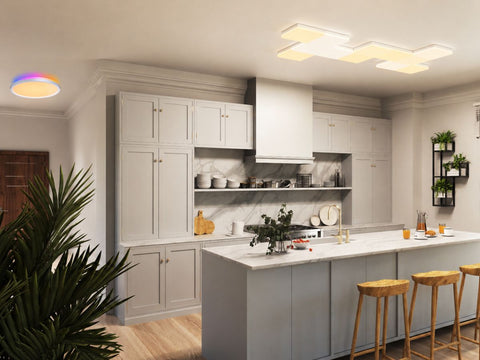
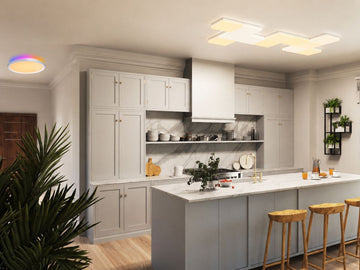
Nanoleaf Smart Ceiling Light
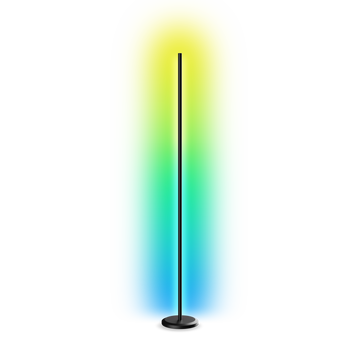
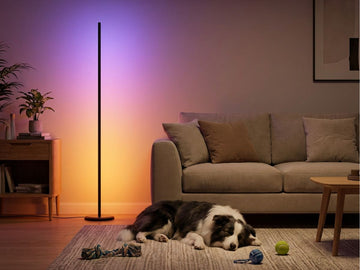
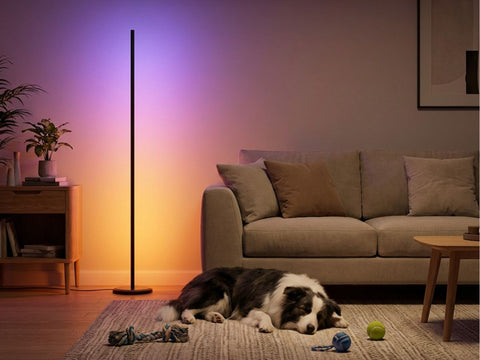
Nanoleaf Smart Floor Lamp
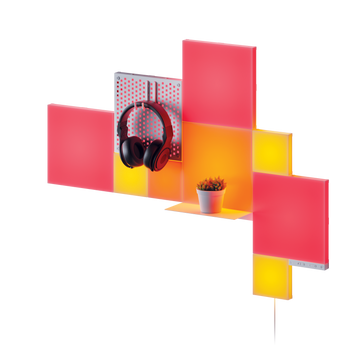
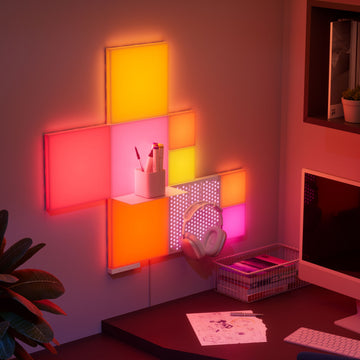
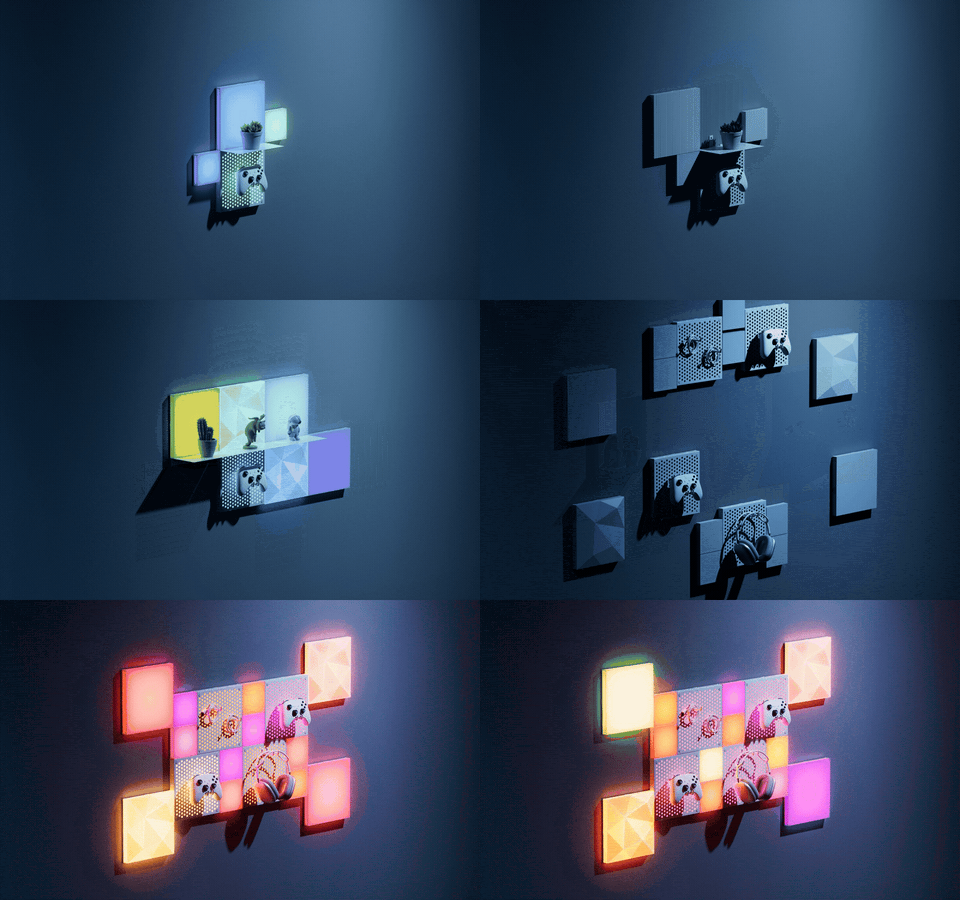
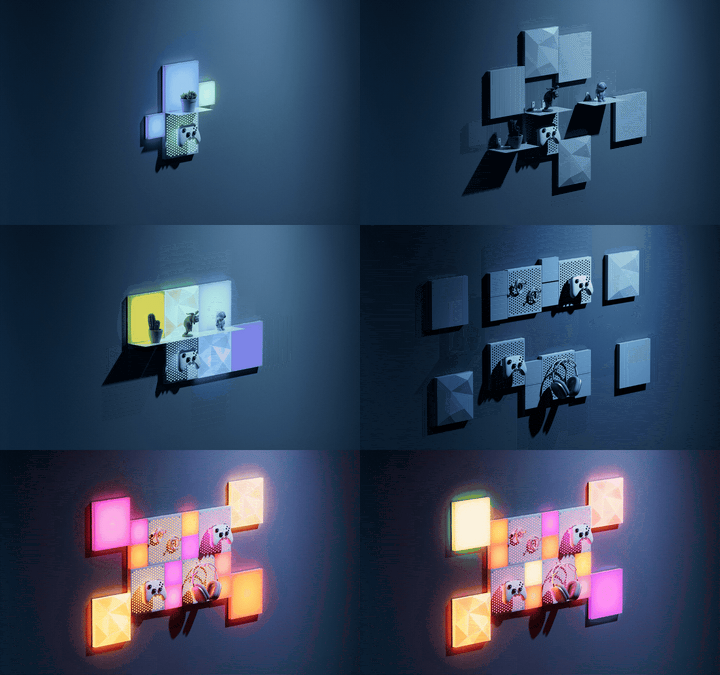
Nanoleaf Blocks
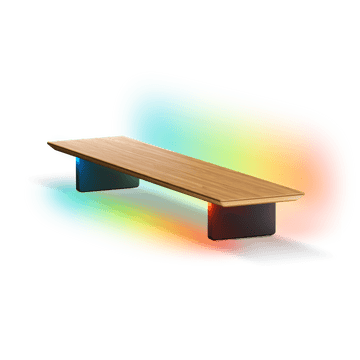
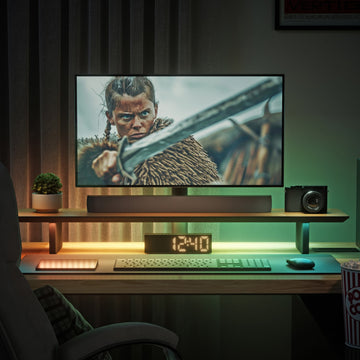
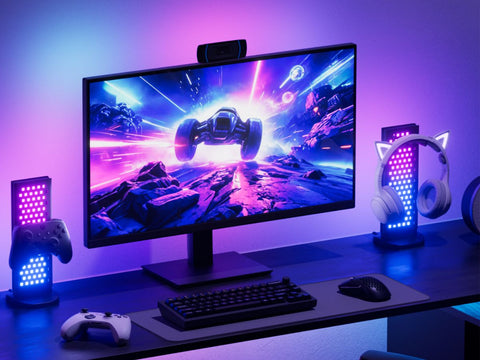
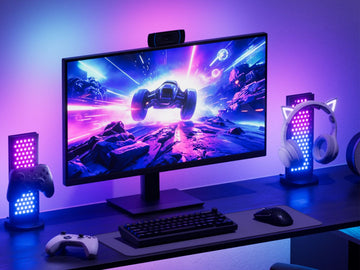
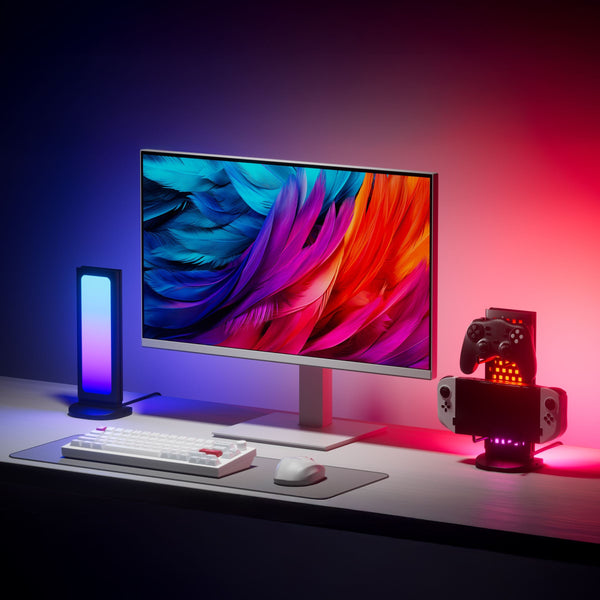
Nanoleaf Smart LED Monitor Stand
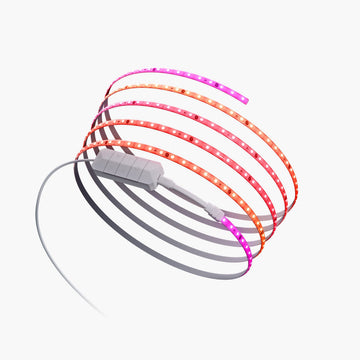

Nanoleaf Smart Multicolor Lightstrips
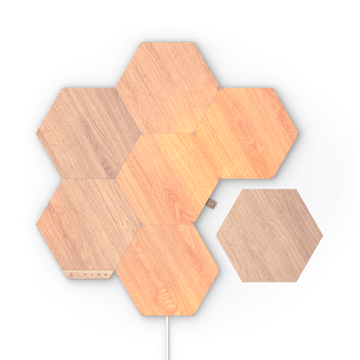
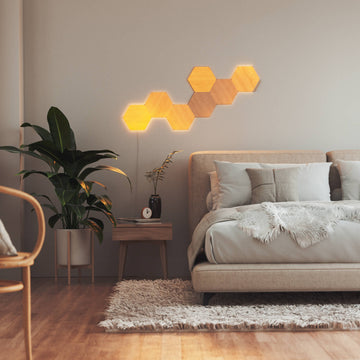
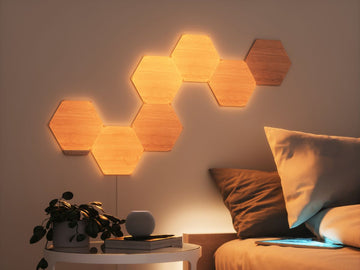
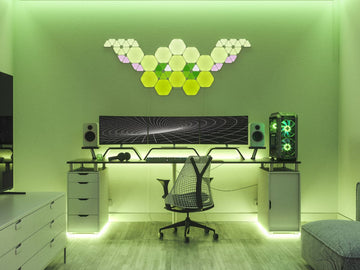
Nanoleaf Elements Starter Kits
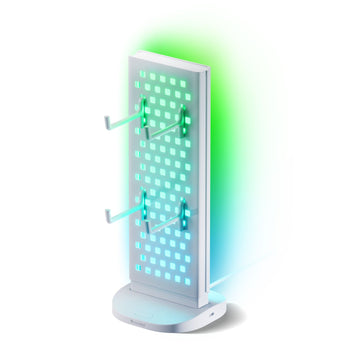
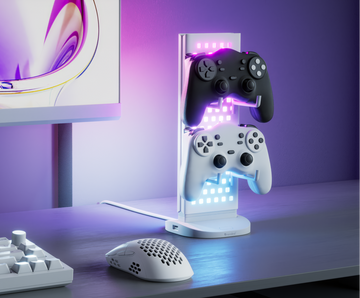
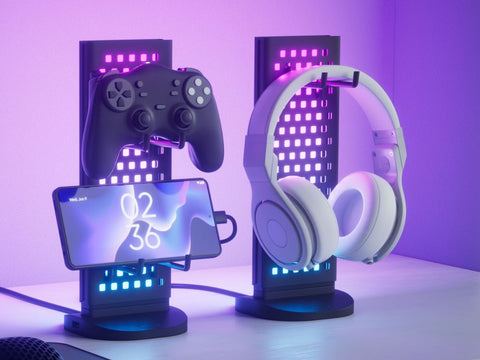
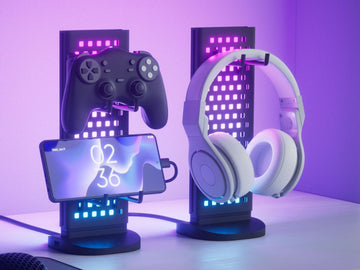
Nanoleaf Pegboard Desk Dock
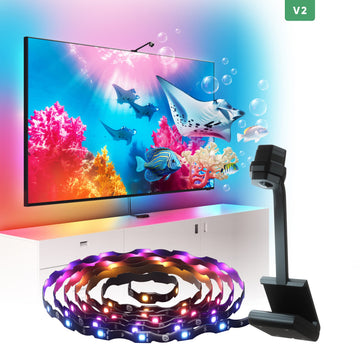
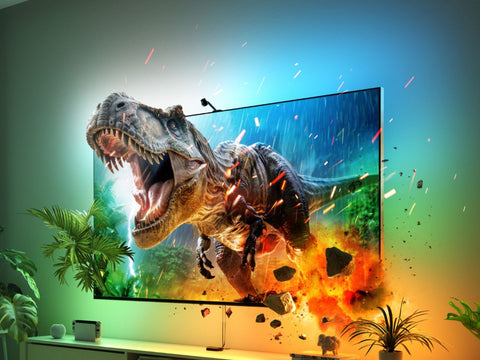
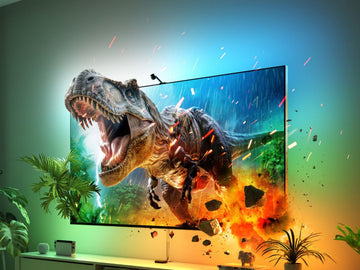
Nanoleaf 4D Screen Mirror

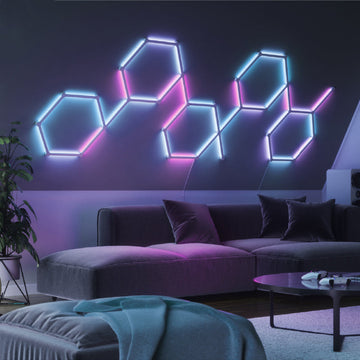
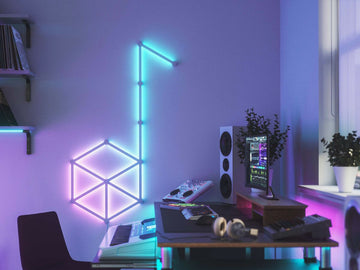
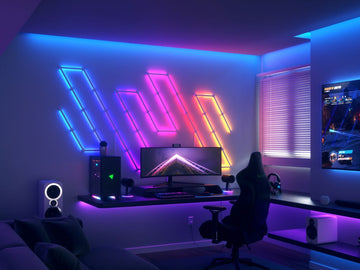
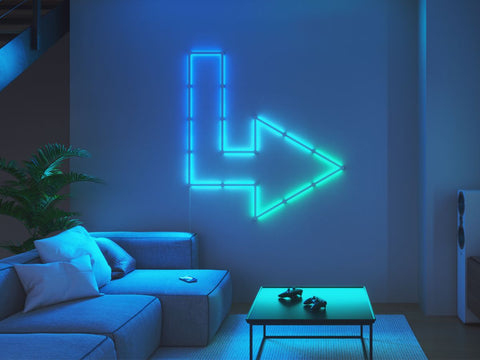
Nanoleaf Lines Starter Kits
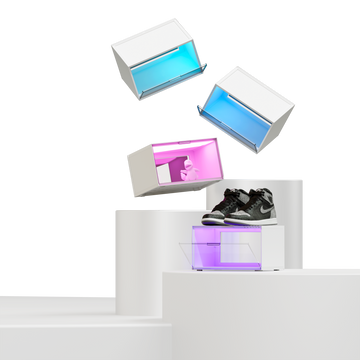
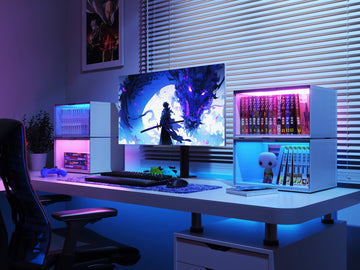
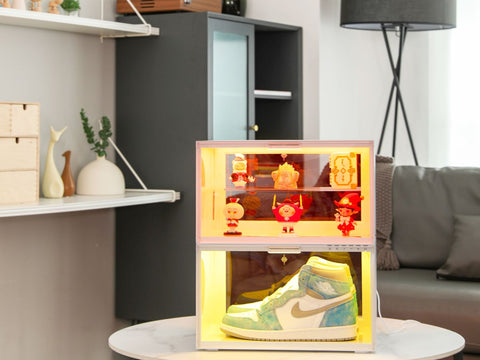
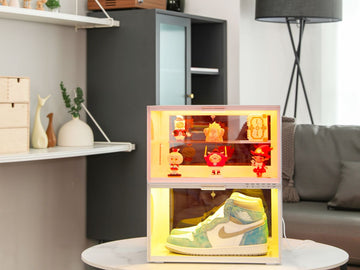
Nanoleaf EXPO LED Display Case
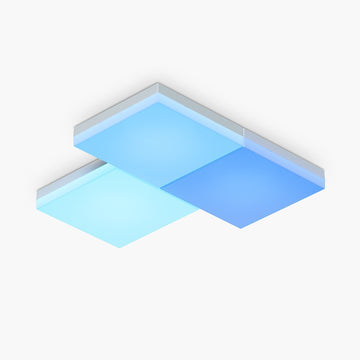
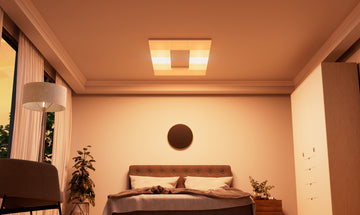
Nanoleaf Skylight
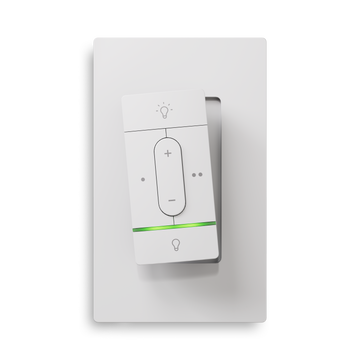
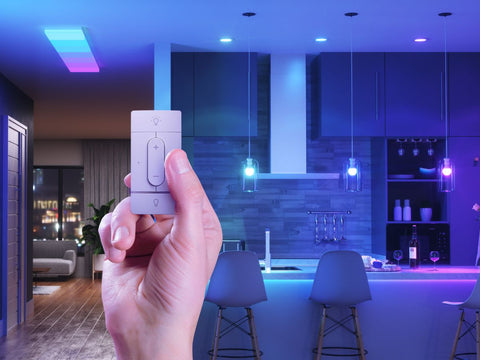
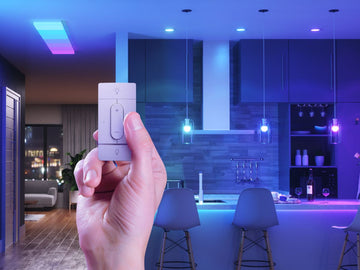
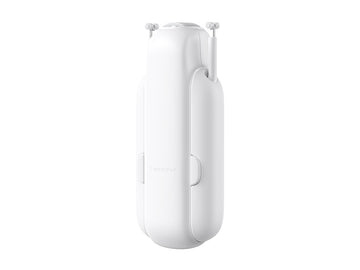
Nanoleaf Sense+ Smart Wireless Switch

Nanoleaf Smart Rope Light
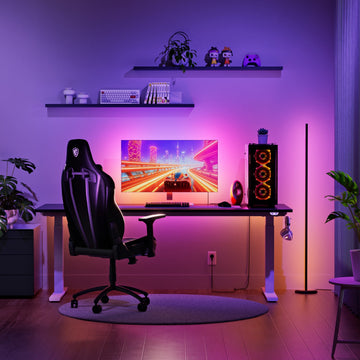
Nanoleaf PC Screen Mirror Lightstrip
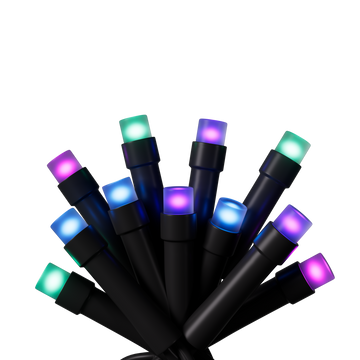

Nanoleaf Smart Holiday String Lights
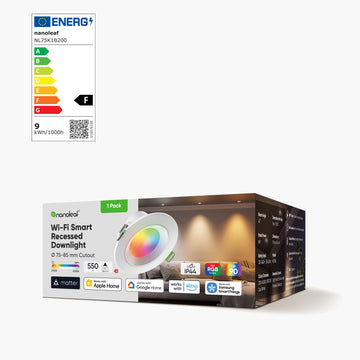
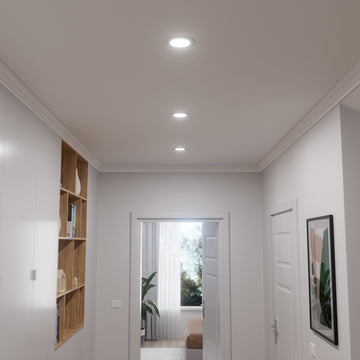
Nanoleaf Smart Recessed Downlight (Matter Over Wi-Fi)
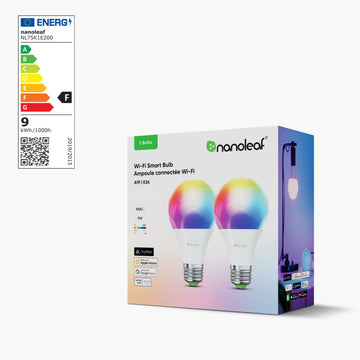

Nanoleaf Smart LED Bulbs
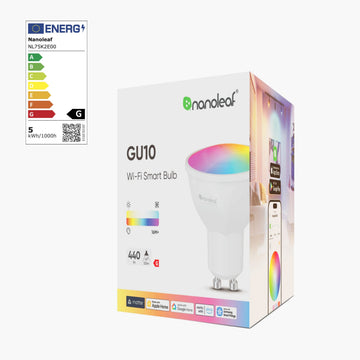
Nanoleaf Smart LED Spotlights
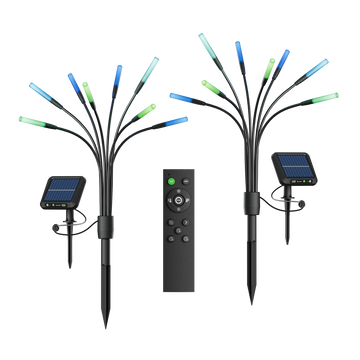
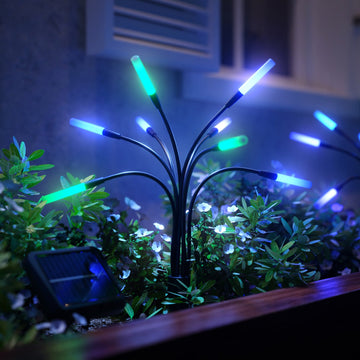
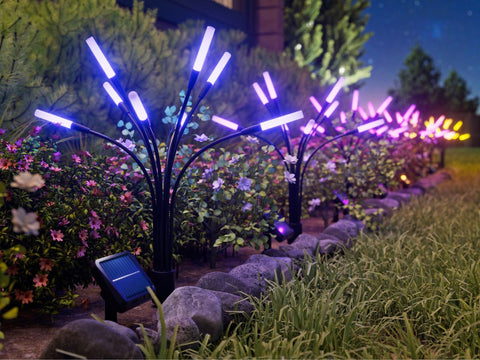
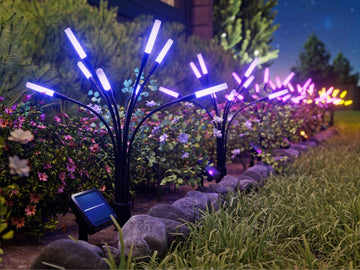
Nanoleaf Solar Garden Lights
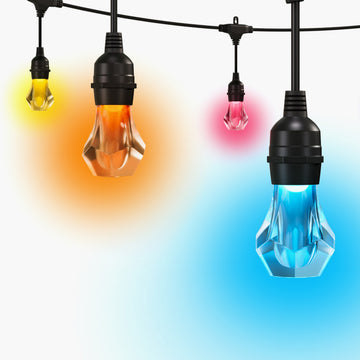
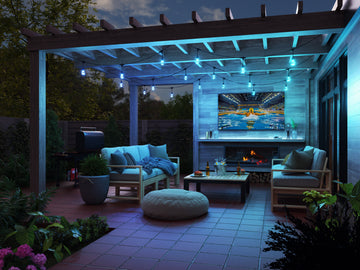
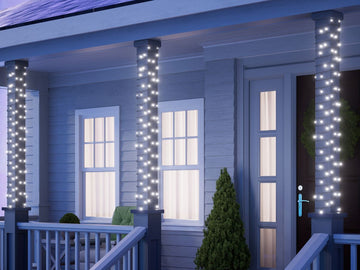
Nanoleaf Outdoor String Lights
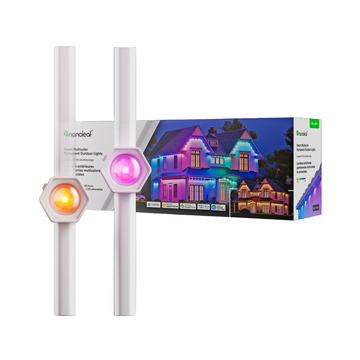

Nanoleaf Permanent Outdoor Lights | Starter Kits
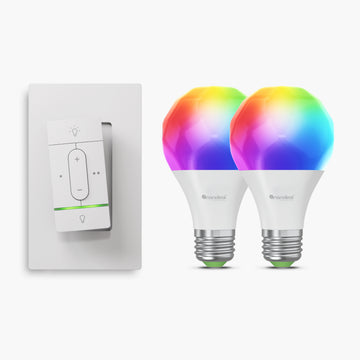
Nanoleaf Sense+ Wireless Switch + E27 Bulbs (2pk) Bundle
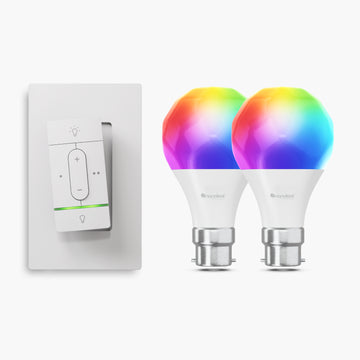
Nanoleaf Sense+ Wireless Switch + B22 Bulbs (2pk) Bundle
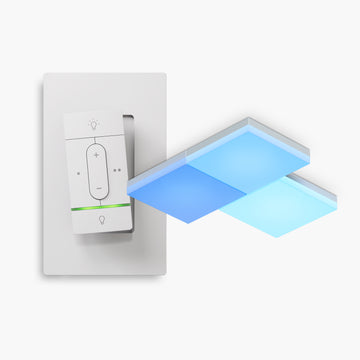
Nanoleaf Sense+ Wireless Switch with Skylight (3pk) Bundle
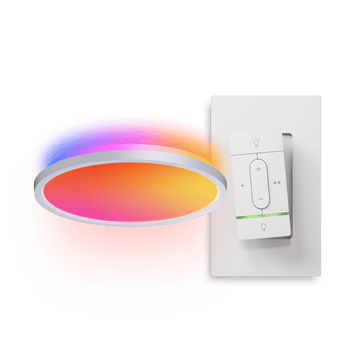
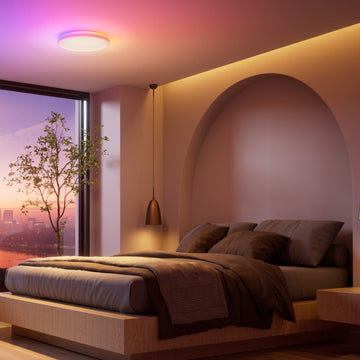
Nanoleaf Connected Bundle
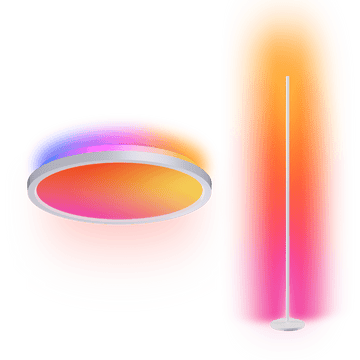
Nanoleaf Ambient Bundle
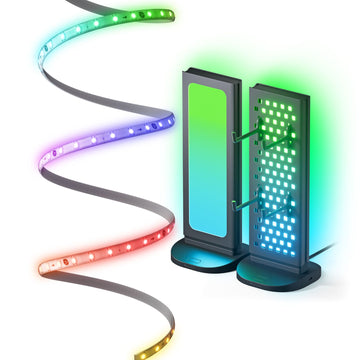
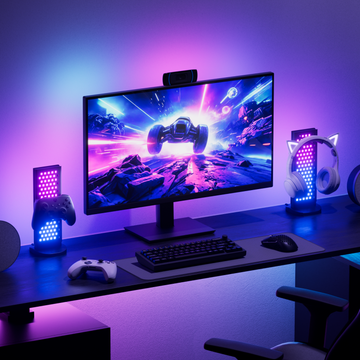
Nanoleaf Work-From-Home Saver Bundle
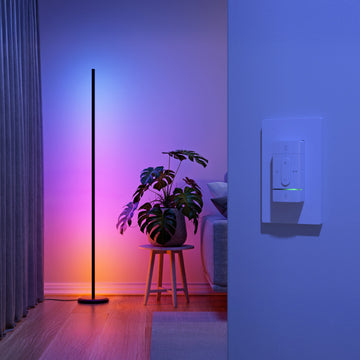
Sense+ Wireless Switch with Floor Lamp
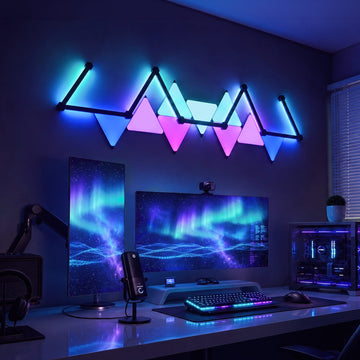
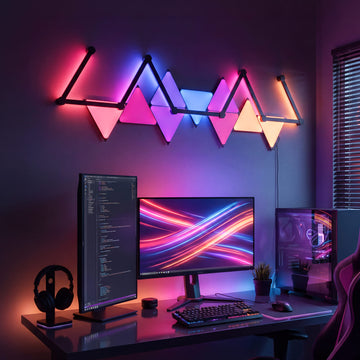
Nanoleaf Midnight Starfall Bundle
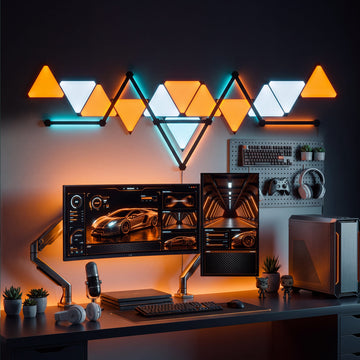
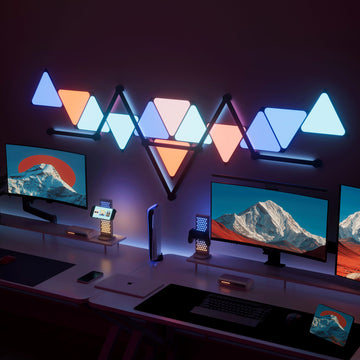
Nanoleaf Midnight Orbit Bundle
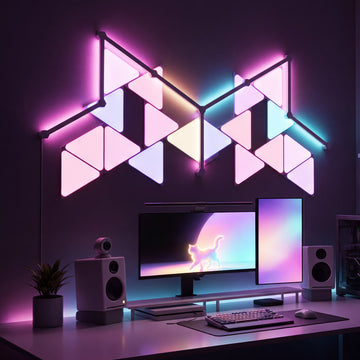
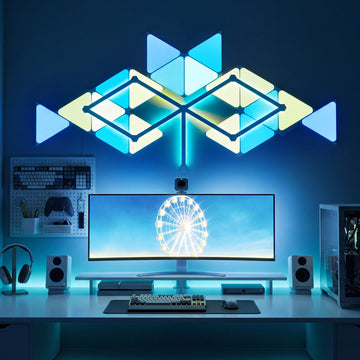
Nanoleaf Prismatic Fusion Bundle
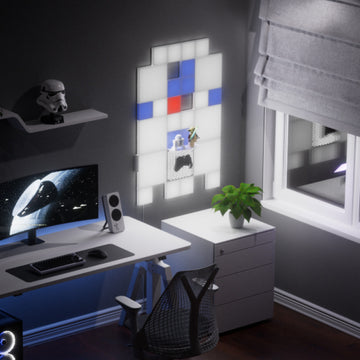
Nanoleaf Artoo Bundle
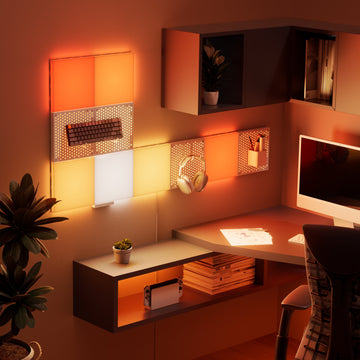
Nanoleaf Pipe Bundle
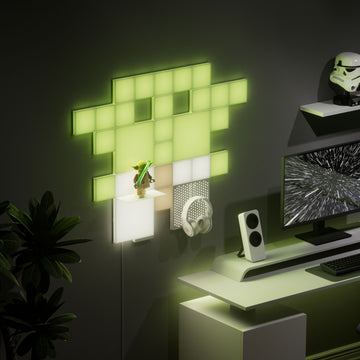
Nanoleaf Wise One Bundle
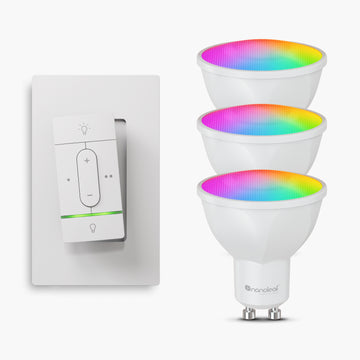
Nanoleaf Sense+ Wireless Switch + GU10 Bulbs (3pk) Bundle
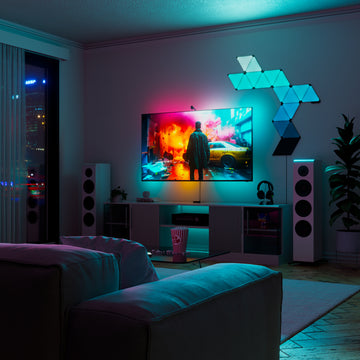
Nanoleaf Sneak Attack Bundle

Nanoleaf Small Baby Gu Bundle
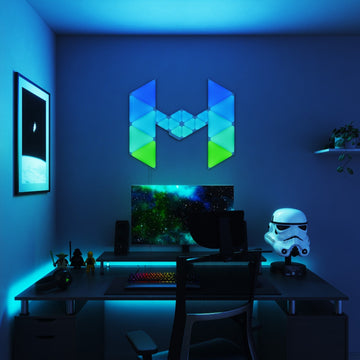
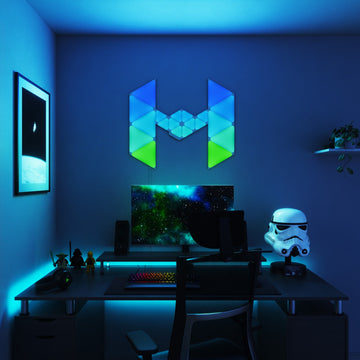
Nanoleaf Light Fighter Craft Bundle
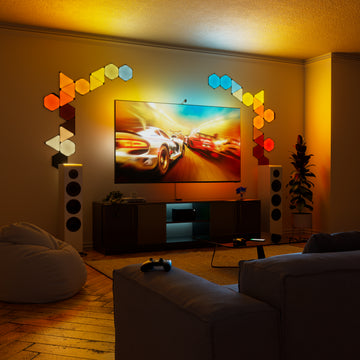
Nanoleaf Finish Line Bundle
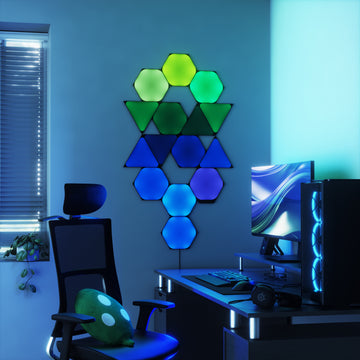
Nanoleaf Enigma Bundle
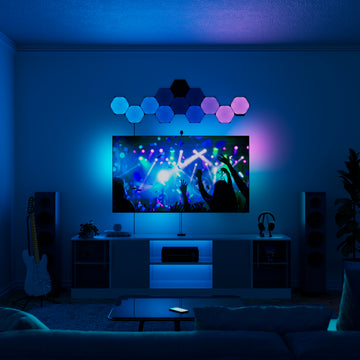
Nanoleaf Dreamscape Bundle
Nanoleaf Dark Small Baby Gu Bundle
Nanoleaf Dark Fighter Craft Bundle
Nanoleaf Dark Big Baby Gu Bundle
Nanoleaf Big Baby Gu Bundle
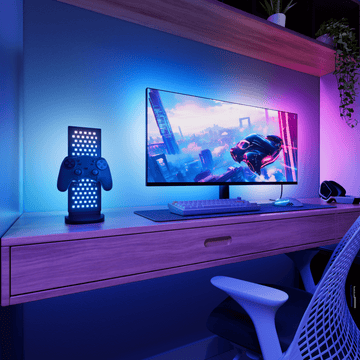
Nanoleaf Super Gamer Bundle
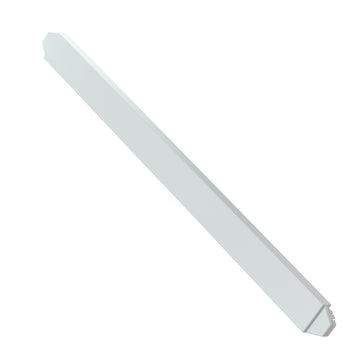

Nanoleaf Lines Expansion Packs

Limited time savings
50% OFFMatter Smart Multicolor Floor Lamp (Black, Each)
82% OFFShapes Starter Kit: Hexagons (White, 9 Panels)
22% OFFSmart Multicolor Ceiling Light (Each)
22% OFFPrismatic Fusion Bundle
43% OFFSmart Multicolor Permanent Outdoor Lights | Starter Kit (Cable Covers, 49ft/15m)
50% OFFPegboard Desk Dock (White, Each)
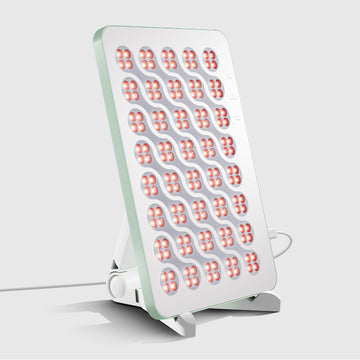 30% OFF
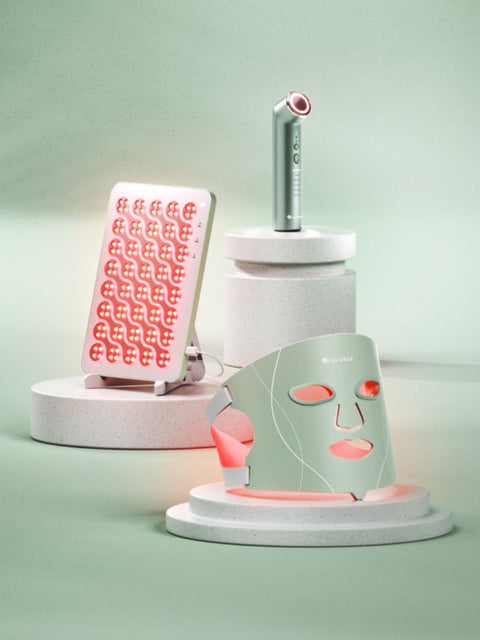
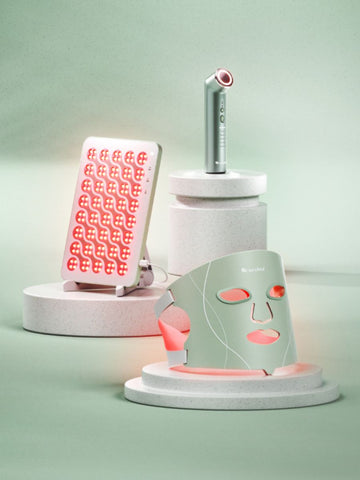
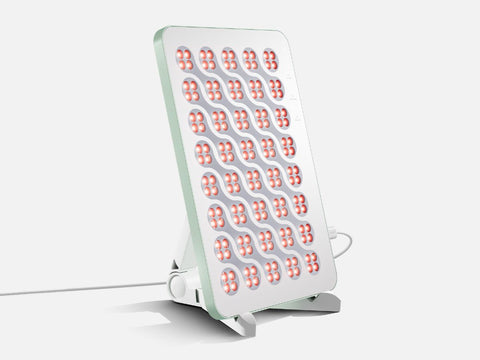
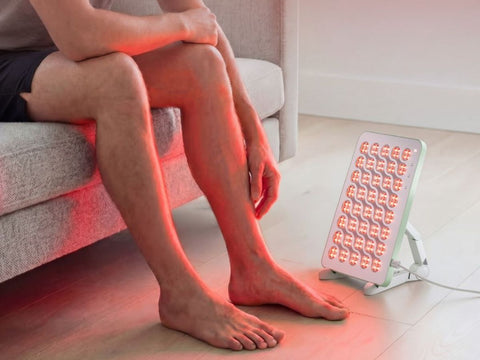
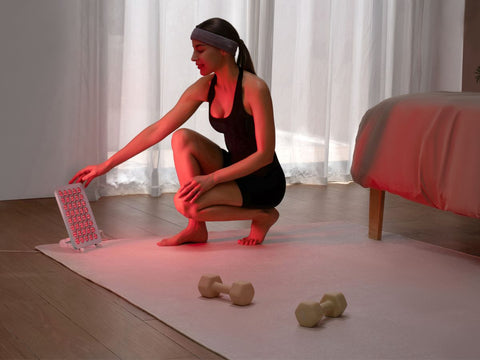
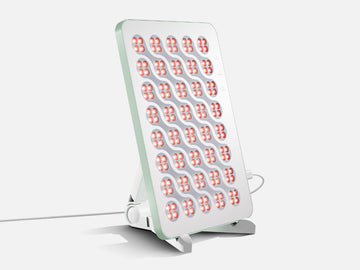
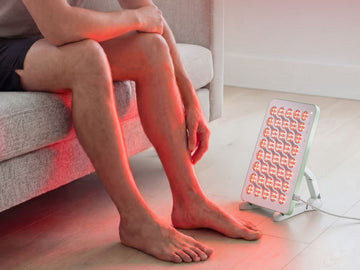
Red Light Therapy Panel (Type C Plug)
68% OFFMatter Smart Multicolor Outdoor String Lights Smarter Kit 49ft (15m)
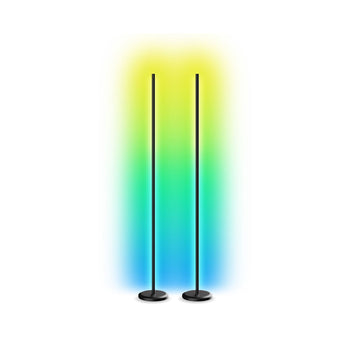 6% OFF
Matter Smart Multicolor Floor Lamp (Black, 2-Pack)
82% OFFShapes Starter Kit: Hexagons (White, 9 Panels)
49% OFFLines Starter Kit (60° Degrees, White, 9 Bars)
9% OFFThe Pipe Bundle
20% OFFMidnight Orbit Bundle
50% OFFPegboard Desk Dock (White, Each)
22% OFFSmart Multicolor Ceiling Light (Each)
20% OFFMidnight Starfall Bundle
SHOP LIGHT THERAPY DEVICES
Shop All Nanoleaf Products
 22% OFF
Smart Multicolor Ceiling Light (Each)
22% OFFPrismatic Fusion Bundle
30% OFFRed Light Therapy Panel (Type C Plug)
20% OFFMidnight Starfall Bundle
20% OFFMidnight Orbit Bundle
9% OFFThe Pipe Bundle
8% OFFThe Ambient Bundle
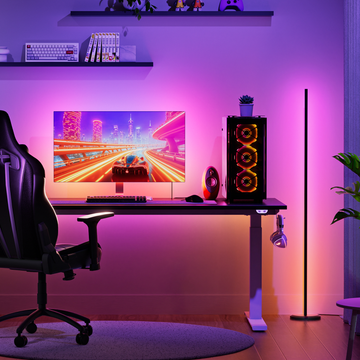 7% OFF
Renter-Friendly Saver Bundle
22% OFFSmart Multicolor Ceiling Light (Each)
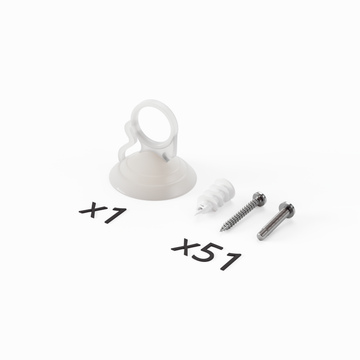 50% OFF
Shapes Standard Mounting Plate + Screws (1 Kit)
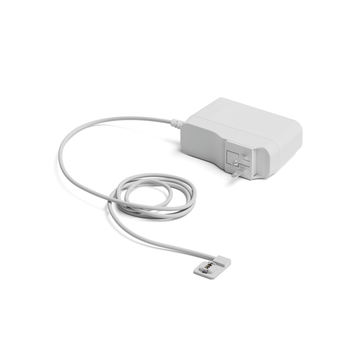 60% OFF
Nanoleaf Blocks PSU - 42W (Plug In, Type C, White)
14% OFFSense+ Wireless Switch + E27 Bulbs (2pk) Bundle
9% OFFSense+ Wireless Switch with Floor Lamp
22% OFFSmart Multicolor Ceiling Light (Each)
22% OFFPrismatic Fusion Bundle
30% OFFRed Light Therapy Panel (Type C Plug)
20% OFFMidnight Starfall Bundle
20% OFFMidnight Orbit Bundle
9% OFFThe Pipe Bundle
8% OFFThe Ambient Bundle
7% OFFRenter-Friendly Saver Bundle
22% OFFSmart Multicolor Ceiling Light (Each)
50% OFFShapes Standard Mounting Plate + Screws (1 Kit)
60% OFFNanoleaf Blocks PSU - 42W (Plug In, Type C, White)
14% OFFSense+ Wireless Switch + E27 Bulbs (2pk) Bundle
9% OFFSense+ Wireless Switch with Floor Lamp
Shop by Panel Collection
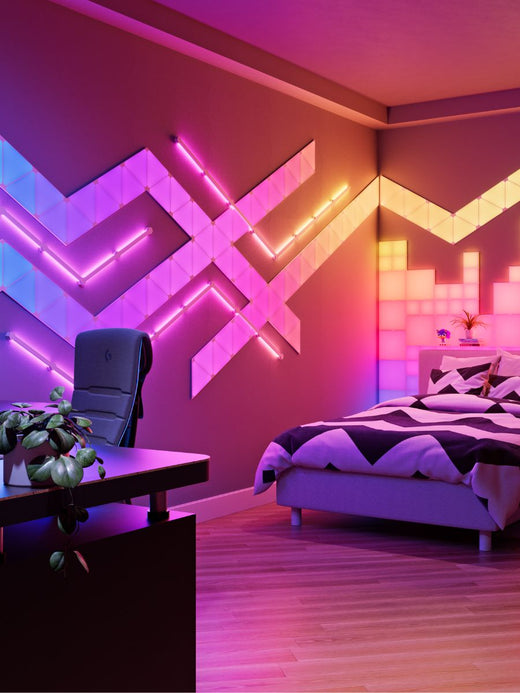 Shop All Wall Lights
SHOP PRODUCTS FOR WORK, PLAY & DISPLAY
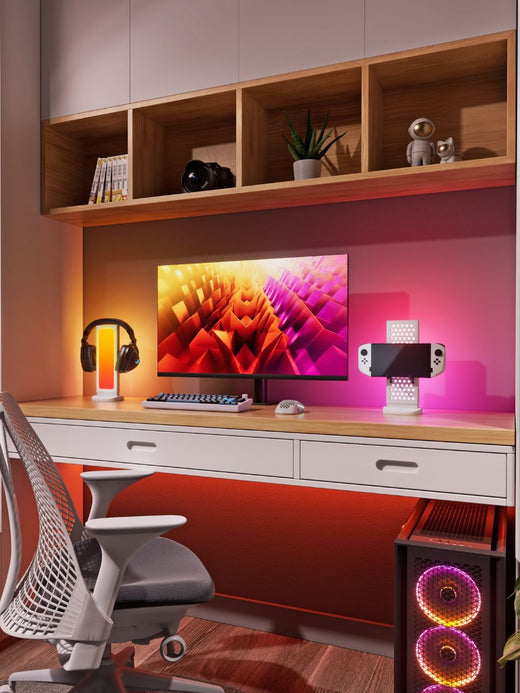 Shop All Screens & Spaces
SHOP LIGHTING FOR EVERY ROOM
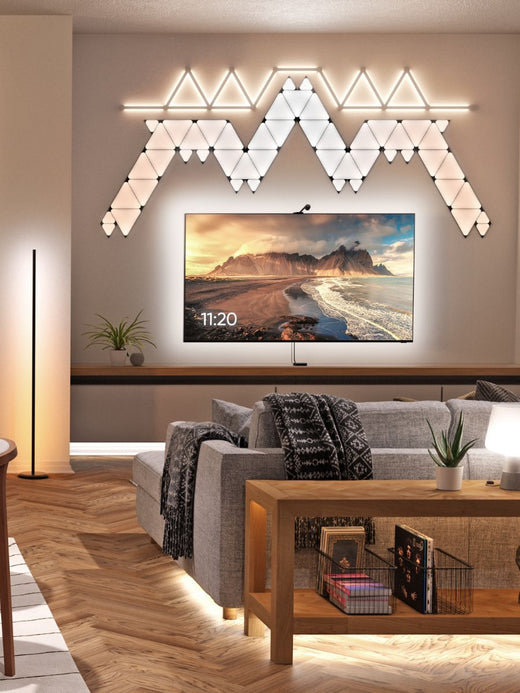 Shop All Home Lighting
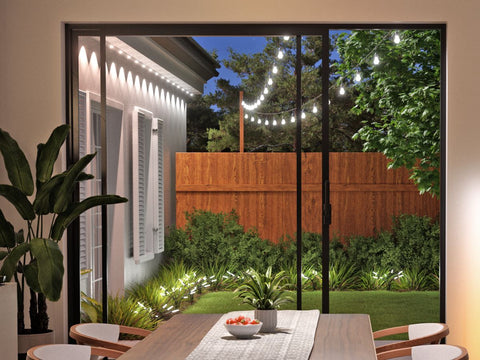
SHOP OUTDOOR LIGHTING
 Shop All Outdoor Lighting
ACCESSORIES & PARTS
Home & Lighting Product Catalogue
SMART HOME ECOSYSTEMS
GAMING & DESKTOP INTEGRATIONS
Connectivity & Compatibility
UNDERSTAND HOW NANOLEAF USES AI
POWERED BY NANOLEAF
LEARN MORE ABOUT OUR WELLNESS TECHNOLOGY
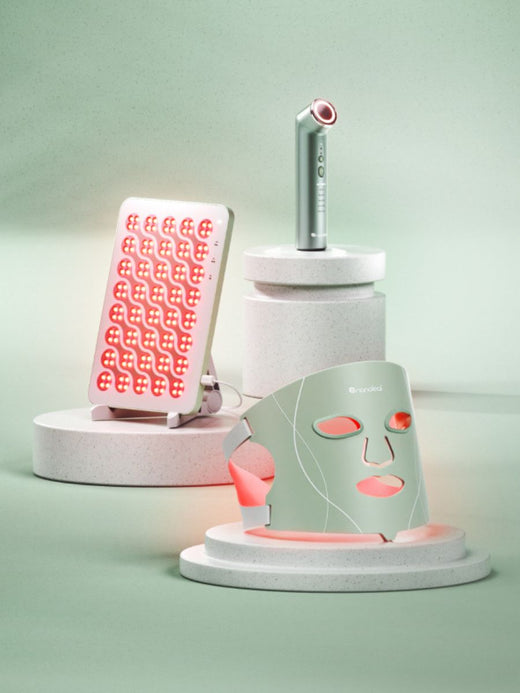 Shop Nanoleaf Wellness
Pre-Built Kits in Shapes, Lines, or Blocks
CUSTOMIZE BLOCKS YOUR WAY
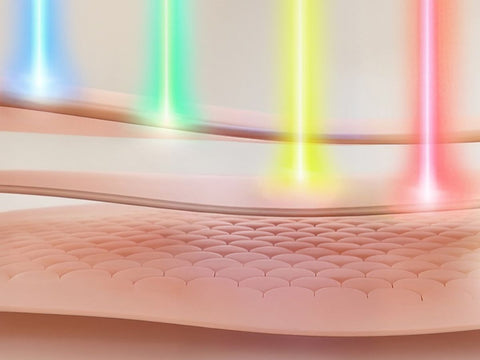
RED LIGHT THERAPY
22% OFFSmart Multicolor Ceiling Light (Each)
22% OFFPrismatic Fusion Bundle
30% OFFRed Light Therapy Panel (Type C Plug)
20% OFFMidnight Starfall Bundle
20% OFFMidnight Orbit Bundle
9% OFFThe Pipe Bundle
8% OFFThe Ambient Bundle
7% OFFRenter-Friendly Saver Bundle
22% OFFSmart Multicolor Ceiling Light (Each)
50% OFFShapes Standard Mounting Plate + Screws (1 Kit)
60% OFFNanoleaf Blocks PSU - 42W (Plug In, Type C, White)
14% OFFSense+ Wireless Switch + E27 Bulbs (2pk) Bundle
9% OFFSense+ Wireless Switch with Floor Lamp
Shop Products for Work, Play & Display
 Shop All Screens & Spaces
Shop Lighting for Every Room
 Shop All Home Lighting
Accessories & Parts
Explore
Smart Home Ecosystems
Gaming & Desktop Integrations
Nanoleaf Apps & Features
Understand How Nanoleaf Uses AI
Powered by Nanoleaf
Learn More About Our Wellness Technology
 Shop Nanoleaf Wellness
NEW TO LIGHT THERAPY?
UNDERSTAND EVERY WAVELENGTHS
BENEFITS & DEVICES
DEVICE CARE & WARRANTY
UNDERSTAND HOW NANOLEAF USES AI
LEARN MORE ABOUT FEATURES OR SHOP SMART LIGHTING
New to Light Therapy?
Understand Every Wavelengths
Benefits & Devices
Device Care & Warranty
Understand How Nanoleaf Uses AI
Learn More About Features or Shop Smart Lighting

Apple, Siri, and HomeKit are trademarks of Apple, Inc.

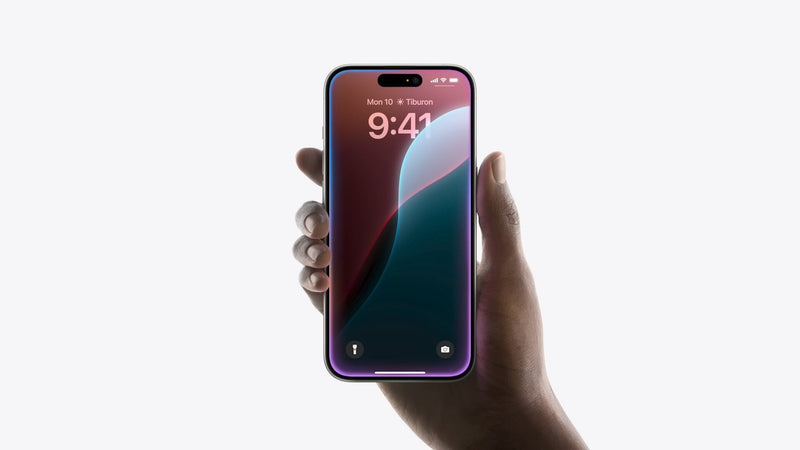
Bring your smart home together with Apple Home. Control compatible Nanoleaf lights alongside your other Apple Home devices, create automations, and use Siri for effortless voice control across your Apple ecosystem.
Best Experience: Pair your Nanoleaf device with the Nanoleaf App first to install the latest firmware and configure product-specific settings before connecting to Apple Home. Apple Home provides everyday lighting controls, while select Nanoleaf-exclusive features remain available in the Nanoleaf App.
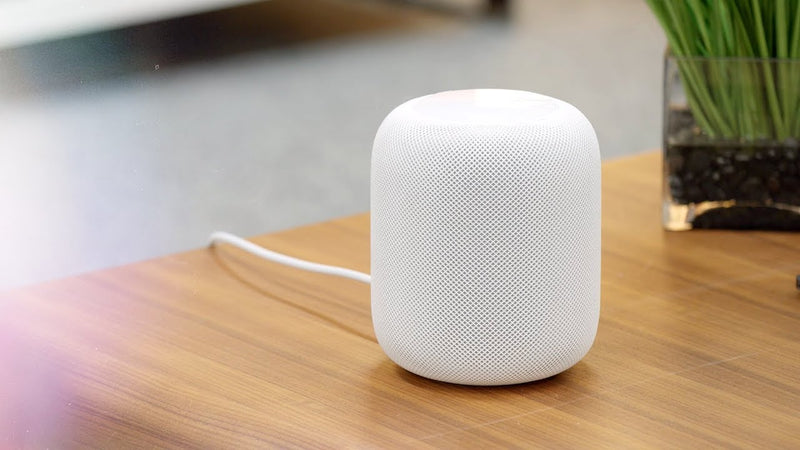
Control with Siri! Use natural voice commands to control your compatible Nanoleaf smart lights.
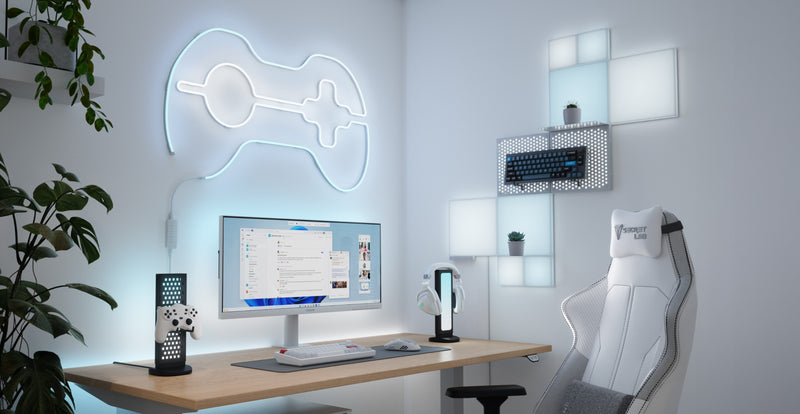
On supported Nanoleaf products, Adaptive Lighting automatically adjusts white color temperature throughout the day to match your daily routine. Compatible Matter, Thread, and legacy Apple HomeKit devices transition from cool daylight tones in the morning to warm amber lighting in the evening for comfortable everyday illumination.
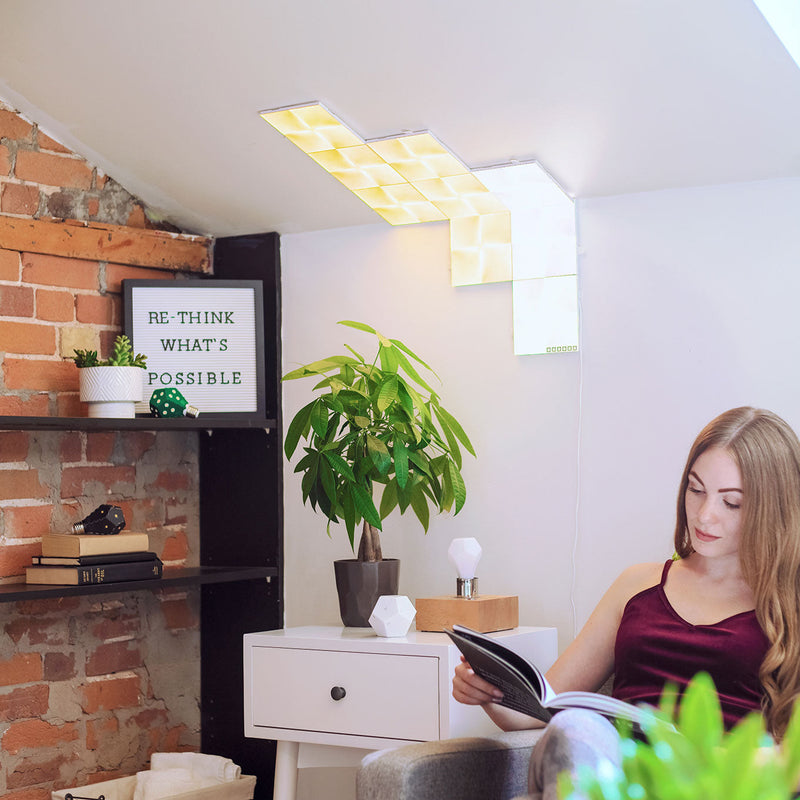
Create custom Apple Home Scenes that combine your Nanoleaf lights with other compatible smart home devices. Set the perfect lighting for reading, movie nights, or bedtime, then activate everything with a single tap or Siri voice command.
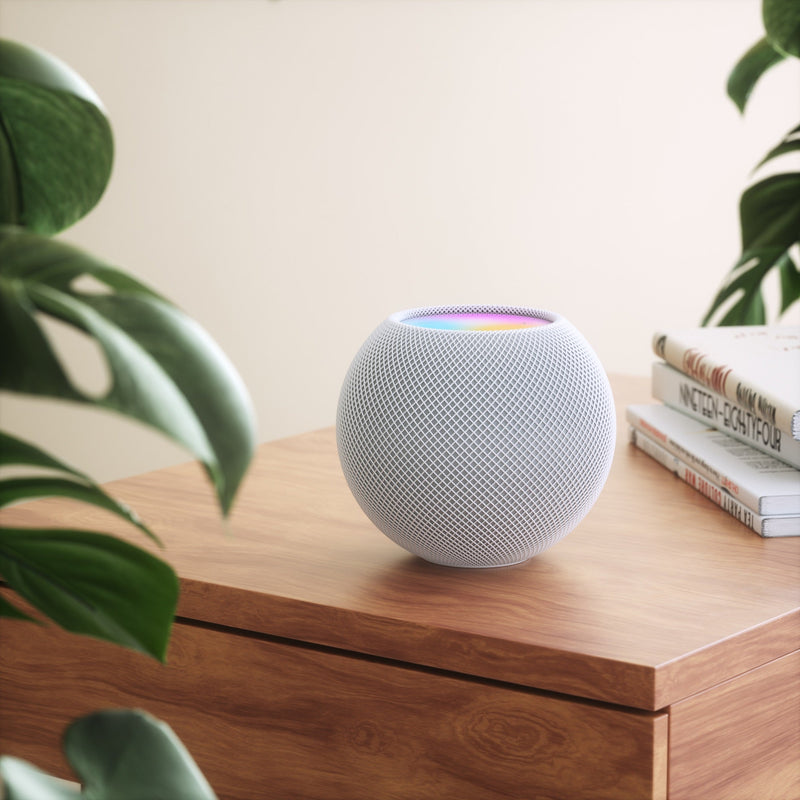
Go beyond simple lighting control with powerful Apple Home automations. Schedule your Nanoleaf lights to turn on at sunset, wake you with a gentle sunrise effect, switch off when everyone leaves home, or respond automatically to compatible sensors and devices. Apple Home helps your lighting adapt to your daily routine without lifting a finger.
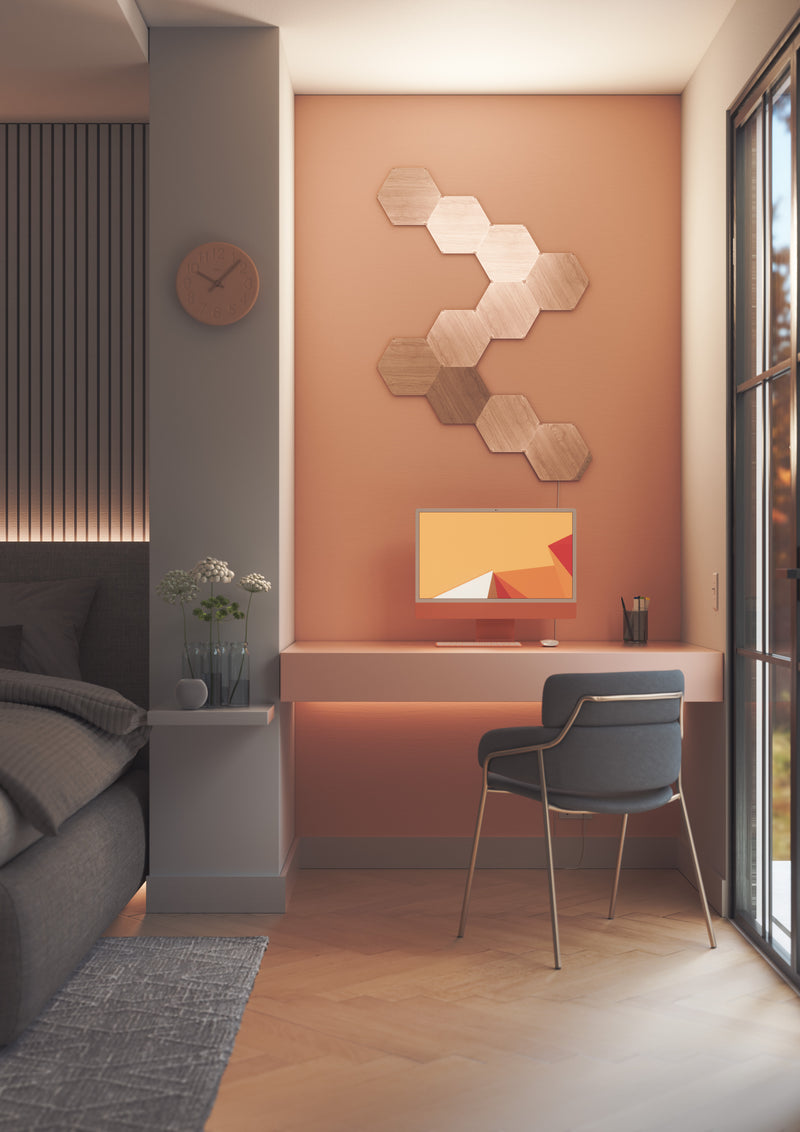
Compatible Nanoleaf products pair directly with Apple Home—no proprietary Nanoleaf hub or bridge required. Matter-enabled products require a compatible Matter controller and Thread Border Router, such as a HomePod mini, HomePod (2nd generation), Apple TV 4K (2nd generation or later), or select Nanoleaf products with Thread Border Router functionality.1
1. Thread Border Router functionality is available on select Nanoleaf products, such as Blocks, Shapes, Lines, and Elements. Requires the latest firmware. Availability may vary by product.
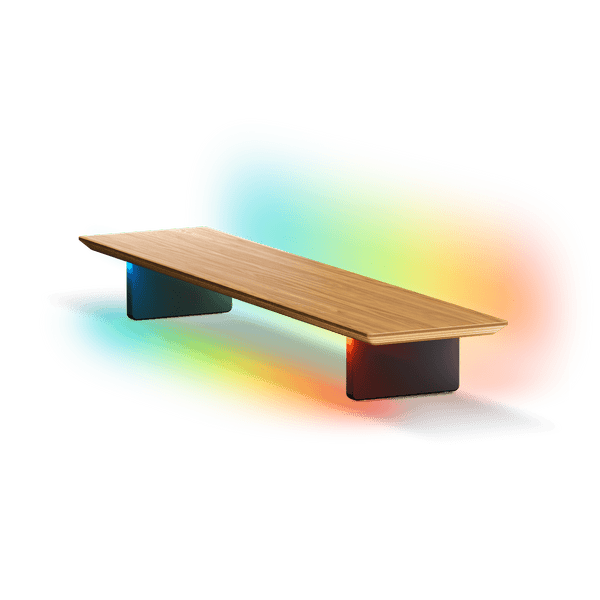
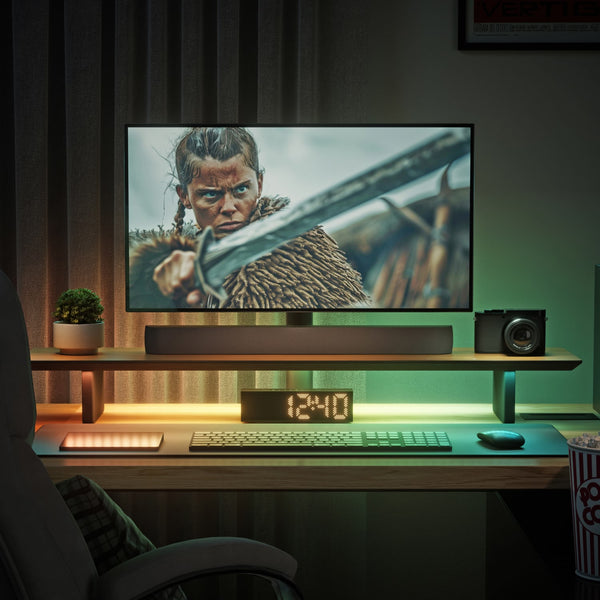
Nanoleaf Smart LED Monitor Stand
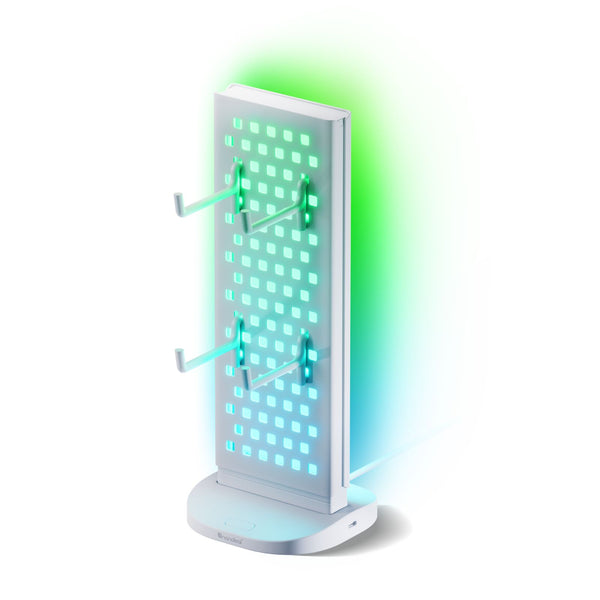
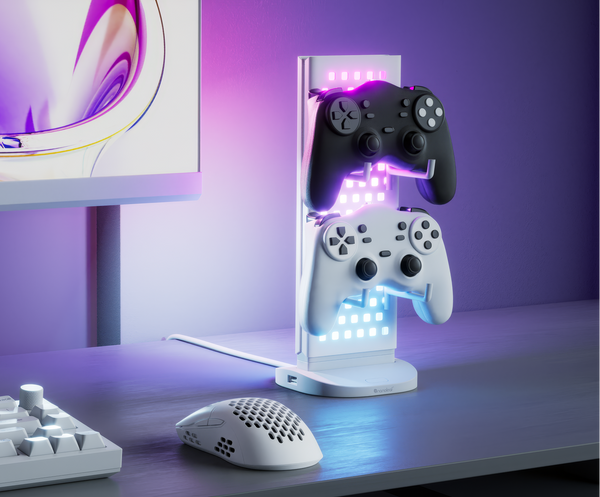
Nanoleaf Pegboard Desk Dock
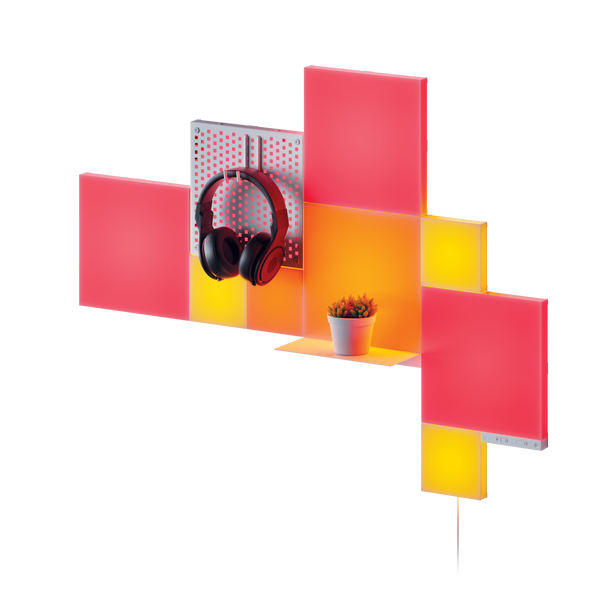
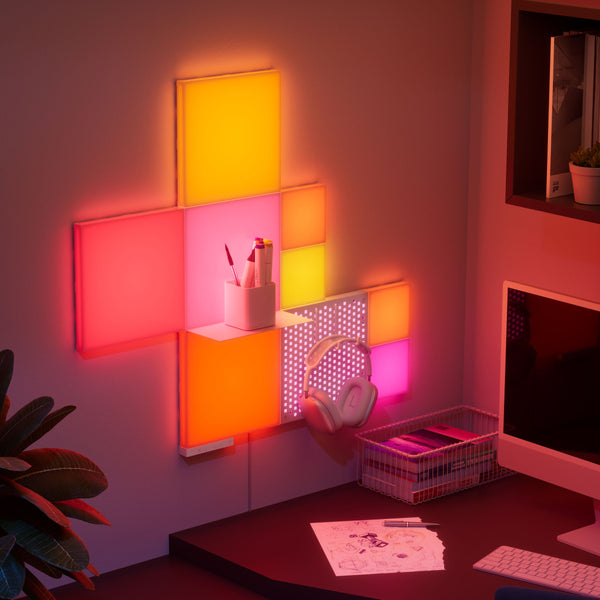
Nanoleaf Blocks
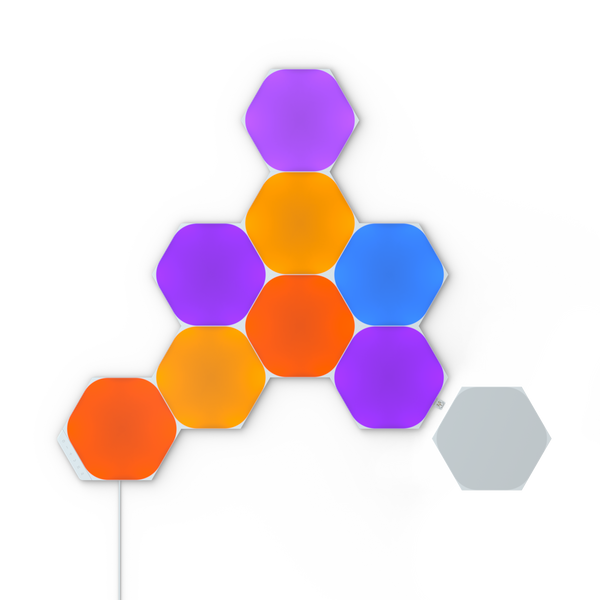
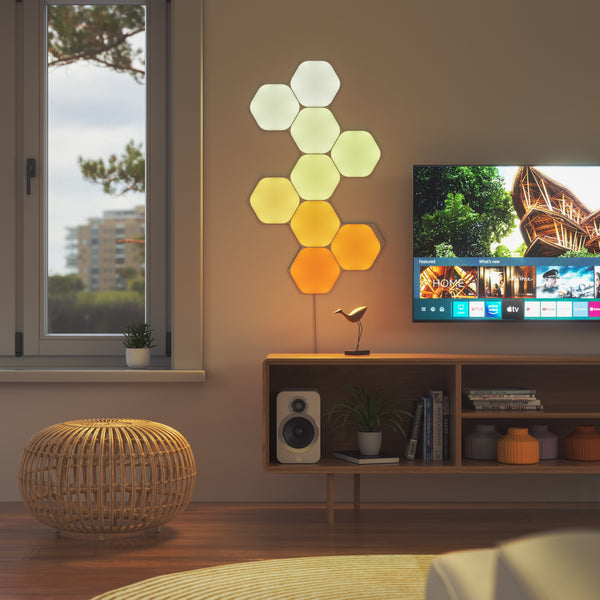
Nanoleaf Shapes
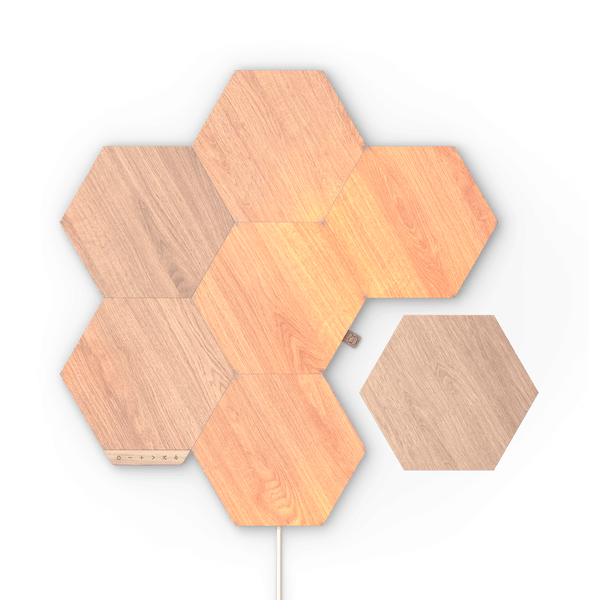
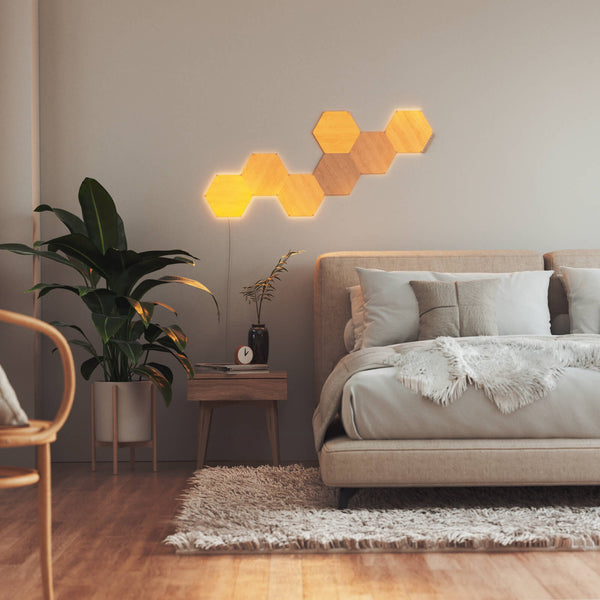
Nanoleaf Elements

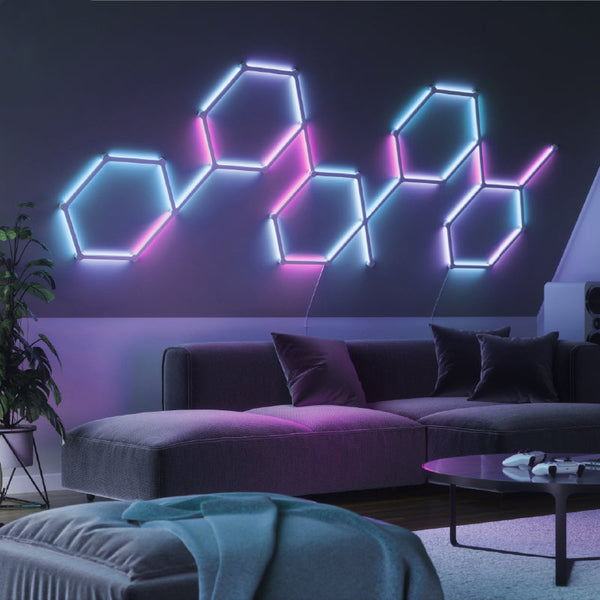
Nanoleaf Lines
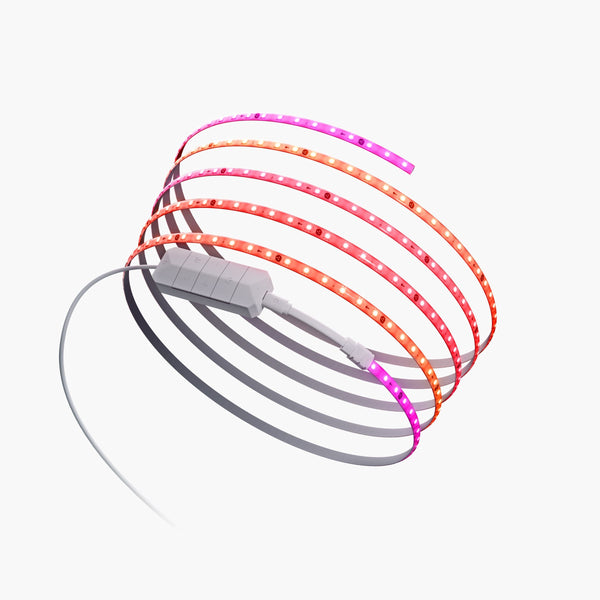

Nanoleaf Smart Multicolor Lightstrips
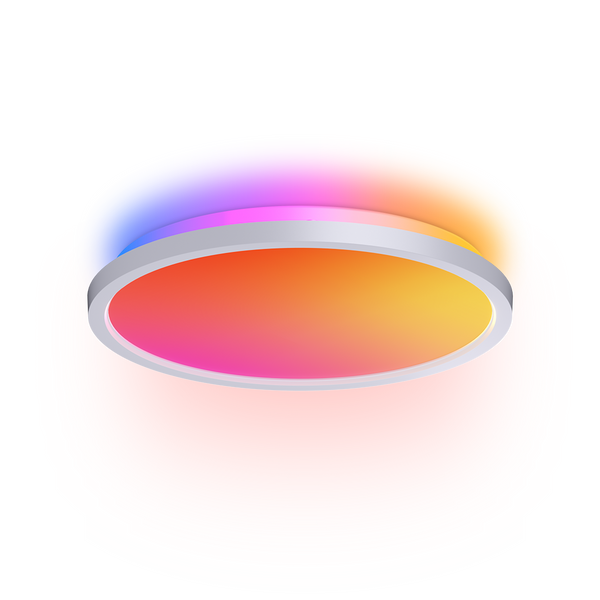
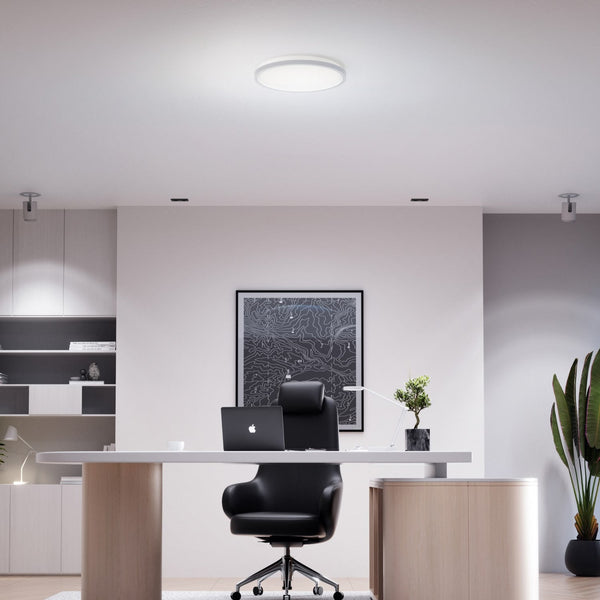 22% OFF
Nanoleaf Smart Ceiling Light
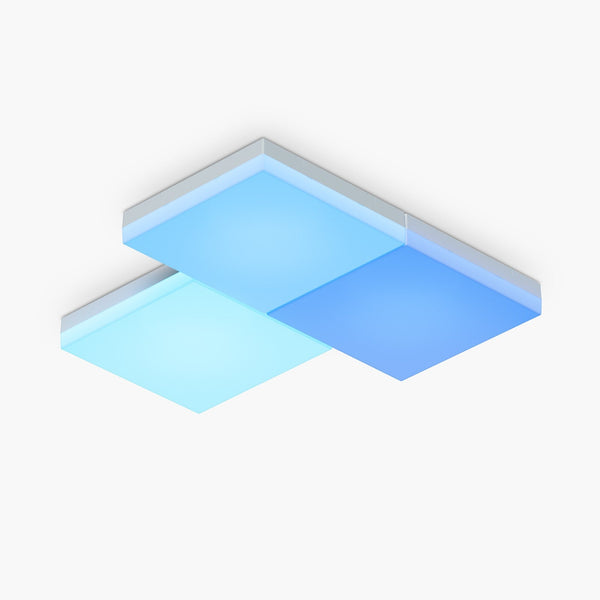
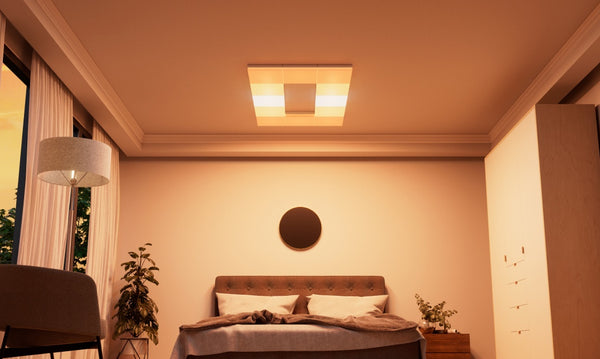
Nanoleaf Skylight
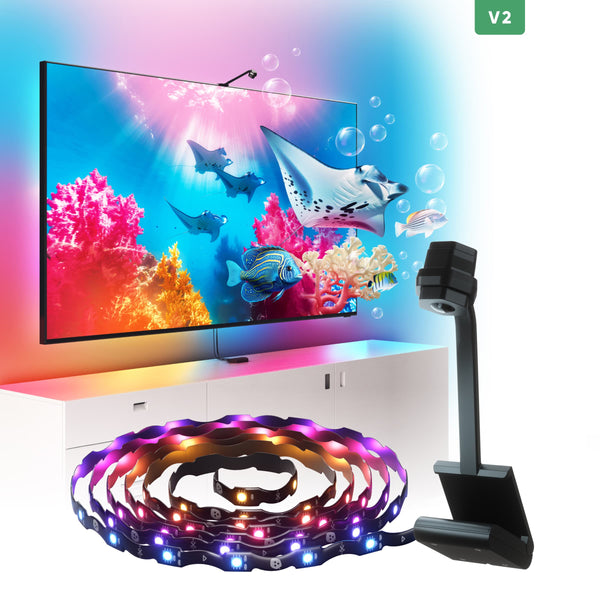
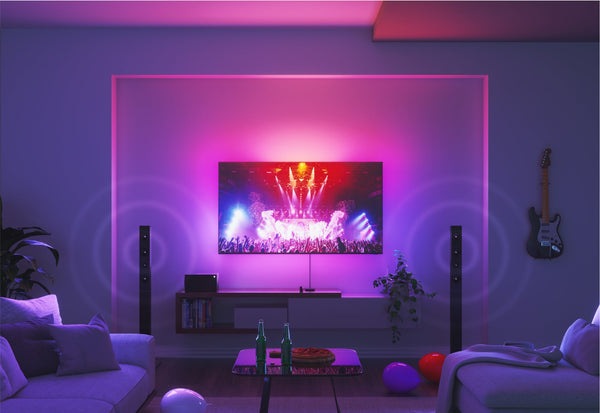
Nanoleaf 4D Screen Mirror
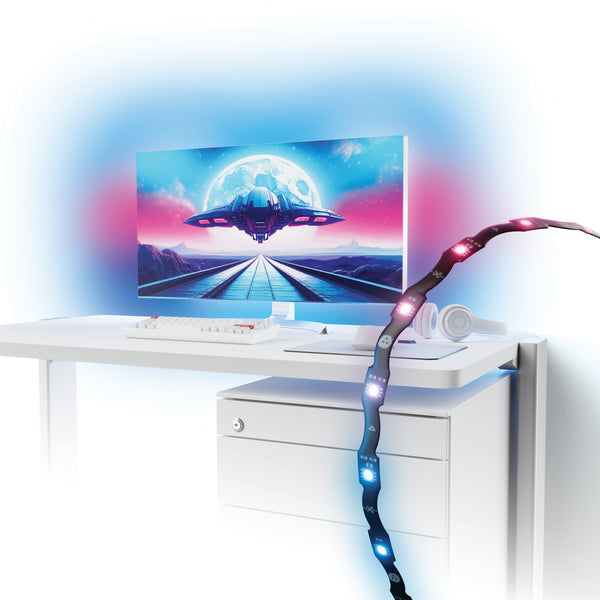
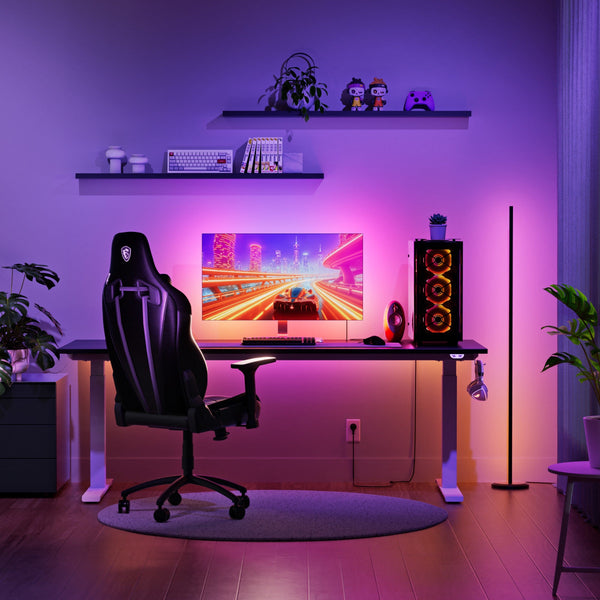
Nanoleaf PC Screen Mirror Lightstrip
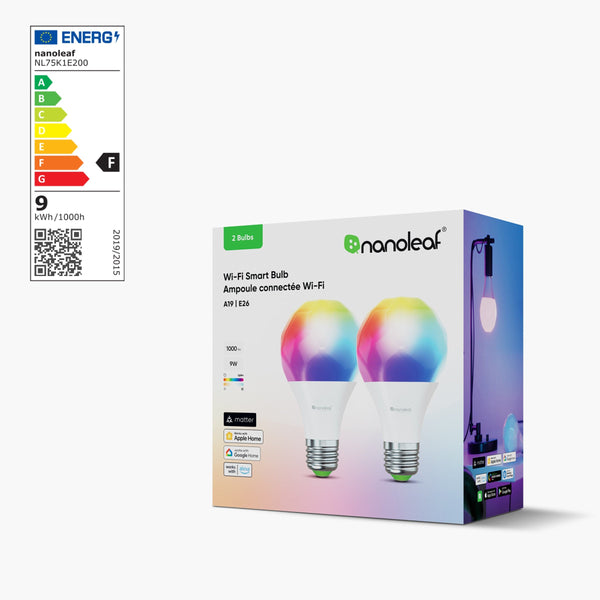

Nanoleaf Smart LED Bulbs
Still have questions? Get in touch with our team